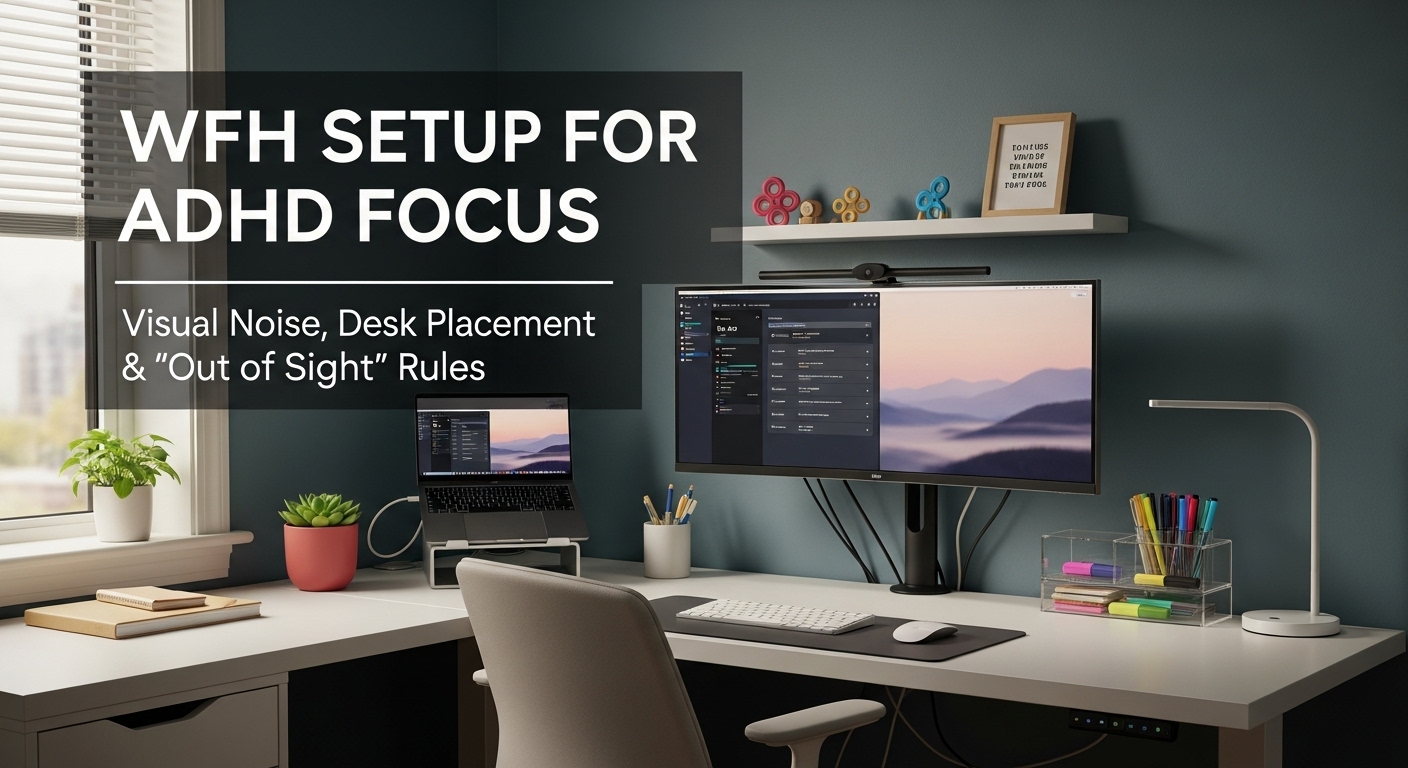
WFH Setup for ADHD Focus: Visual Noise, Desk Placement, and “Out of Sight” Rules
What’s the best WFH setup tweak for ADHD focus—without buying anything?
Start with one rule: reduce “visual interrupts” in your near field.
If your eyes keep catching “stuff,” your brain keeps switching contexts—no matter how motivated you are.
The fastest reset is the Low-Stimulus Triangle:
(1) desk placement that minimizes movement cues,
(2) one opaque “out-of-sight lane” for non-work items,
and (3) a locked-in reach zone so your hands stop hunting.
The goal isn’t a pretty desk. It’s a desk that makes distractions less available.
- Near-field rule: keep the keyboard → monitor rectangle intentionally boring
- Out-of-sight lane: one covered bin/drawer within arm’s reach (not five baskets)
- Desk placement: face calm, not chaos (peripheral motion is the enemy)
- Decision-killer: one charging spot + one cable spine (repeatability beats “neatness”)
- Phone dead zone: reachable, not visible (behind monitor or in the bin)
- Work or daily life is being seriously impaired (job risk, severe anxiety/panic during tasks)
- Persistent sleep disruption + racing thoughts that worsen week to week
- Safety is impacted (driving, medication management, severe burnout)
This guide is informational and not medical advice. If symptoms feel severe, escalating, or unsafe, consider talking with a qualified professional.
Last Updated: 2026-01-22 |
Expert Review: WorkNest Ergonomic Lab |
Author: WorkNest Team
- Face calm, not chaos: don’t aim your desk at hallways/TV/kitchen traffic.
- Near-field quarantine: clear the keyboard → monitor rectangle (only current work tools stay).
- Out-of-sight lane: put non-work items into one covered bin/drawer within arm’s reach.
- One cable spine: route power + data along one edge so nothing crosses your typing zone.
- Phone dead zone: behind the monitor or inside the lane (reachable, not visible).
- 60-second reality test: start a task—if your eyes roam, you still have visual interrupts in view.
If you’ve ever opened your laptop with good intentions and then “woken up” 40 minutes later with five tabs,
two half-written messages, and a random drawer open… yeah. That’s not you being “lazy.”
A lot of WFH focus problems are about availability.
When your desk makes distractions easy to grab, your brain will grab them—especially on low-energy days.
So we’re not chasing discipline. We’re building friction in the right places.
Think of this as environment engineering: a setup that makes the right action the default,
and makes the “side quest” feel slightly annoying to start.
Table of Contents
- 1) Why visual noise hits ADHD focus harder (the “interrupt budget”)
- 2) Desk placement rules: movement, sightlines, and the calm wall strategy
- 3) The “Out of Sight Lane” method (hide distractions without losing access)
- 4) Reach zone design: reduce micro-decisions and hand-hunting
- 5) Lighting + sound: two sensory anchors for late-day focus
- 6) Comparison table: stable focus setup vs drifting setup
- 7) The 30-minute “lock-in” protocol (when you need focus today)
- Common Mistakes
- FAQ
- Internal Links
- Sources & References
- Professional Disclaimer
1) Why visual noise hits ADHD focus harder (the “interrupt budget”)
Think of attention like a small interrupt budget. Every time your eyes catch something “loud”
(a snack bag, a bright package, a blinking device, messy cables), you spend a little of that budget.
ADHD brains often struggle more with filtering irrelevant cues, so the same desk can feel twice as noisy.
Here’s the sneaky part: when you pause to think, your eyes naturally scan.
If they land on “life cues” (bills, laundry, random gadgets), your brain starts processing them.
That’s a context switch—sometimes tiny, sometimes enough to derail the next 20 minutes.
Imagine a cone from your eyes to your monitor. Keep that cone boring:
no bright objects, no piles, no packaging, no “maybe later” items.
You’re not eliminating everything—you’re protecting the area your brain checks most often.
2) Desk placement rules: movement, sightlines, and the calm wall strategy
For ADHD focus, the biggest enemy isn’t clutter—it’s movement in your peripheral vision.
People walking by, kitchen activity, TV flicker, street traffic, even a bright window that keeps changing.
If your eyes keep “checking,” your brain keeps switching.
Facing a calm wall (or a calm corner) usually beats any productivity app—because it removes motion cues at the source.
- Best baseline: desk facing a calm wall or low-stim corner (least peripheral movement).
- Good baseline: desk perpendicular to a window (side light) if the view isn’t busy.
- High-risk baseline: desk facing hallways/TV/kitchen traffic (constant motion cues).
- Call-friendly reality: choose a calm background that won’t trigger “tidy panic” every meeting.
3) The “Out of Sight Lane” method (hide distractions without losing access)
Many people try to “be disciplined” and keep everything visible.
But a visible desktop becomes a decision battlefield: what stays, what goes, where it belongs, what to do later.
ADHD + decisions = easy derail.
The out-of-sight lane solves this with one obvious move:
anything not needed for the current task goes into one hidden zone.
Not “organized later.” Not “sorted into categories.” Just gone from view.
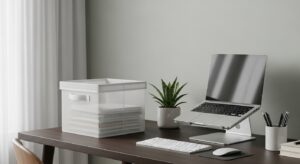
- One container only: one drawer, one covered bin, or one lidded box (not five baskets).
- Opaque beats clear: visible contents still pull attention (even if “organized”).
- Within arm’s reach: standing up can become a side quest.
- Daily end: 2 minutes to return “randoms” to their real homes (or do a weekly reset).
4) Reach zone design: reduce micro-decisions and hand-hunting
Even with a clean desk, focus can leak if your hands keep searching:
where’s the pen, where’s the cable, where’s the charger, which notebook is “the one.”
Those tiny hunts create tiny pauses—and your brain fills pauses with distraction.
Your hands should find your tools without your eyes. If you have to look, you’re paying a focus tax.
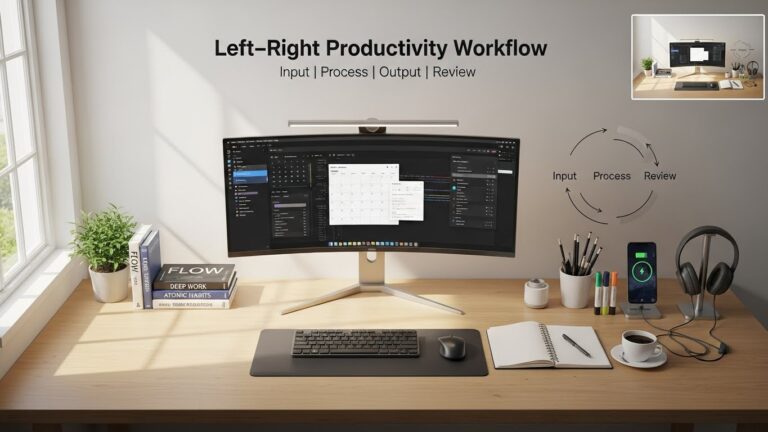
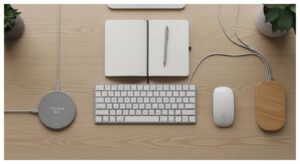
- Build the “task triangle”: keyboard, mouse, and one daily tool (one notebook OR one controller OR one reference card).
- One landing spot: phone, keys, charger—same place every time (repeatability beats “clean”).
- Clear the typing lane: no cables crossing the wrist/forearm path (tactile fidget = attention leak).
- Anchor the gear: if the keyboard slides or the mouse area changes, you’ll micro-adjust all day.
- Cursor reality check: if you overshoot constantly, you tense and re-correct (small stress stacks).
5) Lighting + sound: two sensory anchors for late-day focus
When focus collapses late-day, people blame themselves.
Often it’s visual fatigue (bad contrast, glare, harsh light) plus sound friction (random spikes).
You don’t need studio gear—just stability.
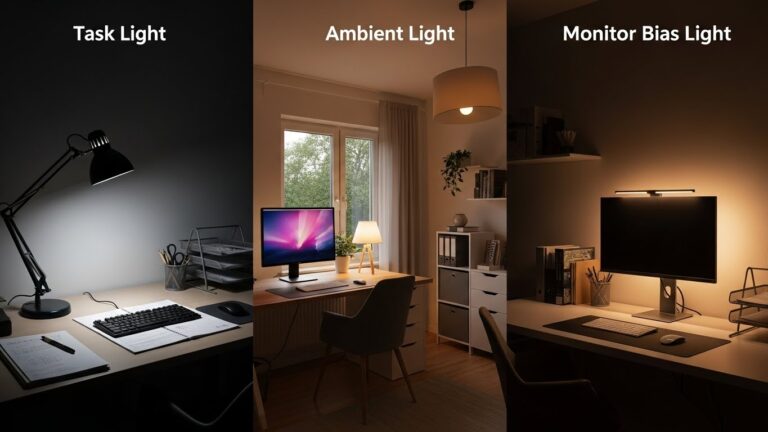
- Lighting stability: avoid a bright window directly in front of you. Side light + controlled glare is easier on the eyes.
- Bias light option: a soft light behind the monitor can reduce harsh contrast in dim rooms.
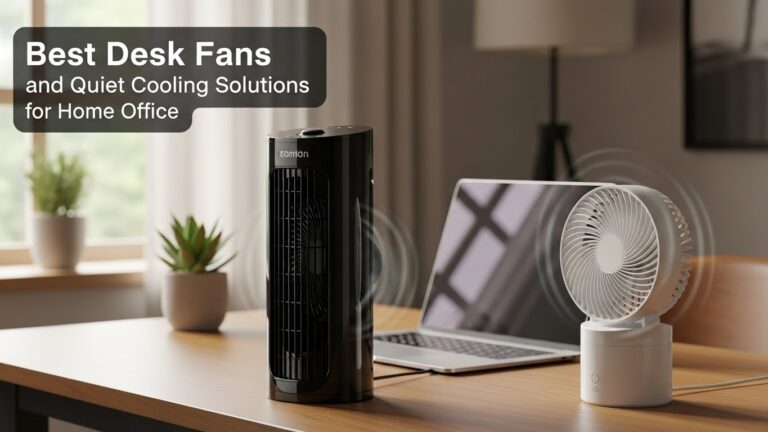
- Sound predictability: if you can’t control noise, use one steady layer (fan/white noise) instead of random peaks.
- One rule that actually holds: if your environment “changes” every hour, your focus will too.
6) Comparison table: stable focus setup vs drifting setup
| Signal | Setup is drifting (high distraction) | Setup is stable (focus-friendly) |
|---|---|---|
| Eye behavior | eyes keep scanning the room / checking movement | eyes stay anchored on task area naturally |
| Desktop | multiple “maybe later” piles in view | one active surface + one opaque out-of-sight lane |
| Micro-decisions | constant searching for items / cables | repeatable reach zone; tools land in the same spots |
| Desk placement | facing hallway/TV/kitchen or busy window | calm wall or calm corner; minimal peripheral motion |
| Late-day focus | fatigue + irritation spikes by afternoon | stable lighting + predictable sound layer |
7) The 30-minute “lock-in” protocol (when you need focus today)
This is for the day when you can’t “wait until you feel ready.” You want a quick setup that pushes your brain toward the task
with the least decision-making.
- 2 minutes: move all non-work items into the out-of-sight lane (no sorting).
- 3 minutes: clear the typing lane (no cables touching your arms/hands).
- 5 minutes: set the task triangle (keyboard + mouse + ONE tool only).
- 5 minutes: phone goes dead zone (behind monitor or in the lane).
- 5 minutes: reduce motion cues (close door/angle chair/turn off visible TV/flicker).
- 10 minutes: start the task with a “tiny first step” (open file, name doc, write first line).
If you finish the 30 minutes and still feel pulled, don’t argue with yourself—look for the remaining cue.
It’s usually something small: a bright package, a messy cable, a visible snack, or a phone screen that’s “sleeping” but still visible.
Common Mistakes
- Using clear bins: “organized clutter” is still visual clutter—your eyes still catalog it.
- Multiple trays: too many containers becomes a new decision tree (and decisions drain focus).
- Desk facing the room: motion cues pull your attention whether you want them to or not.
- Trying to keep “all projects” visible: it feels safe, but it’s constant mental load.
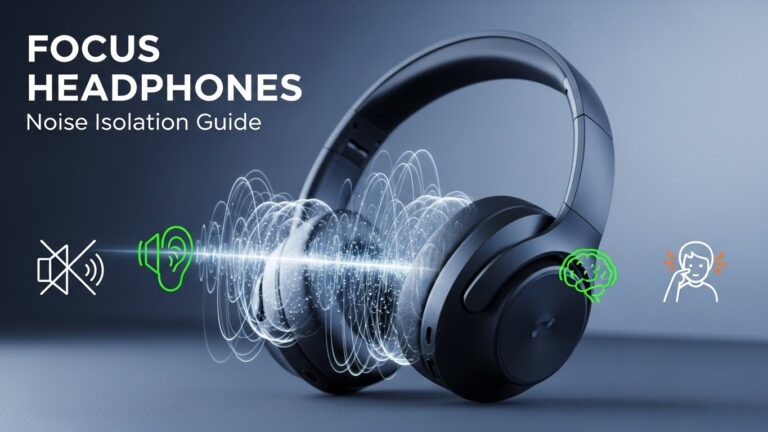
- Chasing perfect silence: unpredictable spikes hurt more; steady masking is often easier.
FAQ
Q1) Should I face a wall if I have ADHD?
A) Often, yes—especially for deep work. A calm wall reduces peripheral motion cues. If you want daylight, try a side-window placement (desk perpendicular to the window).
Q2) Facing a wall feels claustrophobic. What should I do?
A) Use a “partial FOV” approach: angle the desk toward a calmer corner and keep the busy room behind you. You can still keep light, but reduce motion in your forward view.
Q3) Is it okay to keep motivational items on my desk?
A) If they pull your eyes during pauses, they can backfire. Try one small item only, placed away from the keyboard-to-monitor zone.
Q4) Should I use a second monitor or does it worsen distraction?
A) It depends on how you use it. If it increases scanning and tab-hopping, it can worsen distraction. If it reduces switching (one for reference, one for work), it can help.
Q5) What’s the simplest out-of-sight option if I have no drawers?
A) A single covered bin or lidded box beside the desk works well. The key is one container, within reach, used consistently.
Q6) Can fidgeting help focus?
A) For some people, a small amount of background stimulation helps. The key is keeping it low-visual and non-distracting (no flashy colors, no noisy clicks) and not letting it become the main activity.
Internal Links
Desk Placement for Minimal Distraction: Environmental Psychology Guide
Desk Clutter Reduction System: 10-Minute Daily Reset for Home Office
Productivity Desk Layout: Left–Right Item Placement Science
Sources & References
- OSHA — Computer Workstations eTool
- NIOSH (CDC) — Ergonomics and Work-Related Musculoskeletal Disorders
- NIMH (NIH) — Attention-Deficit/Hyperactivity Disorder (ADHD)
Professional Disclaimer
If you have severe or worsening symptoms that affect safety or daily functioning, consider seeking help from a qualified professional.
Update Log:
– 2026-01-22: Rebuilt the guide around the “Low-Stimulus Triangle” (desk placement + opaque out-of-sight lane + locked reach zone), added a 30-minute lock-in protocol, expanded late-day focus anchors, and refined the drift-vs-stable comparison signals.

I’m not a medical professional, ergonomist, or workplace specialist.WorkNest exists to help everyday people build more comfortable, practical home office environments through clear explanations, visual guides, and common-sense adjustments.
Articles on this site are written from a non-expert perspective, focusing on real-world use, everyday discomforts, and widely accepted setup principles rather than clinical or professional advice.