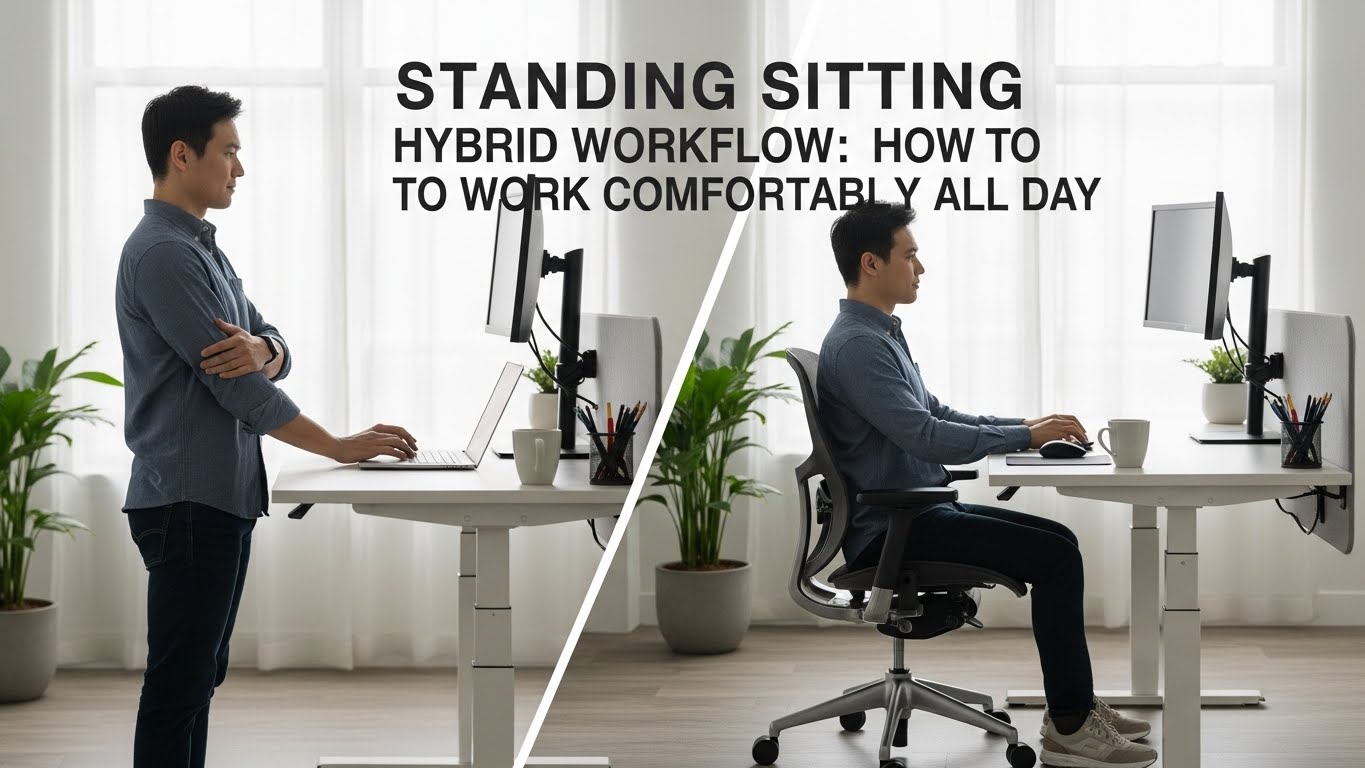
Standing Sitting Hybrid Workflow: How to Work Comfortably All Day
Last Updated: 2025-12-24
A standing sitting hybrid workflow is one of the most effective ways to reduce fatigue and discomfort during long workdays. Sitting all day causes stiffness, while standing all day leads to leg and lower-back fatigue. This standing sitting hybrid workflow guide explains how to combine both positions realistically—based on ergonomics research, movement science, and real home office experience.
Table of Contents
- Why Hybrid Workflows Matter
- Real Experience: What Most People Feel First
- What Research Says About Sitting and Standing
- Ideal Sit–Stand Ratios
- Desk Setup for Hybrid Work
- Micro-Movement and Transitions
- Common Hybrid Workflow Mistakes
- Daily Hybrid Workflow Checklist
- FAQ
- Internal Links
- Disclaimer
- Sources & Research
Why Hybrid Workflows Matter
A standing sitting hybrid workflow reduces static load on the body. Prolonged sitting increases pressure on the lower spine, while prolonged standing stresses the feet and calves. Alternating positions distributes load across different muscle groups and supports circulation.
Real Experience: What Most People Feel First
Many people notice that standing initially feels “healthier,” but after a few days their feet and lower back start aching. On the other hand, switching back to sitting feels relieving—until stiffness returns. The common realization is that neither position is the solution by itself; movement is.
What Research Says About Sitting and Standing
Studies on occupational health show that:
- Static postures increase musculoskeletal strain
- Frequent position changes improve comfort
- Light movement is more important than posture perfection
A standing sitting hybrid workflow focuses on variability, not extremes.
Ideal Sit–Stand Ratios
There is no single perfect ratio, but general guidance suggests:
- 30–45 minutes sitting
- 15–30 minutes standing
- Brief movement every hour
Beginners should start with shorter standing intervals.

Desk Setup for Hybrid Work
Desk setup determines success:
- Monitor height adjustable for both positions
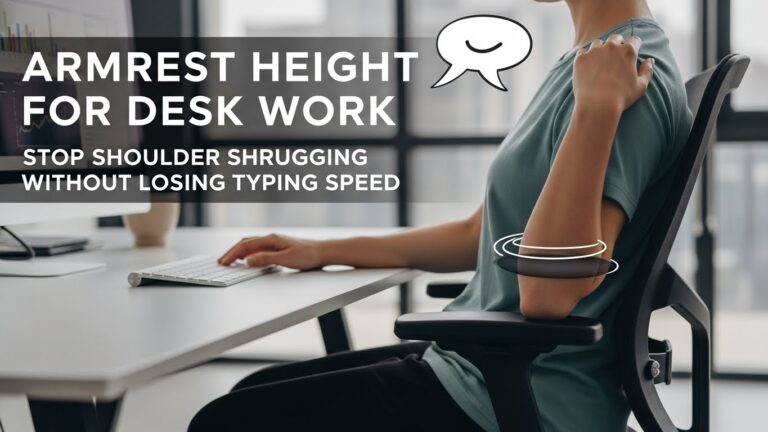
- Keyboard and mouse stay at elbow height
- Footrest or anti-fatigue mat for standing
Micro-Movement and Transitions
The most overlooked part of a standing sitting hybrid workflow is transition quality:
- Shift weight while standing
- Change foot position regularly
- Use sit–stand transitions as mental reset points

Common Hybrid Workflow Mistakes
- Standing too long without movement
- Locking knees while standing
- Ignoring footwear or floor hardness
- Forcing productivity gains too quickly
Daily Hybrid Workflow Checklist
- Alternate positions every 30–60 minutes
- Use an anti-fatigue mat
- Adjust monitor height for standing
- Include light movement breaks
- Listen to early discomfort signals
FAQ
1. Is standing better than sitting?
No—alternating is better.
2. How long should I stand at a time?
15–30 minutes is a good start.
3. Do I need a standing desk?
It helps, but desk converters can work.
4. Does standing improve productivity?
Indirectly—by reducing discomfort.
5. Can hybrid workflows reduce back pain?
Yes, when combined with movement.
Internal Links
Disclaimer
This article provides general ergonomic guidance and does not replace medical or professional ergonomic advice.
Sources & Research
- NIOSH – Ergonomics
- NIH – Sitting, Standing, and Musculoskeletal Health
- UK HSE – Display Screen Equipment

I’m not a medical professional, ergonomist, or workplace specialist.WorkNest exists to help everyday people build more comfortable, practical home office environments through clear explanations, visual guides, and common-sense adjustments.
Articles on this site are written from a non-expert perspective, focusing on real-world use, everyday discomforts, and widely accepted setup principles rather than clinical or professional advice.