How to Arrange a Small Home Office in a Tight Apartment: Space-Saving Setup Guide
Last Updated: 2025-12-13
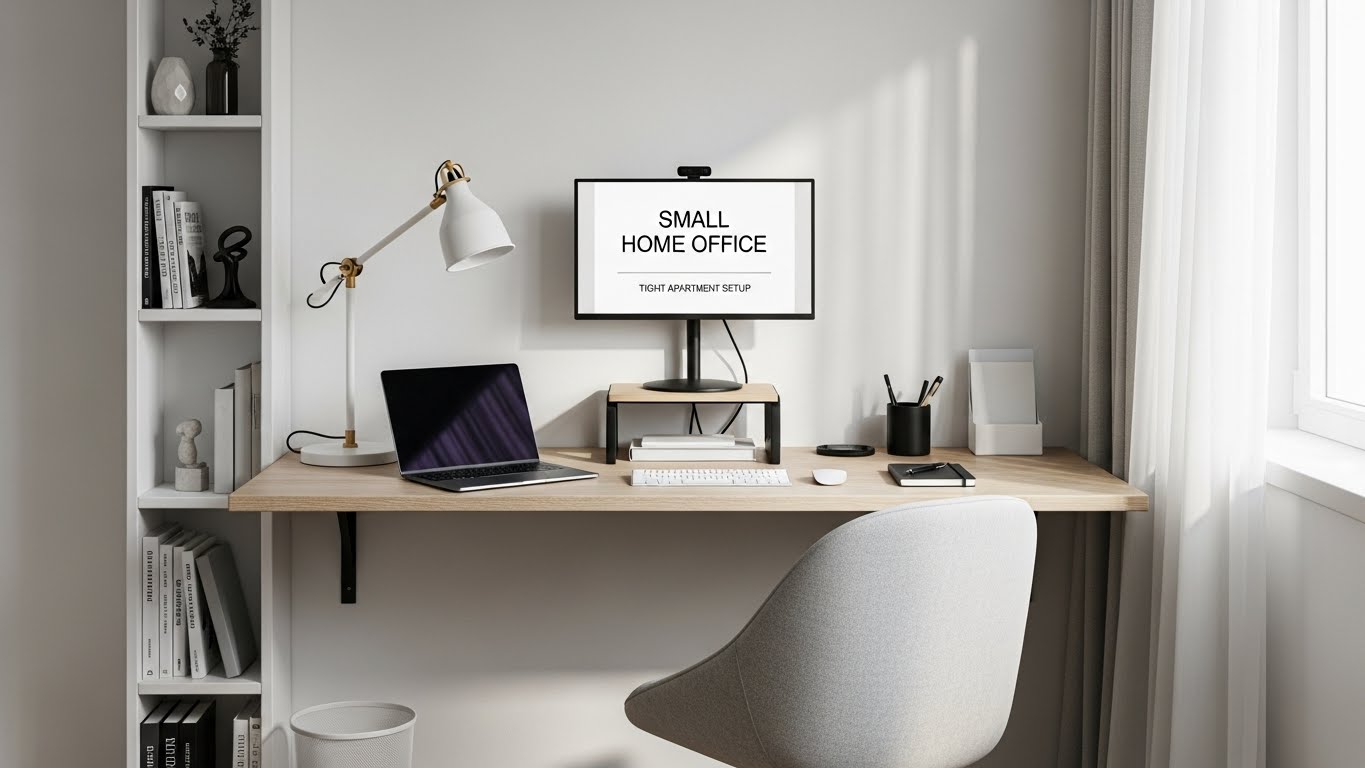
Arranging a small home office in a tight apartment is challenging because every piece of furniture must support comfort, cable flow, posture, and productivity—without overwhelming the room. Many people place the desk in the wrong spot, use oversized furniture, or create unnecessary clutter. This guide shows you how to build a space-efficient, ergonomic home office that fits even in small bedrooms, studio apartments, or shared rooms.
Table of Contents
- Why Small Apartment Home Offices Need Special Planning
- Best Desk Placement Options in Tight Spaces
- Choosing the Right Desk Size (80–120 cm)
- Using Vertical Space for Storage & Organization
- Lighting Placement for Small Rooms
- Reducing Noise & Echo in Small Apartments
- Building a Minimal Distraction Workflow Layout
- Troubleshooting Small Room Setup Problems
- Quick Checklist
- FAQ
- Internal Links
- Disclaimer
- Sources
- Author
Why Small Apartment Home Offices Need Special Planning
Small apartments often force your desk into corners, near beds, or against windows. Without a deliberate layout, this causes glare, cramped posture, and poor cable flow. A well-arranged small home office solves space limitations by balancing three factors: ergonomics, vertical storage, and light direction.
Best Desk Placement Options in Tight Spaces
Desk position affects posture, noise, and lighting. The three best options for small apartments are:
- Next to a side wall: stable, easy to manage cables, minimal glare.
- Near a window but angled: avoids direct light while offering natural illumination.
- Opposite the bed: visually separates workspace from rest area.
Choosing the Right Desk Size (80–120 cm)
A small home office does not mean a tiny desk. The most effective size range is 80–120 cm width, deep enough to fit a monitor and keyboard ergonomically. For extremely narrow spaces, a 45–55 cm depth desk still works if paired with a laptop stand and external keyboard.
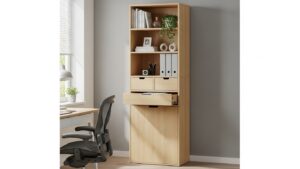
Using Vertical Space for Storage & Organization
Vertical storage is the secret weapon in small rooms:
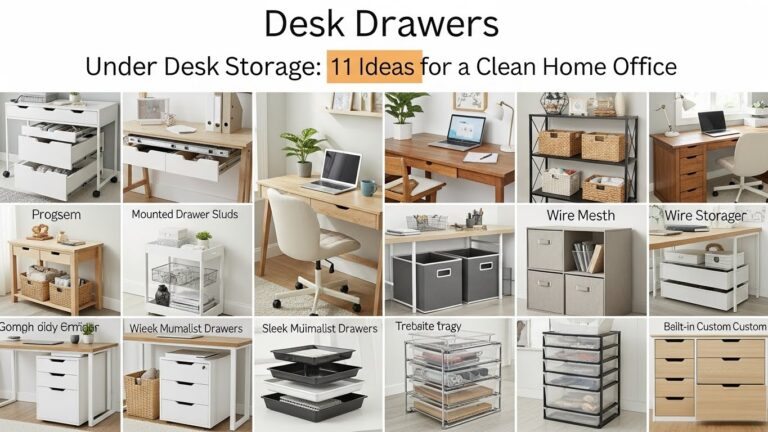
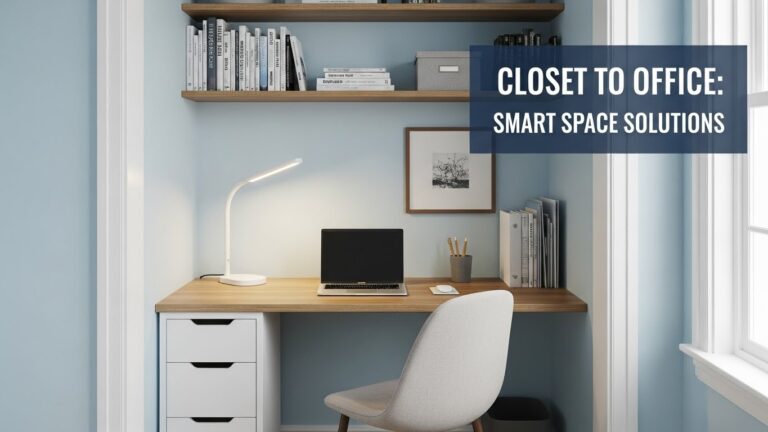
- Install wall shelves above the desk.
- Use pegboards for cables, tools, or accessories.
- Add a monitor shelf riser to create storage under the screen.
- Keep floor space open to make the room appear bigger.
Lighting Placement for Small Rooms
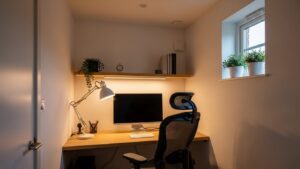
Small rooms amplify glare issues. Use these lighting rules:
- Place your lamp on the opposite side of your dominant hand.
- Avoid placing the monitor directly in front of a window.
- Use 4000–5000K lighting for balanced clarity.
Reducing Noise & Echo in Small Apartments
Hard surfaces amplify noise. Use:
- Rugs or thick curtains
- Soft wall panels
- Desk mats to reduce keyboard noise
Building a Minimal Distraction Workflow Layout
To avoid distraction in small spaces, design a directional workflow:
- Front-facing zone: monitor, primary work tools
- Side zone: planner, notebook, charging dock
- Vertical zone: shelves for long-term storage
Troubleshooting Small Room Setup Problems
• Desk feels cramped
Use a monitor arm to free surface space.
• Too many cables visible
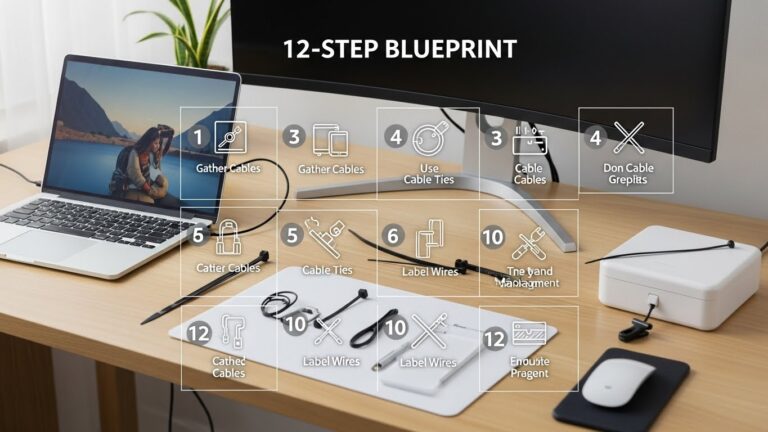
Move bricks into an under-desk tray, route cables down one leg.
• Light hitting the screen
Angle the desk 10–20° relative to the window.
• Room feels smaller with a desk
Open wall shelves create vertical depth and make the room look larger.
Quick Checklist
- Desk placement avoids glare
- Storage uses vertical space
- Lighting 4000–5000K
- Monitor at eye level
- Minimal cable visibility
FAQ
1. What is the best desk size for a small apartment?
80–120 cm wide with at least 45 cm depth.
2. How do I reduce clutter in a tiny workspace?
Use vertical storage and hide cables beneath the desk.
3. Can I place a desk in front of a window?
Yes, but angle it slightly to prevent glare.
4. How do I make a home office feel separate from a bedroom?
Place the desk opposite the bed or use a small divider.
5. Is a monitor arm worth it in small rooms?
Absolutely—it frees the most desk space with one upgrade.
Internal Links
Disclaimer
This guide provides general ergonomic and space-planning advice. It is not structural or electrical guidance.
Sources
Author
Home Office Setup Project — Evidence-Informed Workspace Optimization

I’m not a medical professional, ergonomist, or workplace specialist.WorkNest exists to help everyday people build more comfortable, practical home office environments through clear explanations, visual guides, and common-sense adjustments.
Articles on this site are written from a non-expert perspective, focusing on real-world use, everyday discomforts, and widely accepted setup principles rather than clinical or professional advice.