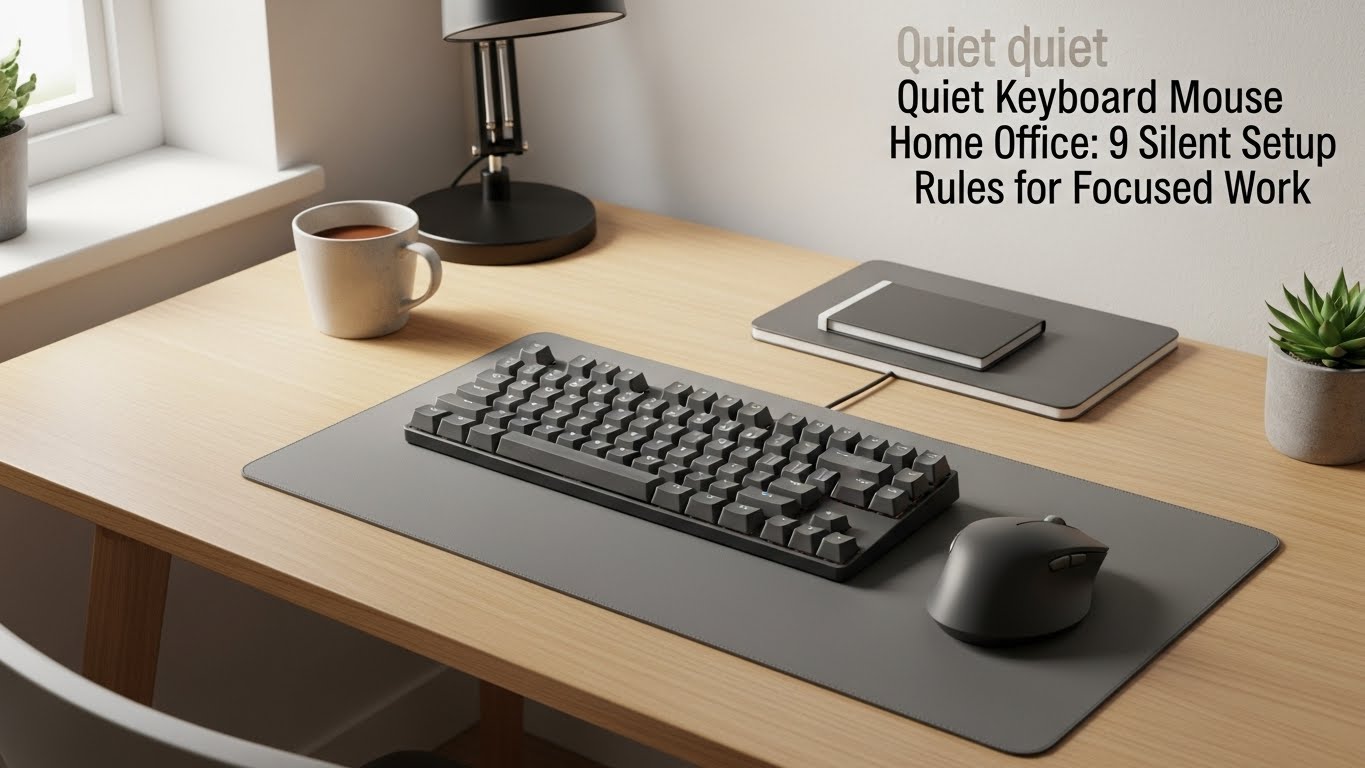
Quiet Keyboard Mouse Home Office: 9 Silent Setup Rules for Focused Work
Last Updated: 2025-12-17
Quiet keyboard mouse home office setups are essential for anyone working in apartments, shared spaces, or late-night environments. Constant clicking and typing noise may seem minor, but research on cognitive load shows that repetitive sound increases mental fatigue and reduces sustained focus. This guide explains how to build a quiet keyboard mouse home office using practical noise-reduction principles and real-world typing behavior.
Table of Contents
- Why Quiet Keyboard Mouse Home Office Setups Matter
- How Keyboard and Mouse Noise Affects Focus
- Quiet Keyboard Types Explained
- Choosing a Quiet Mouse for Home Office Use
- Switch Types and Noise Levels
- Desk Surface and Sound Amplification
- Daily Noise-Reduction Habits
- Common Quiet Setup Mistakes
- Quick Buyer’s Checklist
- FAQ
- Internal Links
- Disclaimer
- Sources & Research
Why Quiet Keyboard Mouse Home Office Setups Matter
Quiet keyboard mouse home office environments reduce auditory distractions that accumulate over long workdays. Even low-level noise can increase cognitive strain, especially during deep focus tasks such as writing, coding, or data analysis. A quieter input setup helps maintain concentration without relying on headphones all day.
How Keyboard and Mouse Noise Affects Focus
Studies on office acoustics indicate that repetitive sounds—like key presses and mouse clicks—are more disruptive than continuous background noise. In a quiet keyboard mouse home office, reducing peak sound events is more important than total sound volume.
Quiet Keyboard Types Explained
Not all keyboards are equally quiet. Common types include:
- Scissor-switch keyboards: low travel, minimal noise
- Membrane keyboards: soft bottom-out sound
- Mechanical (silent switches): tactile feel with dampened noise

Choosing a Quiet Mouse for Home Office Use
Mouse clicks are often louder than expected. Look for:
- Silent or low-noise click mechanisms
- Soft-touch buttons
- Rubberized scroll wheels
In a quiet keyboard mouse home office, reducing click sharpness improves overall comfort.
Switch Types and Noise Levels
Switch design plays a major role in sound output:
- Linear switches: smooth and quiet
- Tactile switches: moderate feedback, moderate noise
- Clicky switches: loud, not recommended
Desk Surface and Sound Amplification
Hard desks amplify noise through vibration. To reduce this:
- Use a desk mat or extended mouse pad
- Avoid hollow desks that act as sound chambers
- Place rubber feet under keyboards
Daily Noise-Reduction Habits
- Type with lighter keystrokes
- Avoid bottoming out keys forcefully
- Clean devices to prevent rattling
- Adjust typing posture for control
Common Quiet Setup Mistakes
- Assuming all mechanical keyboards are loud
- Ignoring desk surface acoustics
- Over-relying on noise-canceling headphones
Quick Buyer’s Checklist
- Low-profile or silent switches
- Soft mouse click rating
- Desk mat included
- Stable, non-hollow desk
- Comfortable typing angle
FAQ
1. Are mechanical keyboards always loud?
No—silent mechanical switches can be very quiet.
2. Do desk mats really help?
Yes, they significantly reduce vibration noise.
3. Is a silent mouse worth it?
For shared or quiet spaces, absolutely.
4. Can noise affect productivity?
Yes, repetitive sounds increase mental fatigue.
5. Should I avoid clicky switches?
Yes, especially in quiet home office environments.
Internal Links
Disclaimer
This article provides general ergonomic and workspace comfort information. It is not medical advice.
Sources & Research

I’m not a medical professional, ergonomist, or workplace specialist.WorkNest exists to help everyday people build more comfortable, practical home office environments through clear explanations, visual guides, and common-sense adjustments.
Articles on this site are written from a non-expert perspective, focusing on real-world use, everyday discomforts, and widely accepted setup principles rather than clinical or professional advice.