Productivity Desk Layout: Left–Right Item Placement Science
Last Updated: 2025-12-26
A productivity desk layout plays a much bigger role in daily focus than most people expect. Many home office users feel distracted, inefficient, or mentally drained without understanding why. In many cases, the problem is not motivation or discipline—but how items are placed on the desk. This productivity desk layout guide explains how left–right placement affects attention, movement efficiency, and cognitive load, based on ergonomics research and real home office experience.
Table of Contents
- Why Desk Layout Influences Productivity
- Real Home Office Experience: What People Actually Notice
- Movement Efficiency and Desk Reach Zones
- Visual Attention and Mental Load
- Left–Right Desk Placement Guidelines
- Long-Term Effects of Poor Desk Layout
- Common Desk Layout Mistakes
- FAQ
- Sources & References
- Disclaimer
Why Desk Layout Influences Productivity
A productivity desk layout determines how often your body and eyes move throughout the day. When frequently used items are poorly positioned, your brain constantly performs small corrections—reaching, refocusing, reorienting. These micro-adjustments increase cognitive load and quietly reduce concentration.
Over several hours, this added mental effort accumulates. The result is not dramatic pain, but subtle fatigue: slower thinking, shorter attention span, and a feeling that work requires more effort than it should.
Real Home Office Experience: What People Actually Notice
Many people describe the same experience after reorganizing their desk layout. At first, it feels almost unchanged. But after a few days, they notice something unexpected—less tension in the shoulders, fewer moments of distraction, and less exhaustion at the end of the day. A common reaction is realizing how often they were unconsciously adjusting their posture or reaching across the desk before.
Movement Efficiency and Desk Reach Zones
From an ergonomics perspective, desk layout is about reach efficiency. Items should be placed based on how often they are used:
- Primary zone: keyboard, mouse, main input devices
- Secondary zone: notepad, pen, reference materials
- Tertiary zone: phone, chargers, rarely used items
Keeping high-frequency tools within forearm reach reduces unnecessary leaning and twisting, which lowers physical and mental strain.
Visual Attention and Mental Load
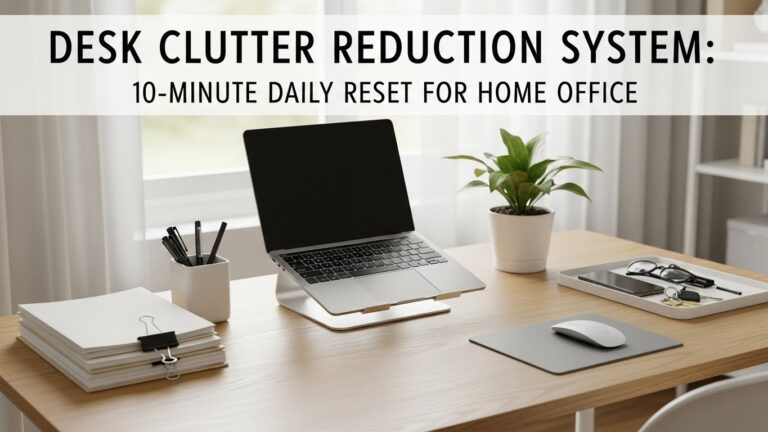
Anything placed in your central field of view competes for attention. Even when not consciously distracting, visual clutter increases mental processing demands. A productivity desk layout keeps the central area visually quiet, allowing your attention to stay on the task.
This is especially important for deep work, where even minor visual interruptions can break concentration.
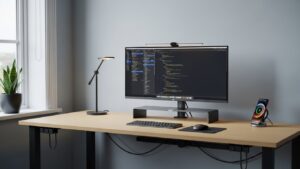
Left–Right Desk Placement Guidelines
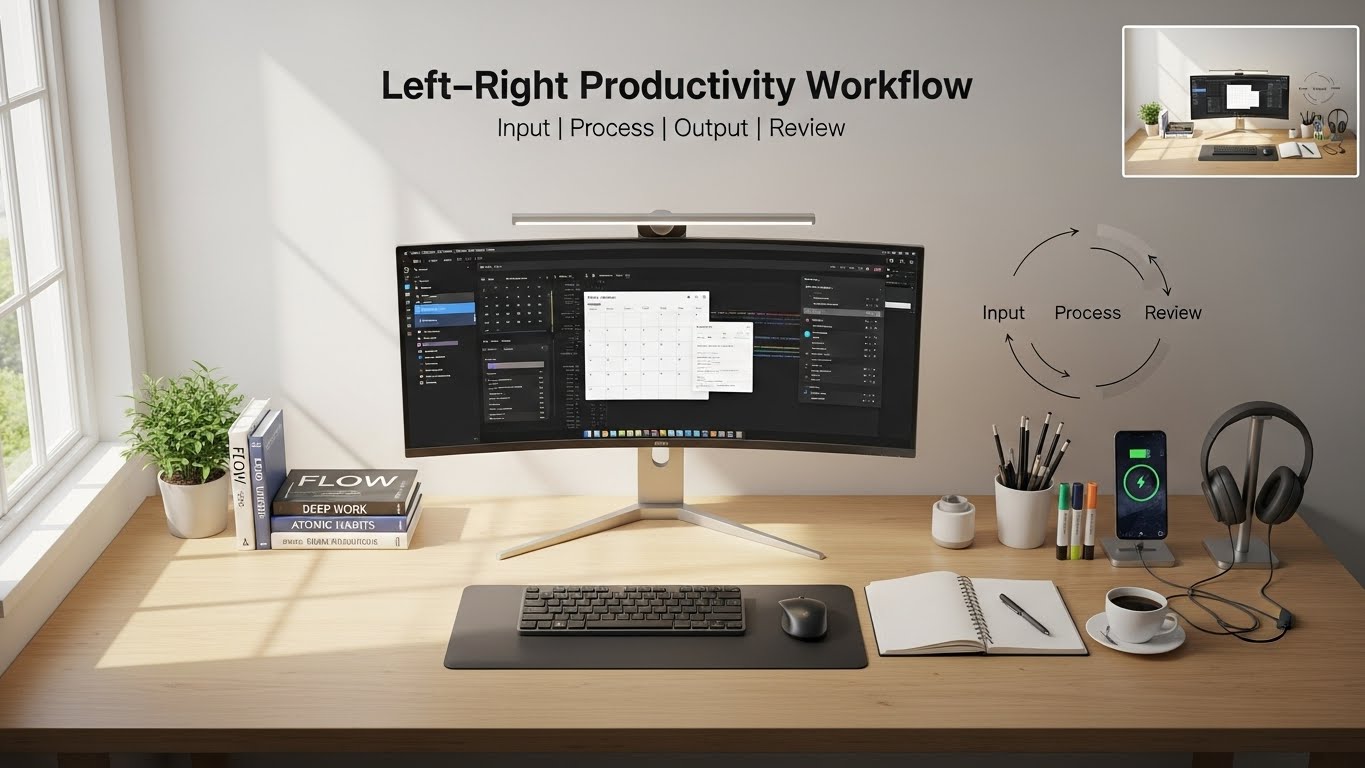
- Center: keyboard and primary monitor
- Dominant side: mouse, pen, writing tools
- Non-dominant side: phone, documents, accessories
This functional asymmetry aligns with natural movement patterns and reduces friction during repetitive tasks.
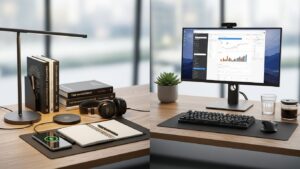
Long-Term Effects of Poor Desk Layout
Over time, inefficient desk layouts contribute to cumulative fatigue. While not always painful, this fatigue lowers work endurance and increases perceived effort. Improving desk layout often produces gradual but noticeable gains in comfort and consistency rather than instant performance spikes.
Common Desk Layout Mistakes
- Overloading the central workspace
- Placing distractions within arm’s reach
- Prioritizing aesthetics over usability
- Never reassessing layout as tasks change
FAQ
Internal Links
Best Desk Fans and Quiet Cooling Solutions
Does desk layout really affect productivity?
Yes. Research shows inefficient layouts increase cognitive and physical load.
Should my desk be perfectly symmetrical?
No. Functional asymmetry is more efficient.
How often should I adjust my desk layout?
Whenever tools or work patterns change.
Sources & References
- NIOSH – Ergonomics and Workspace Design
- NIH – Cognitive Load and Work Posture
- UK HSE – Display Screen Equipment
Disclaimer
This article provides general workspace and ergonomics information for educational purposes only and does not replace professional ergonomic or medical advice.

I’m not a medical professional, ergonomist, or workplace specialist.WorkNest exists to help everyday people build more comfortable, practical home office environments through clear explanations, visual guides, and common-sense adjustments.
Articles on this site are written from a non-expert perspective, focusing on real-world use, everyday discomforts, and widely accepted setup principles rather than clinical or professional advice.