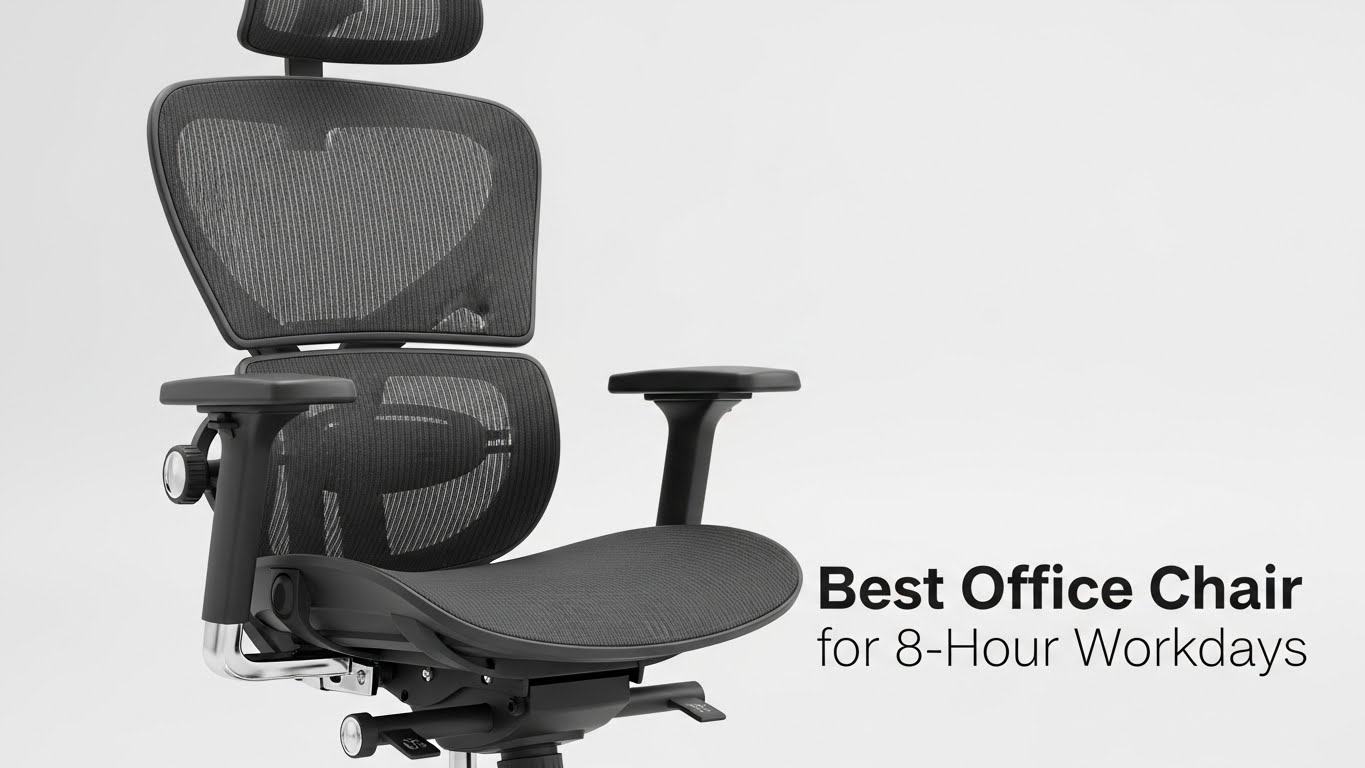
Office Chair Guide: How to Choose the Right Chair for 8-Hour Workdays
Last Updated: 2025-12-08
Choosing the right office chair for 8-hour workdays is one of the most important decisions you can make for posture, comfort, and long-term health. An office chair directly affects hip alignment, lumbar support, shoulder tension, and even forward-head posture. The goal is not simply buying an expensive chair, but selecting a chair that fits your body dimensions, supports a neutral spine, and keeps your posture stable throughout the day.
Table of Contents
- Why Your Office Chair Matters for Long Workdays
- Key Factors When Choosing an Office Chair
- Essential Chair Adjustments for 8-Hour Use
- Lumbar Support: What Real Support Looks Like
- Seat Depth & Cushioning
- Armrests & Shoulder Relaxation
- Chair Materials & Breathability
- Posture Patterns Created by Chair Fit
- Troubleshooting: Fixing Chair-Related Pain
- Quick Checklist
- FAQ
- Internal Links
- Disclaimer
- Sources & Transparency
- Author
Why Your Office Chair Matters for Long Workdays
The right office chair supports your pelvis and spine, reducing the need to lean forward or slouch. Poor chair fit gradually shifts your body into postures that increase tension in the neck, shoulders, and lower back. Because most office workers sit for long, uninterrupted periods, the chair becomes the foundation for all other ergonomic adjustments—monitor height, keyboard reach, and shoulder posture all depend on what your chair is doing underneath you.
Key Factors When Choosing an Office Chair
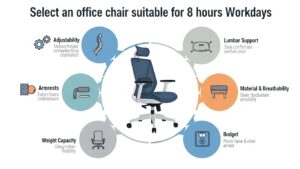
When choosing an office chair for 8-hour workdays, prioritize the features that affect posture the most. These include:
- Seat height adjustability — knees should be at or slightly below hip level.
- Lumbar support — curved support that follows your spine.
- Seat depth — 2–4 cm gap behind the knees.
- Backrest shape — supports natural S-curve of spine.
- Armrest adjustability — reduces shoulder elevation.
Essential Chair Adjustments for 8-Hour Use
An ergonomic chair must adapt to your body—not the other way around. Here are the most important adjustments:
- Seat height — feet should rest flat; thighs parallel to floor.
- Backrest tilt — 90–110° angle is ideal for long sessions.
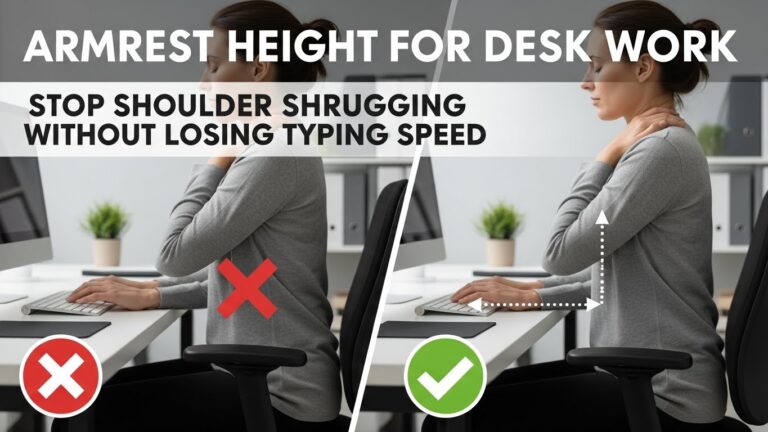
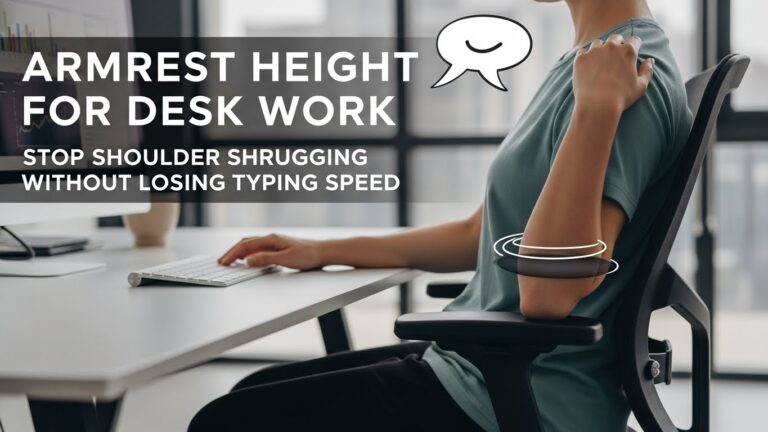
- Armrest height — shoulders relaxed, elbows 90–100°.
- Seat depth — prevents pressure behind knees.
Lumbar Support: What Real Support Looks Like
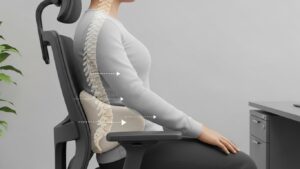
Lumbar support maintains the natural inward curve of your lower back. Without it, the pelvis rolls backward, the spine collapses, and the head moves forward, creating neck tension. Effective lumbar support should:
- Match the curve of your lower spine
- Provide firm—not soft—resistance
- Remain stable when you lean back
- Be adjustable in height for different torso lengths
Seat Depth & Cushioning
Seat depth determines whether your pelvis stays supported throughout the day. A seat that is too deep forces you to lean forward; too shallow reduces thigh support. A comfortable setup leaves a 2–4 cm space behind your knees. Cushioning should be firm enough to maintain shape but soft enough for comfort.
Armrests & Shoulder Relaxation
Armrests are not optional—they directly influence shoulder tension. Proper armrest design reduces activation of neck muscles during typing or mouse use. Look for:
- Height adjustability
- Width adjustability
- Soft padding
- Stable contact that supports elbows without lifting shoulders
Chair Materials & Breathability
Material choice affects comfort during long workdays. Mesh chairs provide breathability and distribute pressure evenly. Fabric or leather offers softer support but may trap heat. The best choice depends on preference, climate, and usage patterns.

Posture Patterns Created by Chair Fit
Your chair determines how your body organizes itself around your desk. A well-fitted chair encourages:
- Neutral spine alignment
- Relaxed shoulders
- Centered head position
- Minimal slouching
- Smooth transitions between sitting and leaning back
Troubleshooting Chair-Related Pain
• Lower back pain
Increase lumbar support height or adjust seat depth to stabilize pelvis.
• Neck or shoulder tension
Raise or lower armrests; ensure elbows stay close to body.
• Hip discomfort
Seat may be too high or too deep—adjust height or depth to reduce pressure.
• Slouching after one hour
Backrest angle may be too upright or lumbar support too low.
Quick Checklist
- Lumbar support matches spine curve
- Seat depth leaves 2–4 cm behind knees
- Armrests keep shoulders relaxed
- Backrest supports all sitting angles
- Material suits long-hour sitting
FAQ
1. Do expensive chairs automatically mean better ergonomics?
No. Adjustability and fit matter more than price.
2. What is the most important feature for long workdays?
Lumbar support and seat depth are the strongest predictors of comfort.
3. Are mesh chairs better?
Mesh offers breathability, but support quality depends on frame and tension.
4. Should armrests always be used?
Yes—when adjusted correctly, they reduce shoulder and neck tension significantly.
5. How long does it take to adapt to a new chair?
Most users adjust within a few days to a week with correct setup.
Internal Links
Disclaimer
This guide focuses on general ergonomic principles. It does not provide medical or clinical advice.
Sources & Transparency
Author
Written by: Home Office Setup Project — Evidence-Informed Ergonomic Guidance

I’m not a medical professional, ergonomist, or workplace specialist.WorkNest exists to help everyday people build more comfortable, practical home office environments through clear explanations, visual guides, and common-sense adjustments.
Articles on this site are written from a non-expert perspective, focusing on real-world use, everyday discomforts, and widely accepted setup principles rather than clinical or professional advice.