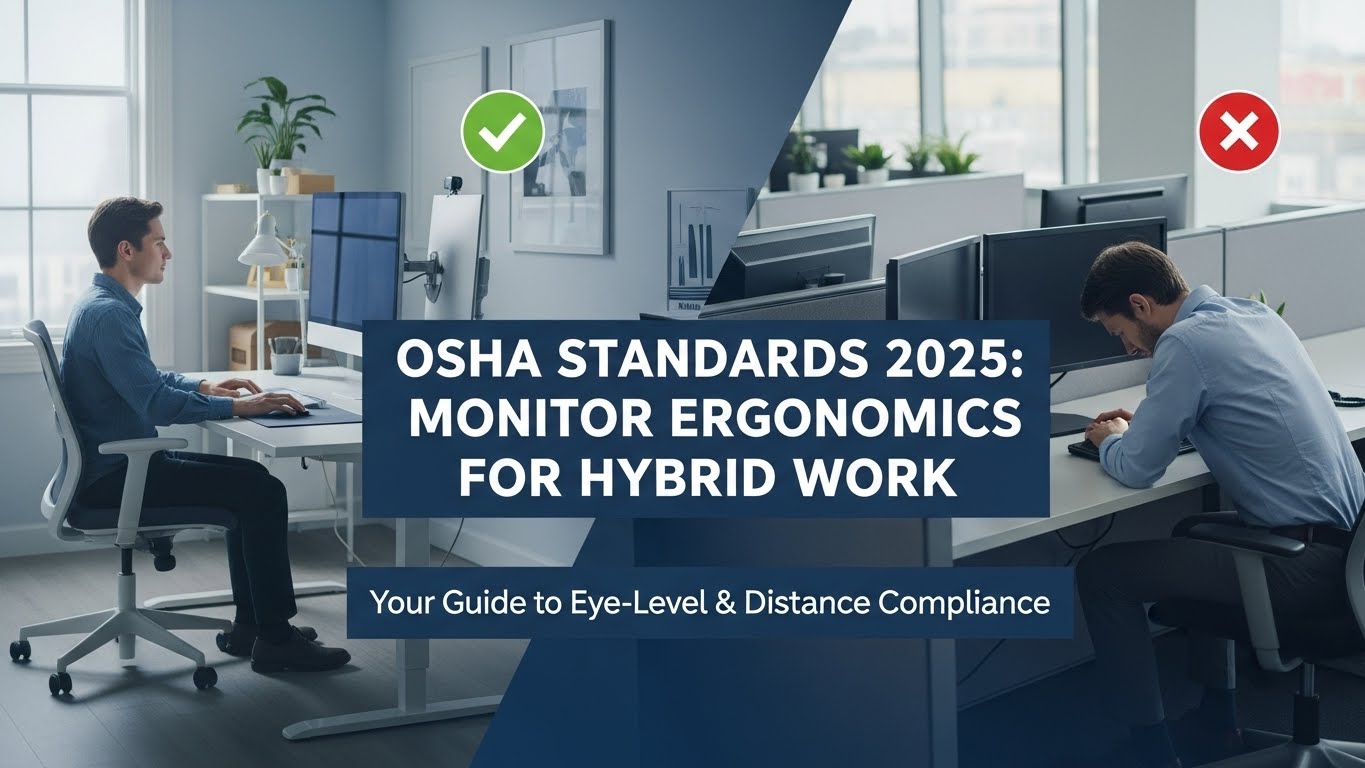
Monitor Distance Eye Level: OSHA Standards for 2025 Hybrid Workplaces
Last Updated: December 27, 2025 |
Expert Review: WorkNest Ergonomic Lab |
Author: WorkNest Studio Editorial Team
- Eye Level: Top 1/3 of the screen at eye level (≈15° downward gaze).
- Distance: 20–40 inches (50–100 cm), roughly one arm’s length.
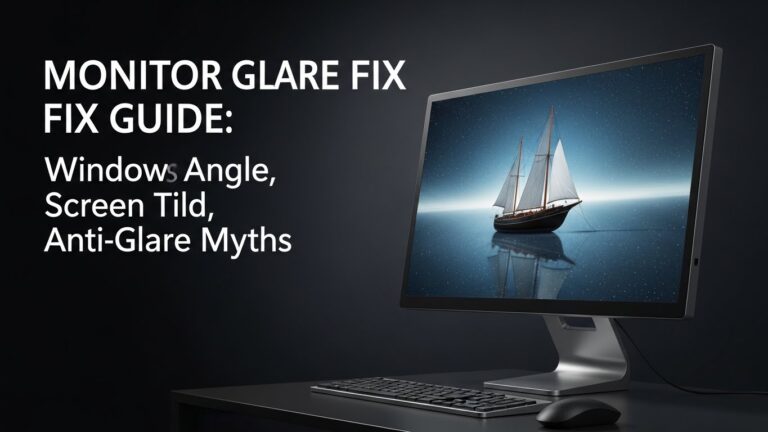
- Angle: Tilt monitor 10–20° backward to reduce glare.
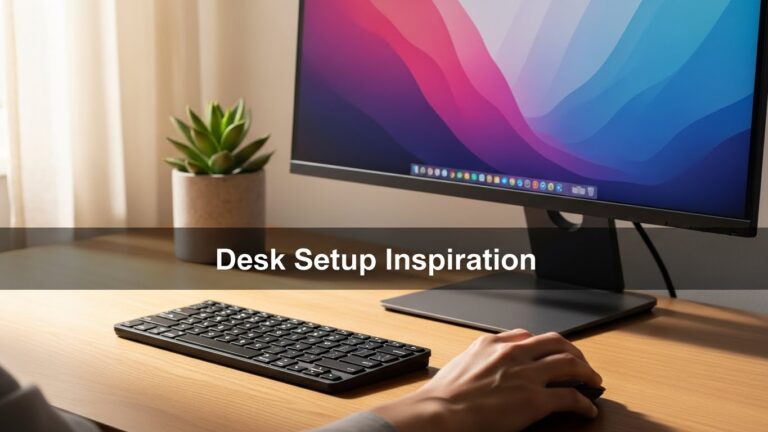
Getting your monitor distance eye level wrong is one of the fastest ways to develop tech neck,
chronic eye strain, and shoulder stiffness. Even the most expensive chair cannot compensate for a poorly positioned screen.

Table of Contents
- 1. The Biomechanics of Screen Positioning
- 2. Ideal Monitor Distance: The Arm’s Length Rule
- 3. Eye-Level Calibration for Neck Health
- 4. Dual Monitors & Ultra-Wide Screens
- 5. Comparison: Correct vs Incorrect Setup
- 6. FAQ: Real-World Monitor Questions
- 7. Internal Links
- 8. Sources & References
- 9. Professional Disclaimer
1. The Biomechanics of Screen Positioning
In a neutral posture, the human head weighs around 10–12 lbs.
Tilting the head forward just 30° increases cervical spine load to nearly 40 lbs.
A low monitor silently multiplies neck strain over thousands of daily micro-movements.
2. Ideal Monitor Distance: The Arm’s Length Rule
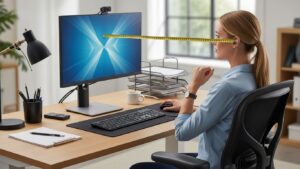
OSHA-aligned ergonomics recommend a viewing distance of 50–100 cm (20–40 inches).
The simplest test is extending your arm—your fingertips should barely touch the screen.
3. Eye-Level Calibration for Neck Health
The top line of text on your monitor should align with your horizontal eye level.
This creates a natural 15–20° downward gaze toward the screen center.
Laptop Rule: Use a riser and external keyboard if working more than 1–2 hours.
Laptop screens are the most common cause of chronic neck flexion.
4. Dual Monitors & Ultra-Wide Screens
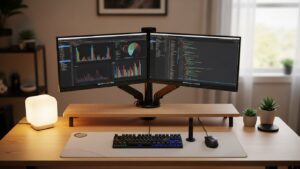
- Primary-focus setup: Main monitor centered, secondary angled 25–30°.
- Equal-use setup: Both monitors angled inward, meeting at centerline.
- Ultra-wide screens: Increase distance slightly to reduce eye scanning fatigue.
5. Comparison: Correct vs Incorrect Setup
| Aspect | Incorrect | Correct |
|---|---|---|
| Neck | Forward tilt | Neutral alignment |
| Eyes | Squinting | Relaxed focus |
| Distance | Too close | Arm’s length |
6. FAQ: Real-World Monitor Questions
Q1. Is eye level the top of the monitor or the center?
A. Eye level should align with the top line of text, not the screen center.
Q2. Does monitor size change ideal distance?
A. Yes. Larger screens require greater distance to reduce eye scanning.
Q3. Should I tilt the monitor?
A. A slight backward tilt (10–20°) reduces glare without forcing neck extension.
Q4. What if my desk is too low?
A. Raise the monitor with an arm or riser—never raise the chair beyond proper leg support.
Q5. How often should I rest my eyes?
A. Follow the 20-20-20 rule: every 20 minutes, look 20 feet away for 20 seconds.
7. Internal Links
Desk Height by Body Height
Dual Monitor Setup Guide
Ultimate Guide to Building a Comfortable Work-from-Home Corner
8. Sources & References
- OSHA – Computer Workstation Ergonomics
- NIOSH – Ergonomics Resources
- Mayo Clinic – Office Ergonomics
9. Professional Disclaimer
This content is for educational purposes only and does not replace professional medical advice.
Consult a qualified professional for chronic neck pain or vision issues.

I’m not a medical professional, ergonomist, or workplace specialist.WorkNest exists to help everyday people build more comfortable, practical home office environments through clear explanations, visual guides, and common-sense adjustments.
Articles on this site are written from a non-expert perspective, focusing on real-world use, everyday discomforts, and widely accepted setup principles rather than clinical or professional advice.