Dual Use Room Home Office: 11 Smart Rules for Office + Bedroom Setup
Last Updated: 2025-12-18
Dual use room home office setups are becoming the norm as more people work from apartments, studios, and shared living spaces. Combining a bedroom and a workspace in one room can either support productivity—or completely destroy focus and rest—depending on how the space is designed. This guide explains how to build a dual use room home office that separates work and rest mentally, visually, and physically.
Table of Contents
- Why Dual Use Room Home Office Design Matters
- Create Clear Work and Sleep Zones
- Desk Placement Rules for Shared Rooms
- Managing Bed Visibility During Work Hours
- Lighting Separation for Day and Night
- Hidden Storage and Fold-Away Solutions
- Noise Control in Dual Use Rooms
- Daily Reset Routine for Mental Separation
- Common Dual Use Room Mistakes
- Quick Setup Checklist
- FAQ
- Internal Links
- Disclaimer
- Sources & Research
Why Dual Use Room Home Office Design Matters
Dual use room home office environments challenge the brain’s ability to switch between focus and rest. Environmental psychology research shows that when work and sleep cues overlap, both productivity and sleep quality suffer. The goal is not physical separation alone—but visual and behavioral separation.
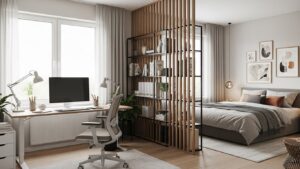
Create Clear Work and Sleep Zones
Even in small rooms, zoning is possible:
- Use rugs to define the work area
- Face the desk away from the bed
- Use shelving or curtains as visual dividers
Desk Placement Rules for Shared Rooms
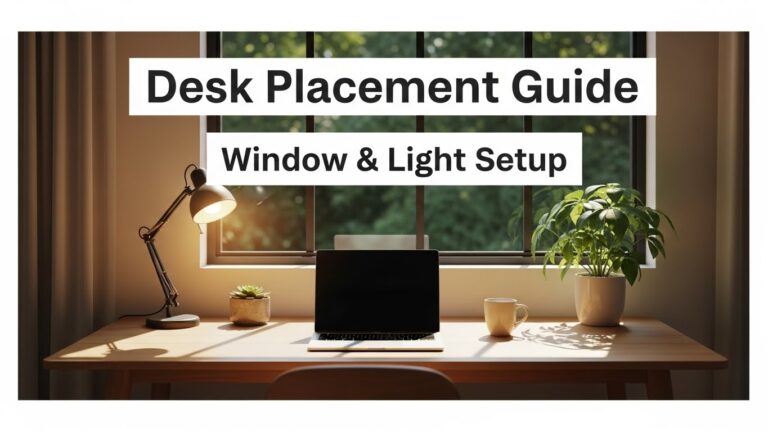
Desk placement determines how “work-like” the room feels:
- Avoid placing the desk directly beside the bed
- Position the monitor to face a wall, not the mattress
- Use wall-mounted desks if floor space is limited
Managing Bed Visibility During Work Hours
Seeing the bed during work hours subtly increases mental fatigue. Solutions include:
- Folding or covering bedding during the day
- Using a low-profile headboard
- Installing a curtain or sliding divider
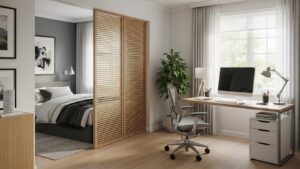
Lighting Separation for Day and Night
Lighting is one of the most powerful separation tools:
- Daytime: neutral or cool desk lighting
- Evening: warm bedside lighting
- Never use the same lamp for both zones
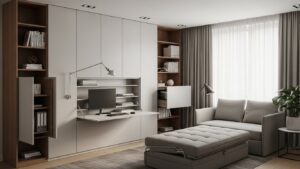
Hidden Storage and Fold-Away Solutions
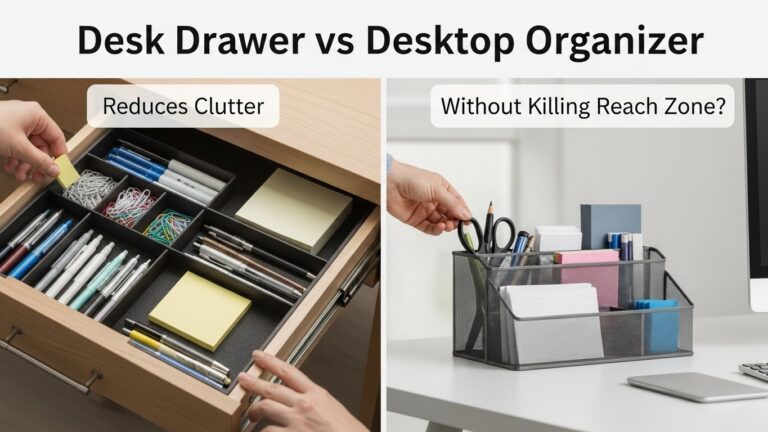
Clutter increases stress in dual use room home office setups. Prioritize:
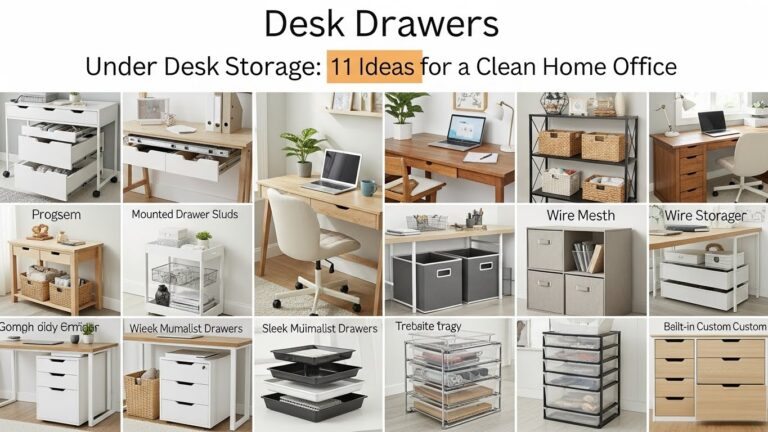
- Drawer units under the desk
- Vertical shelving
- Fold-away keyboards or laptop stands
Noise Control in Dual Use Rooms
Sound carries more in small rooms. Improve comfort by:
- Using desk mats to reduce vibration
- Choosing quiet keyboards and mice
- Adding soft furnishings to absorb sound
Daily Reset Routine for Mental Separation
- End work by shutting down the computer
- Clear the desk surface
- Change lighting temperature
- Physically move the chair away
Common Dual Use Room Mistakes
- Working from the bed
- Leaving work equipment visible at night
- Using one lighting setup all day
Quick Setup Checklist
- Desk faces away from bed
- Separate lighting zones
- Hidden storage available
- Noise-reducing surfaces
- End-of-day reset habit
FAQ
1. Can a bedroom really function as a home office?
Yes, with proper zoning and routines.
2. Should the desk be near the bed?
Ideally no—visual separation improves focus.
3. Does lighting affect sleep in shared rooms?
Yes, especially blue light exposure at night.
4. Is a room divider necessary?
Not always, but visual separation helps.
5. How do I mentally switch off work?
End-of-day routines and lighting changes help signal rest.
Internal Links
Disclaimer
This article provides general workspace and lifestyle guidance. It is not medical or architectural advice.
Sources & Research

I’m not a medical professional, ergonomist, or workplace specialist.WorkNest exists to help everyday people build more comfortable, practical home office environments through clear explanations, visual guides, and common-sense adjustments.
Articles on this site are written from a non-expert perspective, focusing on real-world use, everyday discomforts, and widely accepted setup principles rather than clinical or professional advice.