Desk Placement Guide: Best Desk Position for Window Light, Direction, and Reflection Control
Last Updated: 2025-12-14
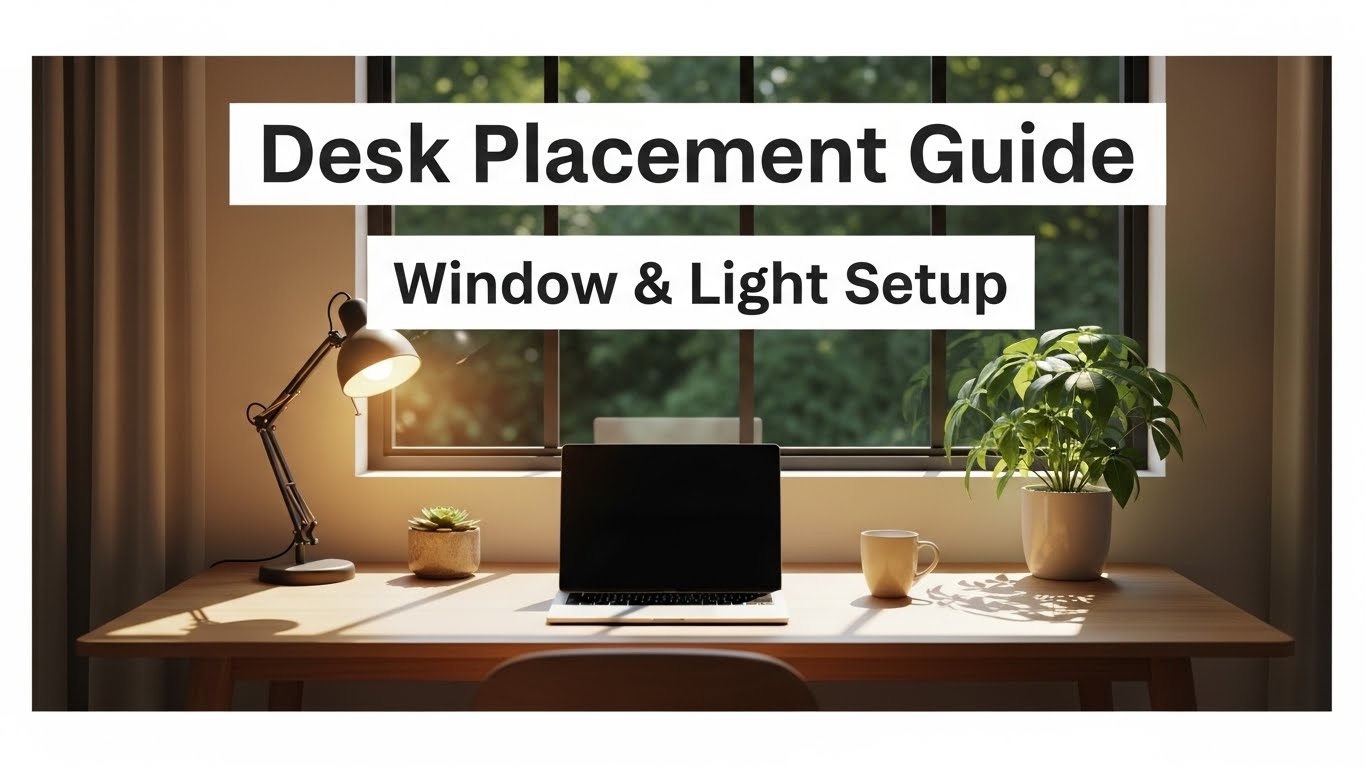
Desk placement guide decisions might seem like pure aesthetics at first, but where you put your desk actually controls light direction, screen glare, noise level, and how focused you feel during long workdays. A poorly placed desk can turn natural light into harsh reflections, put your back to the door so you feel distracted, or force you to look straight into bright windows. This guide explains the best desk position in relation to windows, light direction, and room layout so your workspace feels balanced and productive.
Table of Contents
- Why Desk Placement Matters More Than You Think
- Desk Placement Near a Window: Side, Front, or Back?
- Light Direction and Screen Reflection Rules
- Desk Placement vs. Door and Traffic Flow
- Desk Placement in Small Rooms and Studio Apartments
- Monitor Alignment After Moving the Desk
- Troubleshooting Common Desk Placement Problems
- Quick Desk Placement Checklist
- FAQ
- Internal Links
- Disclaimer
- Sources & Transparency
- Author
Why Desk Placement Matters More Than You Think
Desk placement sets the base conditions for lighting, posture, and distraction. Even with a good chair and monitor, a desk pushed directly against a bright window or cramped into a dark corner will keep causing problems. A strategic desk placement guide looks at how light enters the room, where people walk, and what you see in your peripheral vision while working. The goal is a stable, low-distraction view with soft, controlled light.
Desk Placement Near a Window: Side, Front, or Back?
Windows are usually the strongest light source in a room. Where your desk sits in relation to that window shapes glare and contrast:
- Side placement (recommended): place the desk so the window is to your left or right side. This gives you natural light without hitting the screen directly.
- Directly facing the window: can feel nice but often creates eye fatigue from high brightness; better with sheer curtains.
- Window directly behind the monitor: usually the worst option—strong backlight around the screen makes text harder to read.
Light Direction and Screen Reflection Rules
Light direction is just as important as brightness. For a comfortable setup:
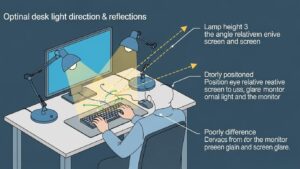
- Avoid strong light sources directly in front of or behind the monitor.
- Use side lighting so reflections move off the screen rather than toward your eyes.
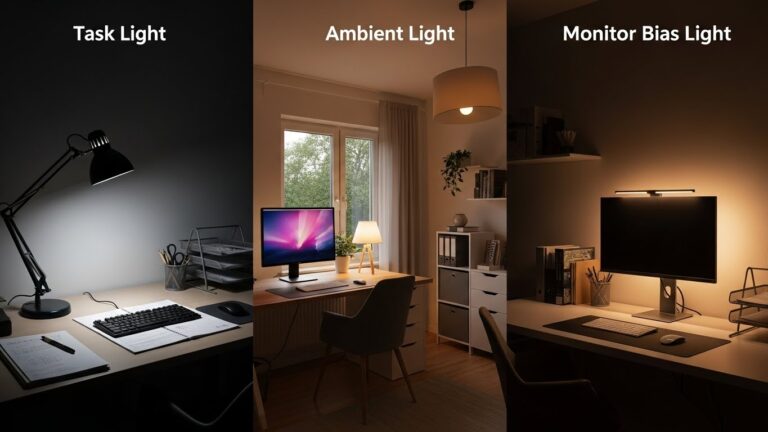
- Balance natural light with a desk lamp on the opposite side of your dominant hand.
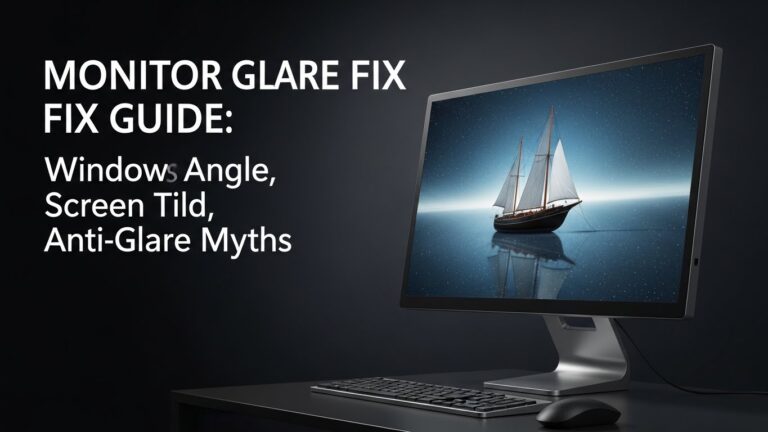
If reflections appear on your monitor, try tilting the monitor slightly downward and shifting the desk angle by 10–15° relative to the main light source.
Desk Placement vs. Door and Traffic Flow
Your position relative to the door influences how safe and focused you feel. Many people prefer to see the door without sitting directly in the doorway. A practical desk placement guide suggests:
- Keep the desk slightly offset from the door line, not directly in front of it.
- Avoid placing the desk with your back fully exposed to a busy hallway.
- In shared spaces, use your back against a stable wall when possible.
Desk Placement in Small Rooms and Studio Apartments
In small rooms, you may feel like there’s no perfect place for a desk. Focus on balance:
- Use a corner or side-wall spot that keeps the center of the room open.
- Combine desk placement with vertical storage to avoid crowding the floor.
- If the bed and desk share a wall, keep a small visual separation (rug or shelving) between them.
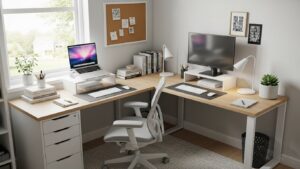
Monitor Alignment After Moving the Desk
After changing desk placement, always readjust your monitor:
- Center the monitor in front of your torso.
- Set the top edge at or slightly below eye level.
- Keep viewing distance around 50–70 cm, depending on screen size.
A good desk placement guide always pairs layout decisions with updated monitor ergonomics.
Troubleshooting Common Desk Placement Problems
• Screen glare in the afternoon
Rotate the desk slightly relative to the window or add sheer curtains to soften direct sunlight.
• Room feels cramped around the desk
Move the desk to a side wall and replace bulky storage with wall shelves.
• Feeling distracted by movement behind you
Shift the desk so your back is toward a solid wall and your view includes the doorway.
• Bright background in video calls
Avoid having a bright window directly behind you; move the desk or add curtains so your face, not the window, becomes the brightest element.
Quick Desk Placement Checklist
- Desk not directly in front of or behind strong windows
- Window ideally to the side of the desk
- Monitor centered to your torso after moving the desk
- Light balanced with a desk lamp
- Desk not blocking main walking paths
FAQ
1. Is it okay to put my desk in front of a window?
Yes, if you control brightness with curtains and avoid looking into harsh light for long hours.
2. What is the best desk placement for focus?
Sideways to a window with your back to a stable wall and a clear, simple view in front of you.
3. Should my desk face the door?
You don’t need to face it directly, but being able to see the door without twisting is helpful.
4. How do I avoid reflections on my monitor?
Angle the desk and monitor so light hits from the side, and adjust tilt to move reflections off the screen.
5. Does desk placement matter in a tiny room?
Yes—placing the desk in a corner or along a side wall can make the room feel more open and easier to use.
Internal Links
- Home Office Lighting Setup
- Small Home Office in a Tight Apartment
- Monitor Distance and Eye-Level Guide
Disclaimer
This desk placement guide offers general ergonomic and layout suggestions. It is not structural, electrical, or construction advice.
Sources & Transparency
Author
Home Office Setup Project — Evidence-Informed Ergonomics & Environment Design

I’m not a medical professional, ergonomist, or workplace specialist.WorkNest exists to help everyday people build more comfortable, practical home office environments through clear explanations, visual guides, and common-sense adjustments.
Articles on this site are written from a non-expert perspective, focusing on real-world use, everyday discomforts, and widely accepted setup principles rather than clinical or professional advice.