Desk Height by Body Height: Complete Guide to Correct Ergonomic Setup for Long-Hour Work
Last Updated: 2025-12-07
Most people believe their workstation setup is “good enough,” yet nearly 80% of remote workers unknowingly use a desk height that doesn’t match their body height. Even a small mismatch of 2–3 cm can cause your shoulders to lift, your wrists to bend, and your neck to tilt forward over time. This guide is designed to be the most complete, evidence-informed desk height guide you will ever need—built for anyone who wants long-hour comfort, better posture, and a professional-level home office setup without guesswork.
Table of Contents
- Why Desk Height Matters
- Ideal Desk Height by Body Height (Updated Ranges)
- How to Measure Your Correct Desk Height
- Chair Height & Foot Support: The Foundation
- Monitor Height & Distance
- Keyboard & Mouse Alignment
- Real-World Fix Scenarios
- Lighting, Glare, and Desk Position
- Research Insights
- Common Mistakes
- Quick Checklist
- FAQ
- Internal Links
- Disclaimer
- Sources & Transparency
- Author
Why Desk Height Matters
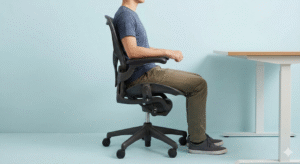
The correct desk height isn’t just about comfort—it directly affects posture, muscle tension, and long-term productivity. When the desk is too high, your shoulders elevate, creating upper-trap tension. When too low, your spine rounds forward, pulling your head toward the monitor. Neutral posture begins with elbows at a 90–100° angle and shoulders relaxed. Ergonomics programs used by universities and workplace safety departments consistently return to this principle.
Ideal Desk Height by Body Height (Updated Research-Based Ranges)
These ranges are based on common elbow-height measurements used in workstation analysis. They’re not medical instructions—just practical guidance to help you align your setup to your body.
| Body Height | Recommended Desk Height |
|---|---|
| 155–165 cm | 66–69 cm |
| 166–175 cm | 70–73 cm |
| 176–185 cm | 73–75 cm |
| 186+ cm | 76–80 cm |
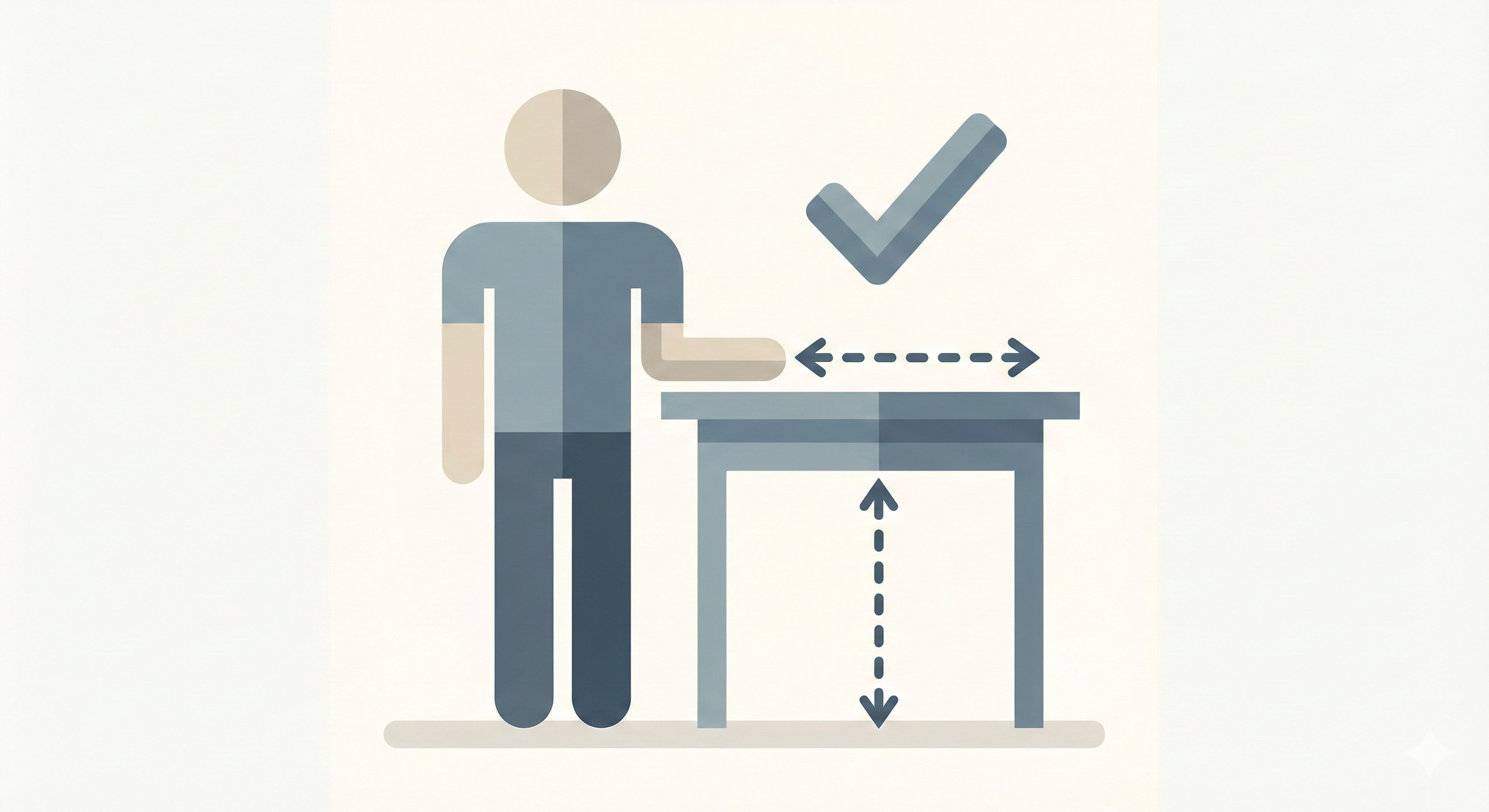
These numbers work because they reflect average elbow height when seated with proper hip and knee angles. The goal is simple: desk height = elbow height ± 1–2 cm.
How to Measure Your Correct Desk Height
- Sit all the way back into your chair so your spine is supported.
- Place both feet flat on the floor. If not possible, you will need a footrest later.
- Adjust your chair height until your elbows naturally rest at a 90–100° angle.
- Relax your shoulders completely—this prevents inaccurate measurements.
- Measure from the floor to your elbow height. This number is your ideal desk height.
- Your desk should match this height as closely as possible.
Chair Height & Foot Support: The Foundation of Desk Setup
Your chair determines everything—your elbow height, wrist alignment, back posture, and even your breathing openness. Before changing your desk:
- Set your chair height first.
- Ensure your feet are fully grounded.
- Use a footrest if the chair must be raised higher than your leg length allows.
Even a cheap $10–20 footrest can drastically improve hip alignment and reduce lower-back fatigue.
Monitor Height & Distance (Eye-Level Setup)
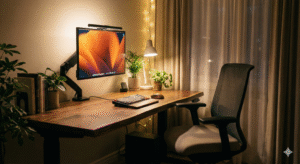
Your monitor controls your neck posture. Workplace ergonomics programs and visual ergonomics research generally suggest:
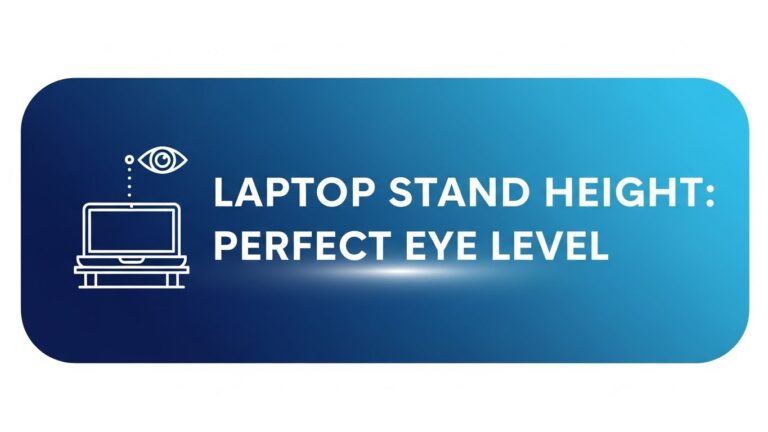
- Top of monitor at or slightly below eye level
- Distance: 50–70 cm
- Tilt: 10–20° upward
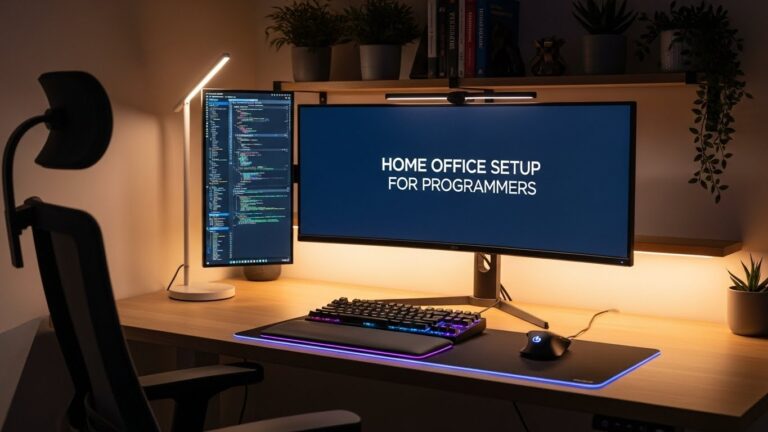
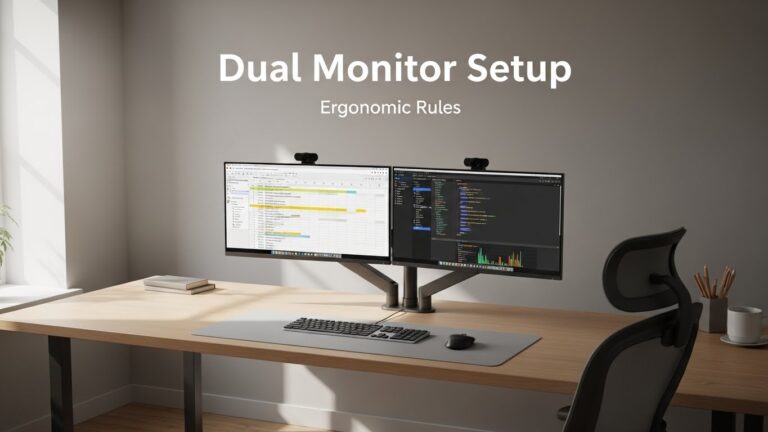
If you use dual monitors, place the primary screen directly in front to avoid twist-loading your spine.
Keyboard & Mouse Alignment
Once desk height matches your body height, your wrists should remain straight. Avoid upward wrist extension, which strains the extensors. If needed:
- Use a soft desk mat
- Switch to a low-profile keyboard
- Keep your mouse within shoulder width
Real-World Fix Scenarios
• Desk Too High (Fixed Height)
Raise your chair and add a footrest. Many affordable footrests offer 2–4 angle settings, helping maintain neutral posture for shorter users.
• Chair Cannot Be Lowered
Use a keyboard tray or thinner desk mat to reduce wrist extension.
• Shorter Users
You must stabilize your legs. Dangling feet affect hip and lower-back alignment.
• Taller Users
Use desk risers or an adjustable desk frame. Standard desks are usually too low for tall workers.
Lighting, Glare, and Desk Position
Lighting also affects posture. If glare forces you to lean forward or tilt your head, even a perfect desk height won’t help. Ideal setups place the desk perpendicular to the window and use a lamp between 3,500–4,500K for balanced, neutral lighting.
Research Insights
Ergonomic studies consistently show that neutral elbow angles and upright seated posture reduce muscle activation in the shoulders and upper back. Visual ergonomics guidelines from the American Optometric Association highlight that screen height within eye level helps reduce downward gaze stress.
Common Mistakes
- Desk too high → shoulders lift.
- Desk too low → slouching.
- Monitor too far → forward-head posture.
- Laptop without stand → constant neck flexion.
Quick Checklist
- Elbows at 90–100°
- Desk height aligns with elbow height
- Monitor at eye level
- Wrists neutral
- Feet grounded or supported
FAQ
1. What is the correct desk height for my body height?
Match your seated elbow height. This is the most reliable method across all body types.
2. Is a universal desk height good for everyone?
No. Most standard desks are optimized for users between 175–185 cm.
3. Should I buy an adjustable desk?
Not mandatory. A proper chair and footrest can achieve similar results.
4. How far should my monitor be?
50–70 cm is the typical recommended range.
5. How long until I feel improvements?
Most people feel less neck tension within 2–5 days after adjusting desk height.
Internal Links
Disclaimer
This guide focuses on general workstation ergonomics and environmental comfort. It does not provide medical or clinical advice.
Sources & Transparency
Author
Written by: Home Office Setup Project — Evidence-Informed Ergonomic Guidance

I’m not a medical professional, ergonomist, or workplace specialist.WorkNest exists to help everyday people build more comfortable, practical home office environments through clear explanations, visual guides, and common-sense adjustments.
Articles on this site are written from a non-expert perspective, focusing on real-world use, everyday discomforts, and widely accepted setup principles rather than clinical or professional advice.