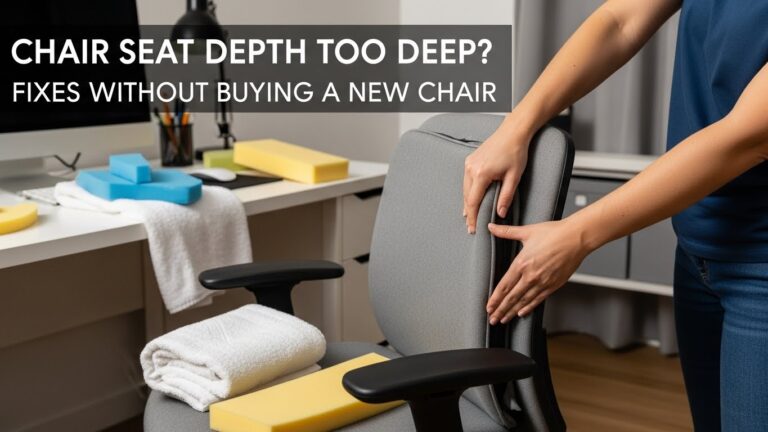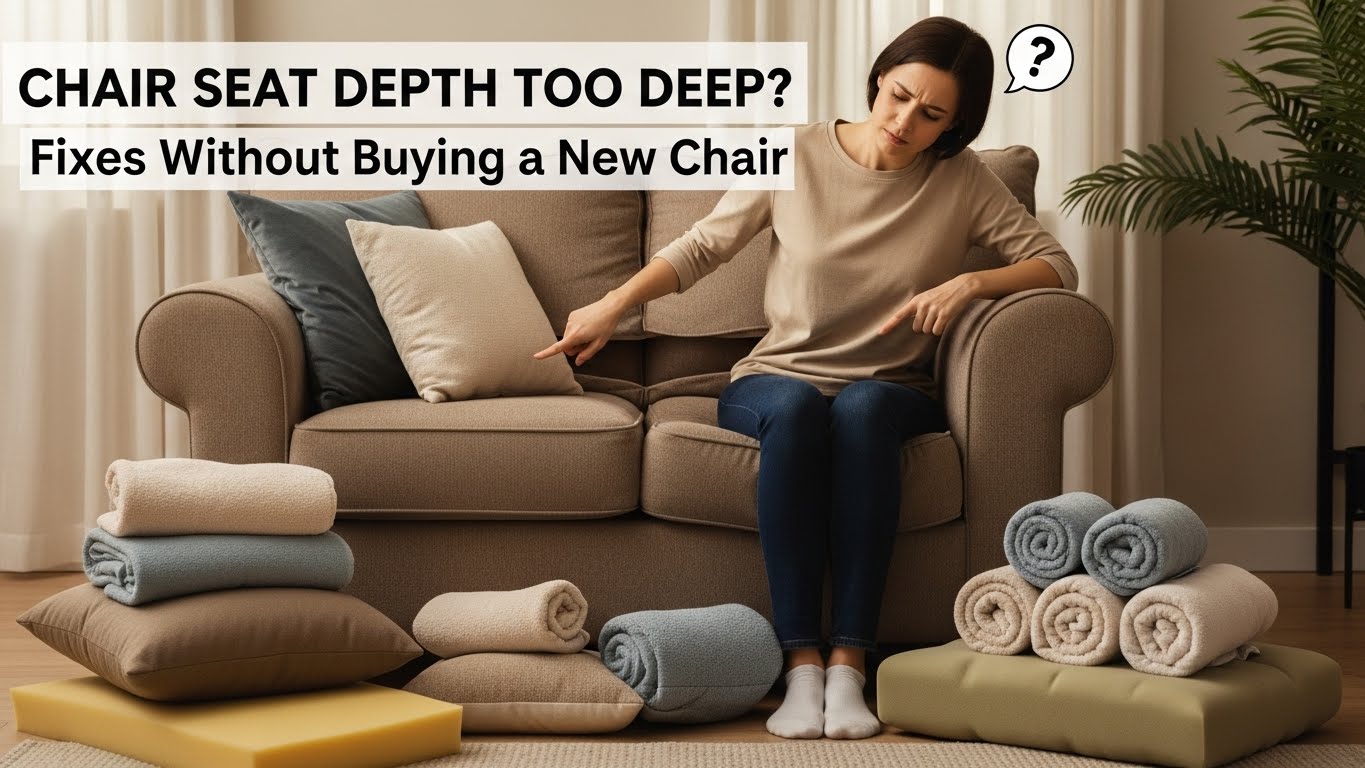
Chair seat depth too deep: fixes without buying a new chair
The fastest fix when your chair seat feels “too deep”
If your chair seat depth is too deep, it usually shows up as pressure behind the knees, sliding forward, or a lower back that can’t stay “tall”.
The quickest, no-cost solution is to shorten the “effective” seat depth by adding a firm support behind your lower back (a folded towel works).
That small change nudges your hips forward just enough so you can sit back without the seat edge digging into the back of your knees.
- Target check: sitting all the way back, you should fit 2–3 fingers between the seat edge and the back of your knee.
- Best quick win: add a firm towel/pillow behind your lower back (soft, squishy pillows usually fail).
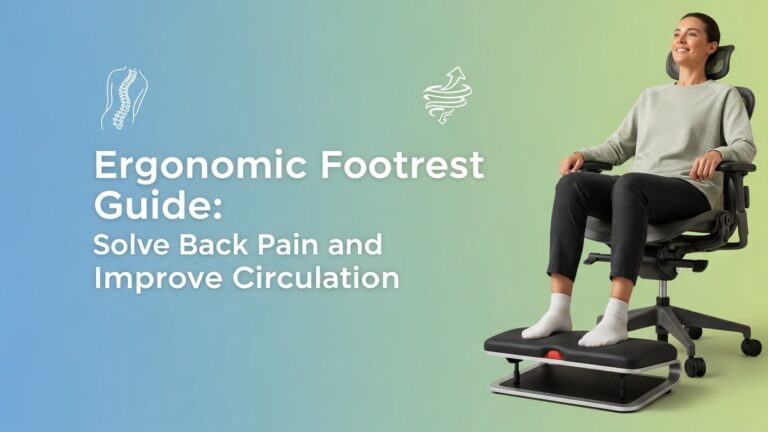
- Stop the slide-forward loop: make your feet feel stable (floor or footrest) before you change anything else.
- Don’t buy first: run the 2-minute test below. Most “too-deep” seats are fixable with positioning.
- Persistent numbness/tingling in legs or feet while sitting
- Cold feet, “pins and needles,” or symptoms that worsen week to week
- Severe calf pain, swelling, redness, or sudden one-sided symptoms
- Pain that radiates from low back down the leg (especially with sitting)
If any of these are present, stop forcing chair tweaks and consider professional evaluation. This guide is informational and does not replace medical care.
Last Updated: 2026-01-11 |
Expert Review: WorkNest Ergonomic Lab |
Author: WorkNest Team
- Sit all the way back: hips touching the backrest. Don’t perch.
- Knee gap check: keep sitting back and test the space behind the knee. You want 2–3 fingers, not “jammed.”
- Add firm back support: place a folded towel at your lower back (firm, not fluffy). Retest the knee gap.
- Lock your feet: if your feet don’t feel planted, add a footrest or stable object. Unstable feet = automatic sliding.
- Confirm the feel: lower back supported + no knee pressure + you don’t keep scooting forward every 10 minutes.
The annoying part about a chair seat depth too deep problem is that it doesn’t always feel “wrong” at first.
You sit down, it feels fine, then 30–60 minutes later you notice yourself sliding forward… again.
By mid-afternoon your knees feel pressured, your lower back loses contact with the backrest, and you’re basically holding yourself up with your shoulders.
That’s not a willpower issue. It’s a setup issue.
Here’s the rule that changes everything: a backrest can’t support you if the seat prevents a comfortable knee gap.
So your body picks the lesser evil—slide forward to save the knees—and your back pays the price.
The fixes below reverse that chain without buying a new chair.
Table of Contents
- 1) How to tell if your seat depth is “too deep” (3 signs + 1 fast measurement)
- 2) Why deep seats trigger sliding and slouching (the hidden loop)
- 3) The 4 fixes that work without buying a new chair (best order)
- 4) Desk height trap: when the desk makes the seat feel too deep
- 5) Symptom → likely cause → fastest fix (comparison table)
- 6) Common mistakes (what makes it worse)
- FAQ
- Internal Links
- Sources & References
- Professional Disclaimer
1) How to tell if your seat depth is “too deep” (3 signs + 1 fast measurement)
-
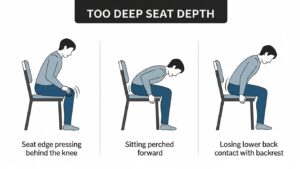
Sign #1: behind-knee pressure.
The seat edge presses into the soft area behind your knee (often shows up after 20–40 minutes). -
Sign #2: you keep perching.
You sit on the front half of the seat because sitting back feels “tight” or your knees complain. -
Sign #3: the backrest can’t “catch” you.
When you sit back, your lower back still feels unsupported, or your pelvis slides forward immediately.
Sit all the way back. If you can’t fit 2–3 fingers between the front of the seat and the back of your knee,
treat the seat as effectively too deep for work sessions.
2) Why deep seats trigger sliding and slouching (the hidden loop)
Think of your chair like a system with three anchors: feet, hips, and backrest.
A too-deep seat steals the knee gap, so you can’t keep your hips fully back without irritation behind the knee.
Your body’s workaround is predictable: slide forward.
If you readjust every 10–15 minutes, it’s rarely “weak core.”
It’s usually a mismatch—seat depth, foot stability, or desk height forcing a bad compromise.
Once you slide forward, the backrest stops helping because your pelvis moves away from it.
Now your torso “hangs,” your shoulders do extra work, and your lower back rounds.
The goal of the fixes is simple: restore backrest contact without knee pressure.
3) The 4 fixes that work without buying a new chair (best order)
Don’t try everything at once. Use this order—because the first two steps solve most setups fast.
-
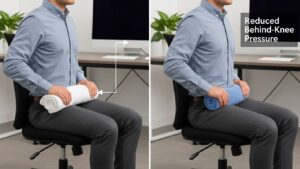
Fix #1 (best quick win): “Seat shortener” with firm back support
Use a tightly folded towel or a firm lumbar pillow behind your lower back.
The trick is firmness: it needs to hold you forward, not collapse.
Retest the knee gap immediately.Pro Tip: Place the towel at your lower back (not mid-back). If you feel it pushing your ribs instead of your pelvis, it’s too high. -
Fix #2: stabilize your feet (stop the drift)
If your feet don’t feel planted, your body will slide forward no matter how good the back support is.
Use a footrest or a stable stack (anything that doesn’t wobble).
The “win” is when your feet feel like anchors and you stop scooting. -
Fix #3: check chair height vs desk height (don’t let the desk force the problem)
If you raised the chair to reach the keyboard, the seat may feel deeper because your feet lost stability.
Try lowering the chair and adjusting the keyboard/mouse height (or bringing them closer) so you don’t need to perch. -
Fix #4: a tiny wedge only if sliding continues
If you keep sliding even with Fix #1 and #2, try a very small wedge under the front third of the seat (a folded towel works).
Keep it subtle. Big wedges can create new pressure points.
If Fix #1 helps for 10 minutes but fails later, the support is usually too soft or your feet are still unstable.
Make the towel denser and lock the feet first.
4) Desk height trap: when the desk makes the seat feel too deep
This is the sneaky scenario: the chair might be “okay,” but the desk height forces you to raise the chair.
Once the chair goes up, your feet lose contact, and your body starts searching for stability.
The easiest stability move is sliding forward—then the seat suddenly feels too deep.
Feet stable → hips back with support → elbows comfortable at the keyboard.
If your elbows still feel low at that point, adjust the keyboard/mouse height—not your hip position.
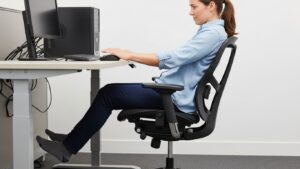
5) Symptom → likely cause → fastest fix (comparison table)
| What you feel | Most likely cause | Fastest fix |
|---|---|---|
| Pressure behind knees | Seat edge too close to the back of the knee (no knee gap) | Firm back support (“seat shortener”) + retest 2–3 finger gap |
| Sliding forward | Feet unstable (chair too high, no foot anchor) | Footrest or stable support + lower chair if possible |
| Lower back rounding | Backrest contact breaks when you slide or perch | Firm lumbar support + sit fully back (stop perching) |
| Hamstrings feel “pulled” | Perching posture + constant drift | Feet anchor first, then back support; avoid front-edge sitting |
6) Common mistakes (what makes it worse)
Soft cushions often make you sink and can increase the “edge pressure” feeling behind the knee.
If you want to add a cushion later, do it after you’ve already restored back support and foot stability.
If your body keeps sliding, it’s usually not motivation or discipline.
Fix the support mismatch, then posture becomes the easy part.
Many seat-depth complaints are actually “feet instability” complaints in disguise.
If your feet don’t feel steady, you’ll drift forward no matter what.
FAQ
Q1) How much space should I have behind my knees?
A) A small gap—commonly described as 2–3 fingers while sitting all the way back. If the seat edge presses into the back of your knee, treat it as effectively too deep for long work sessions.
Q2) Should I use a seat cushion to fix a deep seat?
A) Start with firm back support first. A soft cushion can make you sink and can worsen the “edge pressure” feeling. If you add a cushion, keep it modest and re-check knee gap and foot stability.
Q3) I keep sliding forward. Is that seat depth or something else?
A) Most of the time it’s foot stability or desk-chair mismatch. Lock your feet first (footrest if needed), then add firm back support. Sliding usually drops dramatically once the feet are anchored.
Q4) My chair has a seat slider. What should I do?
A) Slide the seat pan shorter until you can sit back with a small knee gap. Then re-check desk height so you don’t end up perching to reach the keyboard.
Q5) When should I consider replacing the chair?
A) If you still can’t sit back without knee pressure or constant sliding after trying (1) firm back support, (2) foot anchor, and (3) desk-height adjustments, a chair with adjustable seat depth may be worth it.
Internal Links
Office Chair Guide: 8-Hour Workdays
Ergonomic Footrest: Circulation Guide
Desk Height by Body Height
Sources & References
- OSHA: Computer Workstations eTool — Chairs
- University of Minnesota: Ergonomic Office Space (factsheet PDF)
- HFES: Anthropometric Data Guidelines (seating dimensions)
- PMC: Anthropometry-based chair sizing (buttock-popliteal length concepts)
Professional Disclaimer
If you have persistent numbness, tingling, weakness, significant swelling, or worsening pain, consult a qualified clinician or ergonomics professional.
Update Log:
– 2026-01-11: Merged two drafts into one “best-of” version. Removed unsupported numerical claims, kept validated checks (2–3 finger knee gap), clarified the foot-anchor-first priority, strengthened desk-height trap section, expanded common mistakes, and cleaned Sources into link-only format.

I’m not a medical professional, ergonomist, or workplace specialist.WorkNest exists to help everyday people build more comfortable, practical home office environments through clear explanations, visual guides, and common-sense adjustments.
Articles on this site are written from a non-expert perspective, focusing on real-world use, everyday discomforts, and widely accepted setup principles rather than clinical or professional advice.