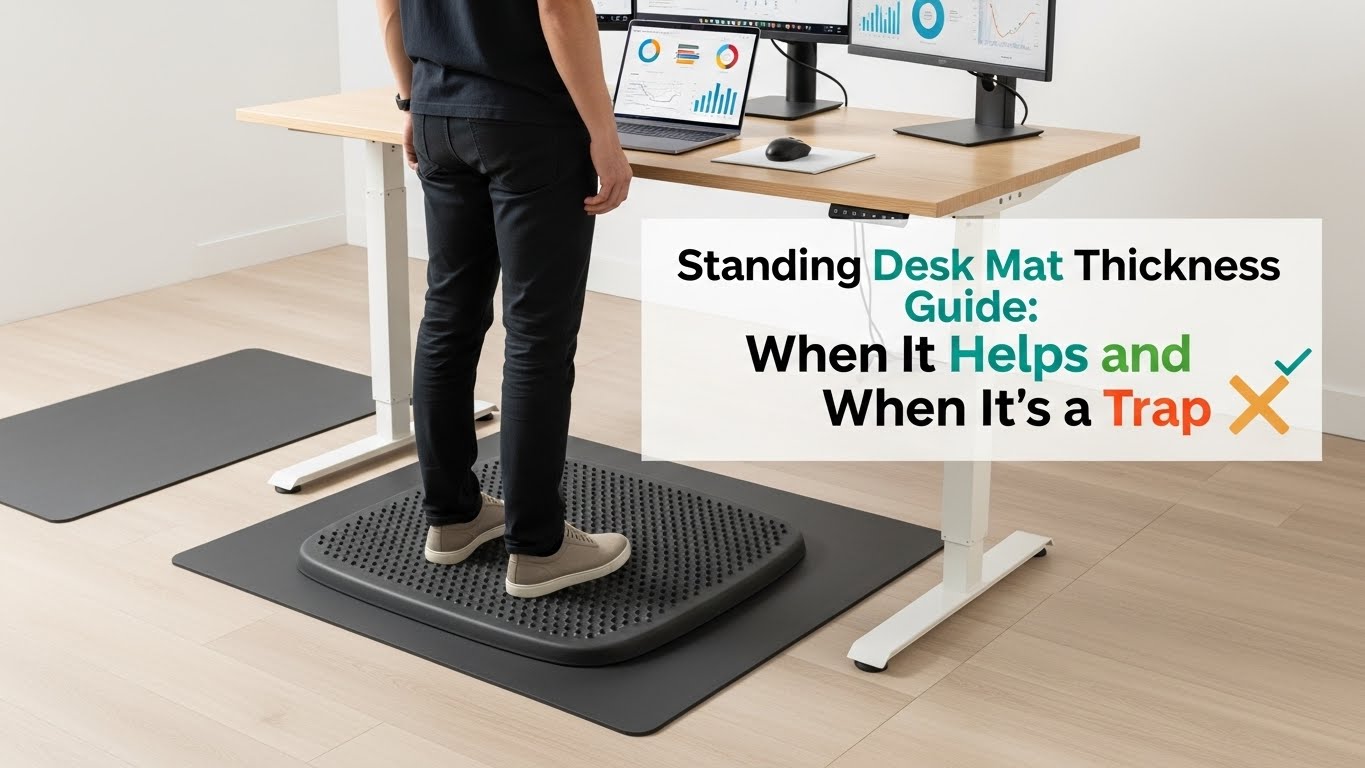
Standing Desk Mat Thickness Guide: The Stability-First Standard (15–20mm) + The “Trap” Signs
What is the best thickness for a standing desk mat?
For most home offices, the best standing desk mat thickness is 5/8–3/4 inch (about 15–20 mm)—but thickness alone is not the whole story.
What matters most is stability (density). A great mat feels supportive but “quiet”: your feet feel less pressure over time,
and your ankles don’t turn into a balance engine.
- Sweet spot: 15–20 mm with dense foam (supportive, stable, doesn’t bottom out fast)
- Too thin: feels like the floor; relief is minimal on hard surfaces
- Too thick / too soft: “wobble” → busy ankles, calf fatigue, posture drift
- Fast truth test: if ankles/calves feel “active” within 10–20 minutes, it’s a trap for desk work
- Calves/ankles feel tighter on the mat than on the floor
- You keep shifting weight because the surface feels unstable
- Your knees lock more often (you subconsciously search for stability)
- You trip or catch your toe on the edge during small steps
- Your chair wheels get stuck (or the mat becomes a constant obstacle)
Last Updated: 2026-01-05 |
Technical Review: WorkNest Ergonomic Lab (Evidence-checked) |
Author: WorkNest Team
- Start in the 15–20 mm range (5/8–3/4″).
- Stand naturally for 30 seconds (your usual shoes/socks).
- If ankles feel “busy” (micro-balancing, toe gripping) → it’s too soft/thick.
- If it feels like nothing changed vs bare floor → it’s too thin/too firm for your floor.
- The right mat feels quiet: you forget it’s there, but pressure builds up slower.
I used to think “thicker = better” until I tried an ultra-soft, thick mat that felt incredible for five minutes… then my calves started working like I was standing on a gentle balance board.
By lunch, I was more tired than when I stood on the floor.
That’s the standing mat trap: minute-one comfort followed by hour-two fatigue.
Mats can absolutely help during prolonged standing—especially on hard floors—but only when the surface stays stable enough that your body isn’t constantly correcting itself.
Table of Contents
- 1) Thickness vs softness vs density (why buyers get tricked)
- 2) The proprioception trap: why “too soft” is tiring
- 3) The golden zone: 15–20 mm (controlled deformation)
- 4) Floor + work style rules (typing vs calls vs active standing)
- 5) Edge design & trip risk (the hidden daily problem)
- 6) Chair wheels & small rooms: mat placement that doesn’t annoy you
- 7) Comparison table: pick the right thickness for your setup
- 8) Spec decoder: what to look for beyond thickness
- FAQ
- Internal Links
- Sources & References
- Professional Disclaimer
1) Thickness vs softness vs density (why buyers get tricked)
People talk about “thickness” like it’s the whole story. It’s not.
Two mats can be the same thickness, but one feels stable and the other feels like a sponge.
For desk work, softness and density are often the deciding factors.
Think of it like this:
thickness is the height, softness is the bounce, and density is the control.
A good mat allows pressure relief without creating a wobbly base.
2) The proprioception trap: why “too soft” is tiring
Standing at a desk for hours isn’t just a comfort problem—it’s a neuromuscular task.
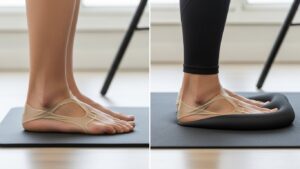
If the surface is overly soft, your feet send “fuzzy” stability signals upward, and your calves/ankles respond with constant micro-contractions.
That’s micro-fatigue: tiny effort that feels harmless… until it stacks up by mid-afternoon.
Stand naturally for 30 seconds. If your ankles feel “active” (tiny balancing, toe gripping, calf tightening),
the mat is too soft/thick for desk work. A good mat feels stable enough that your lower legs can relax.
When the mat is unstable, people often compensate by locking knees, leaning, or shifting posture.
That can change load up the chain—hips, low back, even shoulders—especially during focused tasks like typing.
3) The golden zone: 15–20 mm (controlled deformation)
Here’s the practical reality: most home offices do best with a mat that allows controlled deformation.
It compresses enough to spread pressure (heel/forefoot hotspots), but not so much that it creates sway.
- < 10 mm (~3/8″): often feels like the floor; relief is limited on hard surfaces
- 10–15 mm: light cushioning; fine for short standing bursts or less rigid floors
- 15–20 mm (~5/8–3/4″): the standard for most desks—supportive, stable (if foam is dense)
- > 25 mm (~1″+): higher wobble risk; more likely to trigger “busy ankles” and calf fatigue
| Thickness | Mechanical behavior | Best for | Watch out for |
|---|---|---|---|
| < 10 mm | Fast compression, minimal relief | Very short standing, surface protection | “Why did I buy this?” effect |
| 10–15 mm | Subtle cushion | Short bursts, softer floors, carpet | May still feel thin on tile/concrete |
| 15–20 mm | Controlled deformation | Most home offices, 20–60 min standing blocks | Cheap foam here can still feel wobbly |
| > 25 mm | Excessive sway risk | Short on-off tasks with lots of movement | Busy ankles, calf fatigue, trip risk |
4) Floor + work style rules (typing vs calls vs active standing)
The “best” thickness changes slightly depending on what you do while standing and what’s under you.
The key is still the same: stability first, cushioning second.
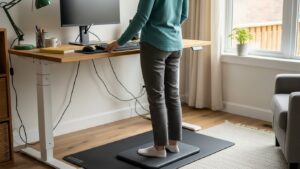
- Mostly typing/precision work: prioritize stability (often best at 15–20 mm dense)
- Calls/meetings while standing: a bit more cushion can feel nice—if it stays stable
- Hard tile/concrete floors: aim for 15–20 mm; thinner mats often feel like nothing
- Carpet: you can often go slightly thinner (10–15 mm) because carpet adds damping
If you stand in long blocks (30–90+ minutes), moderate cushioning can reduce pressure buildup—as long as your ankles stay quiet.
5) Edge design & trip risk (the hidden daily problem)
Even a “perfect” mat becomes annoying—or unsafe—if the edge catches your toe.
In tight home offices, you take tiny steps, rotate, slide back to sit, and move around the chair area.
That’s why edge design matters more than most people expect.
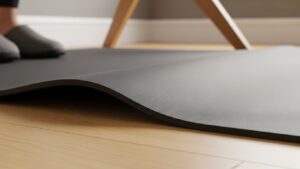
- Beveled edges: safer transitions, fewer stumbles
- Sharp/flat edges: more toe catches (especially when stepping back)
- Non-slip base: prevents “mat creep” (constant re-centering is a slow productivity leak)
- Practical note: many high-quality mats use a bevel around ~20° to reduce trip hazards
6) Chair wheels & small rooms: mat placement that doesn’t annoy you
A common mistake is placing a thick mat directly in the path of a rolling chair.
Wheels catch, you fight friction, and the mat turns into a daily obstacle.
- Best pattern: create a standing-only zone (mat lives where you stand, not where the chair rolls)
- If you roll in/out often: choose a mat with a clean bevel + place it slightly behind/side of the chair path
- If you swivel a lot: prioritize stability and edge design over thickness
If the mat makes you think about the mat all day, it’s not the right mat—or it’s not in the right place.
7) Comparison table: pick the right thickness for your setup
| Your setup | Mat choice that usually works | Avoid (common trap) |
|---|---|---|
| Mostly typing while standing | 15–20 mm, dense foam, stable feel | Very soft/thick wobble foam |
| Hard floor (tile/concrete) | 15–20 mm, controlled deformation | Thin mat that feels like the floor |
| Short standing bursts (10–20 min) | 10–20 mm, stability-first | Deep cushion (overkill → fatigue risk) |
| Small room, lots of tiny steps | Beveled edge + non-slip base | Sharp edge / sliding mat |
| Chair rolls in/out often | Standing-only zone placement | Thick mat directly in chair path |
8) Spec decoder: what to look for beyond thickness
If you want a mat that stays good after the novelty wears off, check these specs/traits.
Thickness gets you in the neighborhood; density + geometry decide if you’ll actually like living with it.
- Density (the hidden winner): dense foam feels stable and supportive, not bouncy
- “Bottoming out” resistance: your heel shouldn’t compress straight to the hard floor quickly
- Edge bevel: smoother transitions, fewer toe catches (especially in tight rooms)
- Surface texture: enough grip to prevent sliding, not so sticky it traps your steps
- Size: big enough for your natural stance + small shifts, not so big it blocks chair movement
That’s what the 15–20 mm stability-first standard is trying to achieve.
FAQ
Q1) Is a thicker standing desk mat always better?
A) No. Too thick or too soft can create instability and extra calf/ankle work. Stability first, cushioning second.
Q2) Why do my calves feel tighter on an anti-fatigue mat?
A) Often it’s the “busy ankles” problem: your lower legs keep micro-balancing on a surface that’s too soft or too thick. Try a denser, more stable mat or shorten standing blocks.
Q3) What thickness is best for typing while standing?
A) Usually 15–20 mm with dense foam. Typing is a precision task—extra wobble often shows up as calf fatigue and posture drift.
Q4) What thickness is best on concrete or tile?
A) On very hard floors, 15–20 mm is often the most reliable range. Thinner mats may feel like the bare floor.
Q5) What if I only stand for short bursts?
A) You can go thinner, but don’t go spongier. A stable mat (often 10–20 mm) usually feels better than a thick, bouncy one.
Q6) Is it okay to stand barefoot or in socks?
A) It depends. If you feel toe gripping or wobble, use stable footwear or choose a firmer, denser mat.
Q7) Should I place the mat under the chair too?
A) Usually no. Thick mats can interfere with rolling and become a daily hassle. Keep it as a standing-only zone near (not under) the chair’s path.
Q8) How do I know I picked the right mat without overthinking it?
A) The “quiet ankles” test. If your lower legs relax and pressure builds slower over time, you’re probably in the right zone.
Internal Links
Standing Desk Height Guide: Correct Setup for Long-Hour Comfort and Posture
Standing Sitting Hybrid Workflow: How to Work Comfortably All Day
Ergonomic Footrest Guide: Solve Back Pain and Improve Circulation
Sources & References
- OSHA — Computer Workstations eTool (neutral positioning & comfort principles)
- NIOSH — Computer Workstation Checklist (PDF)
- NIH (PMC) — Standing mats research (fatigue/pressure redistribution)
- Ergo-Plus — Standing mat ergonomics overview
Professional Disclaimer
This article is for informational purposes only and does not replace professional ergonomic or medical advice.
If you have persistent pain, numbness, swelling, worsening symptoms, or known conditions (e.g., severe ankle instability, chronic plantar fasciitis),
consult a qualified clinician or ergonomics professional before changing your standing routine.
Update Log:
– 2026-01-03: Built thickness vs softness framework, stability tests, edge safety, and selection comparison table.
– 2026-01-05: Added stability-first standard (15–20 mm), proprioception trap explanation, controlled deformation table, and spec decoder.

I’m not a medical professional, ergonomist, or workplace specialist.WorkNest exists to help everyday people build more comfortable, practical home office environments through clear explanations, visual guides, and common-sense adjustments.
Articles on this site are written from a non-expert perspective, focusing on real-world use, everyday discomforts, and widely accepted setup principles rather than clinical or professional advice.