Desk Placement Guide: Window, Light Direction, and Reflection (2026)
Where is the best place to put a desk in a home office?
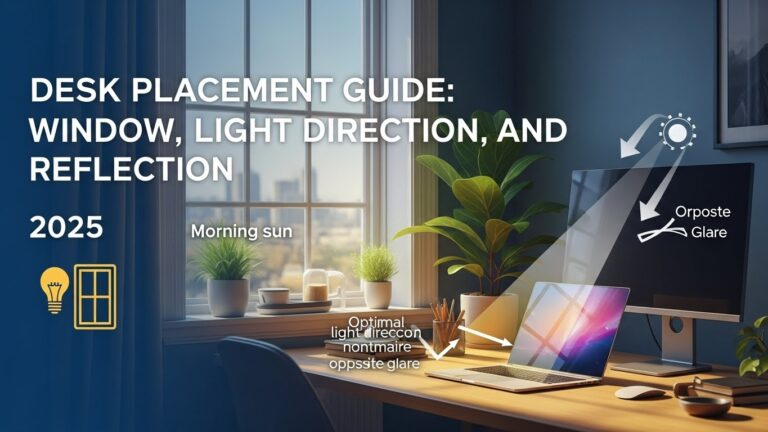
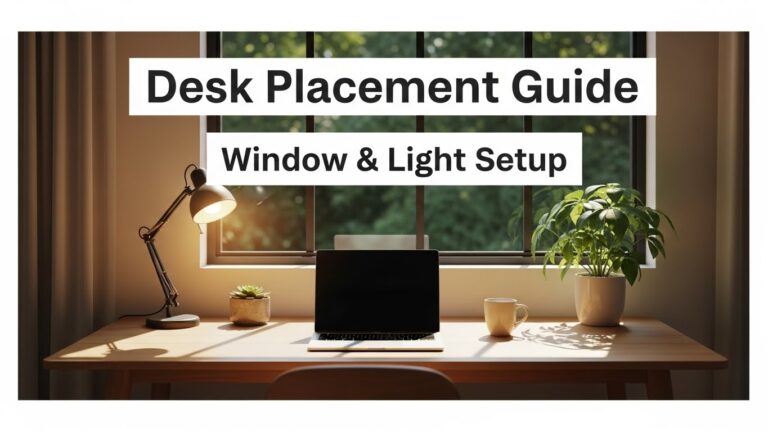
In most rooms, the best placement is the 90-degree rule:
position your desk perpendicular to the window.
You get daylight without the two productivity killers—glare and extreme brightness contrast.
The goal is a stable visual field your eyes don’t have to “fight” all day.
- Side-lighting: window to the side beats facing it or sitting with your back to it
- Monitor reflection: aim for zero glare across normal head movement, not just one “perfect” spot
- Contrast balance: avoid huge brightness gaps between screen and surroundings
- Video calls: a soft side-front light angle reduces harsh facial shadows
- Eye travel: keep a natural sightline so you can periodically look far (reduce near-focus fatigue)
- Headaches, burning eyes, or “dry” eye feeling after screen work
- Blur when switching focus from monitor to room
- Unconscious neck tilting / leaning forward to escape glare
- Afternoon sensitivity to screen brightness (you keep lowering brightness but it still feels harsh)
Last Updated: January 2, 2026 |
Expert Review: WorkNest Workspace Lab |
Author: WorkNest Studio Editorial Team
Desk placement looks simple—until you work eight hours straight and notice a pattern:
your eyes feel heavy, your neck keeps turning, and the screen “never looks quite right.”
A lot of home office discomfort isn’t the chair.
It’s how the desk sits inside the room’s light.
This guide focuses on what actually changes day-to-day performance:
window position, light direction, reflection control, and work-type fit.
The target is not perfection—it’s stable visual comfort that holds up all day.
Table of Contents
- 1) Desk placement relative to windows (the 90-degree rule)
- 2) Light direction and contrast balance
- 3) Reflection control: the Mirror Test
- 4) Desk placement by work type (writing, meetings, design/coding)
- 5) If your room layout is fixed (compensation checklist)
- 6) Good vs bad desk placement signals
- 7) FAQ
- 8) Internal Links
- 9) Sources & References
- 10) Professional Disclaimer
1) Desk placement relative to windows (the 90-degree rule)
The most common mistake is placing the desk directly facing a window.
The view is nice, but it creates extreme brightness contrast:
your eyes keep adapting between the bright outdoors and the darker monitor.
That constant adaptation is quiet fatigue.
The simplest “works in almost every apartment” rule:
place the desk perpendicular to the window so daylight arrives from the side.
This gives you the psychological boost of daylight without turning your screen into a glare magnet.

every time you glance up, you likely have too much contrast. Rotate the desk toward the 90-degree setup.
2) Light direction and contrast balance
Light direction matters more than raw brightness.
Side-front lighting is usually the sweet spot:
it supports focus, keeps your face readable for calls, and reduces harsh screen reflections
when you move your head naturally.
- Avoid backlighting: window directly behind you often causes mirror-like reflections on the monitor.
- Avoid “screen vs sun” contrast: if the window is in front of you, your pupils keep changing size.
- Stabilize the field: blinds/curtains aren’t decoration—they’re contrast control tools.
3) Reflection control: the Mirror Test
If you see reflections when shifting posture, the setup is wrong—even if it looks fine at first glance.
The worst part is you don’t notice the cost immediately:
you start making tiny head movements to “escape” glare,
and those tiny movements become neck/shoulder fatigue by evening.
Hold a small mirror against your monitor surface at eye level.
If you can see a window, bright lamp, or ceiling light from your seated position,
that source is adding visual noise. Fix it by:
(1) rotating the desk slightly, (2) lowering/angling blinds, or (3) moving the light to a side-front angle.

4) Desk placement by work type
The “best” placement depends on what you do most hours of the week.
Same room, different priorities.
- Writing / analysis: face a calmer visual field (wall is often best) + strict glare control.
- Meetings-heavy: prioritize even face lighting + stable camera background.
- Design / coding: symmetry matters—center the monitor, reduce reflections, keep consistent brightness.
- Long sessions: the main goal is consistency (your eyes love predictable scenes).
5) If your room layout is fixed (compensation checklist)
If you can’t move the desk much, you can still “win” by controlling light and contrast:
- Facing a wall: add bias lighting behind the monitor so the wall isn’t much darker than the screen.
- Facing a window (unavoidable): use blinds + lower monitor brightness + keep the window diffused (sheer curtain helps).
- Back to a window: move the monitor slightly off-axis + tilt down a bit + block direct light hitting the panel.
- Afternoon sun problem: plan for the sun path; adjustable blinds beat “one-time” curtain fixes.
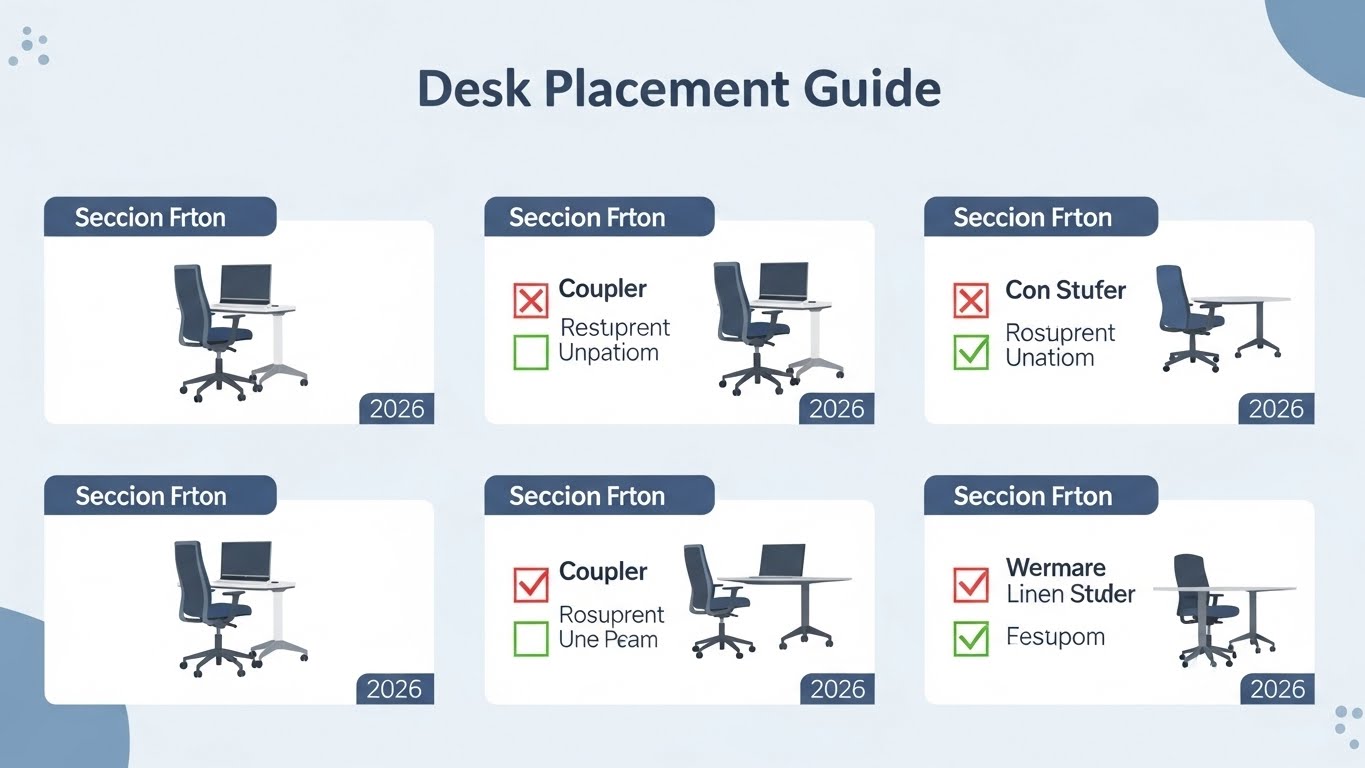
6) Good vs bad desk placement signals
| Signal | Poor Placement | Optimized Placement (95+) |
|---|---|---|
| Eye comfort | frequent squinting / dry eyes | neutral relaxed gaze |
| Neck movement | constant rotation / leaning | minimal head travel |
| Screen clarity | washed out text / reflection patches | stable contrast across posture shifts |
| Focus | environment distraction | stable visual field |
7) FAQ
Q1) Should my desk face the window?
A) Usually no. Facing a window increases brightness contrast and eye adaptation. Side placement is typically better.
Q2) Is back-to-window placement okay?
A) It often creates monitor reflections and forces micro posture adjustments. If unavoidable, use blinds + rotate slightly off-axis.
Q3) What if my room only allows the desk to face a wall?
A) Facing a wall can be excellent for focus. Add bias lighting behind the monitor so the wall isn’t dramatically darker than the screen.
Q4) Is a matte screen enough to ignore placement rules?
A) Matte helps diffuse reflections, but it doesn’t eliminate veiling glare or contrast problems. Placement still matters.
Internal Links
Monitor Distance & Eye Level Optimization
The Expert LED Desk Lamp Selection Guide
Professional Home Office Lighting Setup
Sources & References
NIOSH – Ergonomics and Workstation Design
NIH – Visual ergonomics and digital eye strain research
This article is for informational purposes only and does not replace professional ergonomic or medical advice.
If visual discomfort, headaches, or neck pain persist, consult a qualified specialist (eye care or ergonomics).
Update Log:
– Jan 2, 2026: Merged the 90-degree window rule + side-front lighting framework, added work-type placement, expanded fixed-layout compensation, converted sources to one-line format.

I’m not a medical professional, ergonomist, or workplace specialist.WorkNest exists to help everyday people build more comfortable, practical home office environments through clear explanations, visual guides, and common-sense adjustments.
Articles on this site are written from a non-expert perspective, focusing on real-world use, everyday discomforts, and widely accepted setup principles rather than clinical or professional advice.