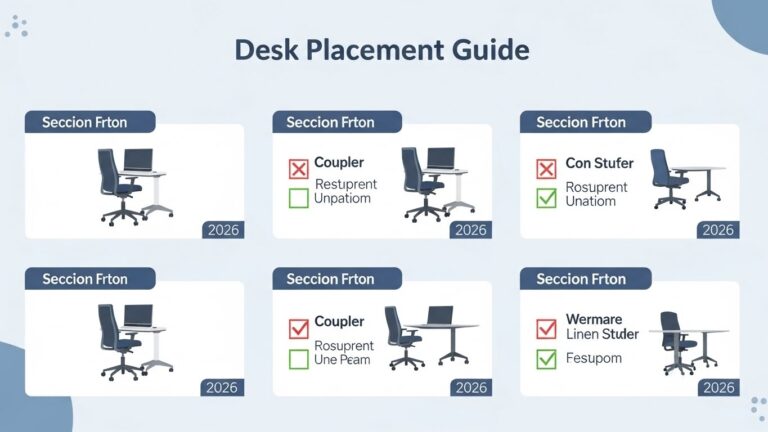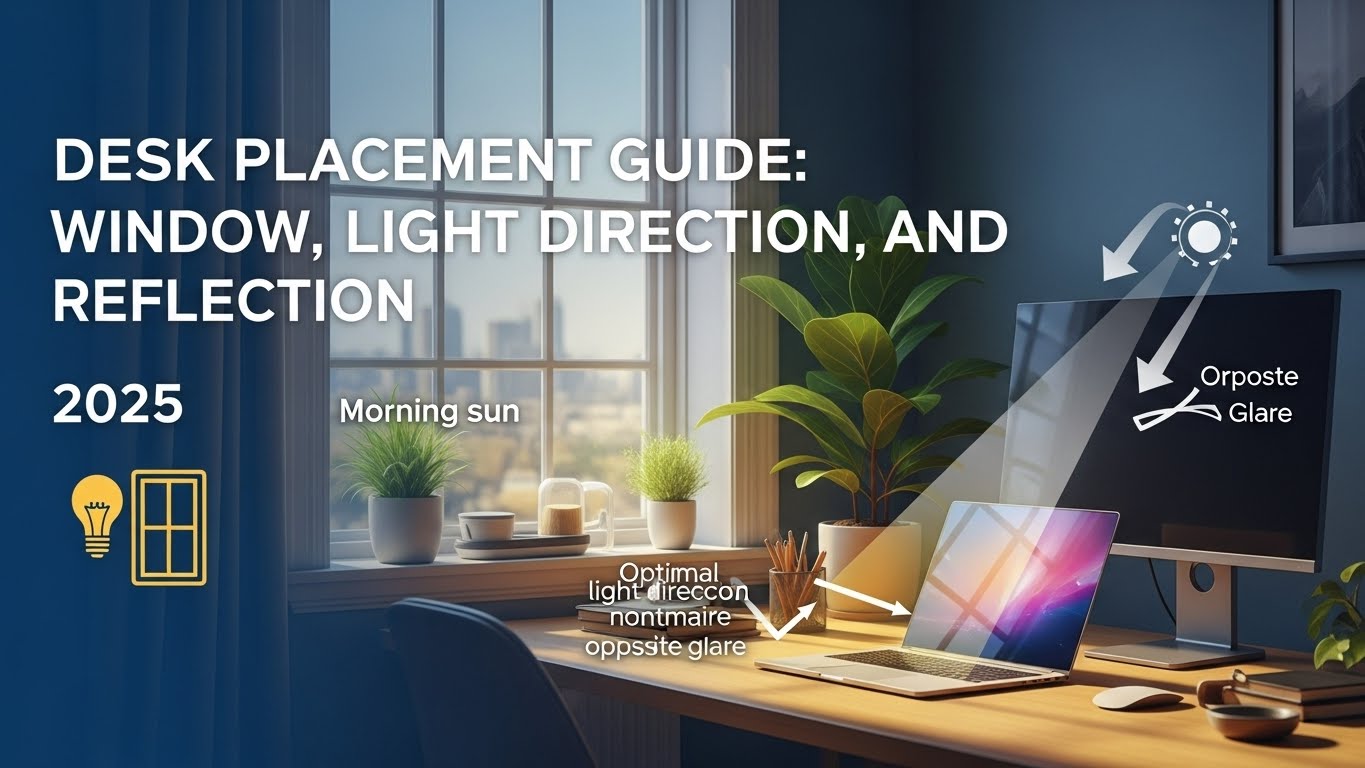
Desk Placement Guide: Window, Light Direction, and Reflection (2025)
The most reliable setup is placing your desk perpendicular to the window (side-lighting).
This reduces screen glare and reflection while keeping the room bright enough to prevent harsh contrast.
If you want a simple rule that works in most rooms, start here:
- Side-lighting: Keep the window at roughly a 90° angle from your line of sight.
- Glare control: Make sure no window/lamp reflection sits on your monitor.
- Balanced brightness: Avoid “bright window + dark screen” setups.
- Video calls: Facing the light is usually better than having light behind you.
- 20-20-20: Use the window view as a long-distance focus break every 20 minutes.
If these show up regularly, your desk orientation (and light direction) may be a bigger problem than your screen settings:
- Headaches during/after work sessions
- Burning, itchy, or dry eyes
- Blurred vision when switching focus screen ↔ room
- Leaning forward, squinting, or “hunting” for contrast
Last Updated: December 27, 2025 |
Expert Review: WorkNest Workspace Lab |
Note: Informational only (not medical advice)
Desk placement is one of the most underestimated “performance upgrades” in a home office.
People buy ergonomic chairs, higher-end monitors, even new webcams—then still get eye strain,
glare, and that drained feeling by mid-afternoon.
Weirdly often, it’s not the gear. It’s the angle.
If your screen looks fine at 10 AM but feels washed out at 3 PM,
or you keep changing brightness like you’re playing whack-a-mole,
your desk-to-window relationship is probably the root cause.
In real rooms, the biggest improvement is often just a 90-degree rotation.
Table of Contents
- 1) Desk placement relative to windows (the 90-degree rule)
- 2) Light direction and visual comfort
- 3) Reflection and glare control (fast checks)
- 4) Desk placement in small rooms
- 5) Good vs bad desk placement (table)
- 6) FAQ
- 7) Related guides on this site
- 8) Scientific sources & references
- 9) Professional disclaimer
1) Desk placement relative to windows: the 90-degree rule
The most common mistake is placing a desk directly facing a window.
It feels pleasant at first (the view, the daylight), but it creates a harsh contrast problem:
bright background + comparatively dim monitor.
The downside of facing the window
When your eyes constantly balance a bright exterior and a darker screen, you end up doing nonstop “auto-adjust.”
Over time, that can feel like fatigue, tension, and a creeping need to lean forward to “read through” the glare.
The solution: perpendicular placement
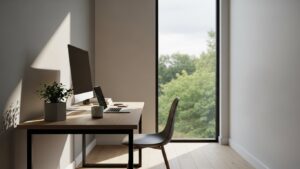
Placing your desk perpendicular to the window lets light enter from the side.
You get natural brightness without turning your screen into a mirror.
It’s the most stable “default” for long workdays.
2) Light direction and visual ergonomics
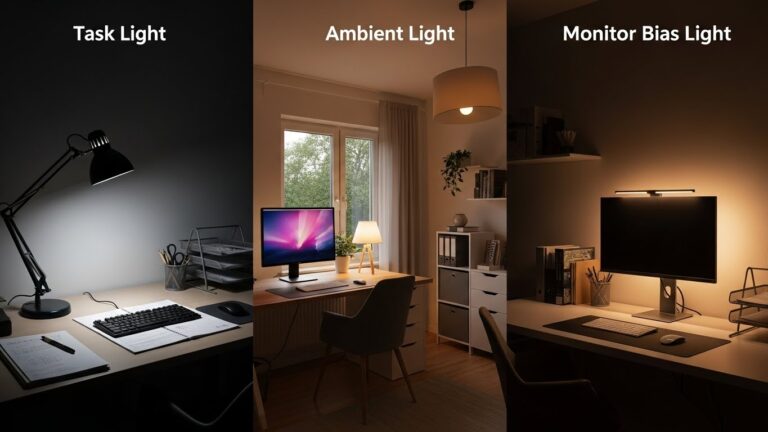
Light direction matters more than raw brightness.
The goal is “even enough” lighting so your eyes aren’t forced into constant adaptation.
- Front or side lighting: Better for screen contrast, paper tasks, and video calls.
- Avoid backlighting: A window behind you often causes reflection and makes your face look darker on camera.
- Keep it consistent: A stable ambient level usually feels better than dramatic day-to-night swings.
3) Specular reflection and glare control
Glare is basically visual noise. It reduces the contrast of text and UI elements
and makes your eyes work harder than they should.
It’s especially obvious with bright windows and glossy screens.
Turn your monitor off. If you see a window or lamp clearly reflected on the black screen,
that reflection is likely annoying your eyes while you work.
If you can’t rotate the desk fully, even a small adjustment helps:
shift the screen angle, move the lamp, or add blinds/curtains to cut direct light.
4) Desk placement in small rooms
In small apartments, perfect geometry isn’t always possible.
If you can’t do a clean 90-degree setup, prioritize glare control over symmetry.
A slightly angled desk (even 15–20 degrees) can reduce reflections more than you’d expect.
Also: watch how light changes through the day. Some rooms are “fine” in the morning and brutal in the afternoon.
Desk placement should match the daily light pattern, not just the first hour of work.
5) Comparison: good vs bad desk setup
| Setup Factor | Poor Placement | Optimal Placement |
|---|---|---|
| Window orientation | Facing (glare) or behind (reflection) | Perpendicular (side-lighting) |
| Contrast balance | High contrast swings | More stable brightness |
| Video call lighting | Silhouette / dark face | Even face lighting |
6) FAQ
Q: Should I face the wall to avoid distractions?
A: Facing a wall can be great for focus—just make sure you still have side or front lighting,
and you’re not turning the wall into a dark “cave” behind the monitor.
Q: My room is too small for a true 90-degree setup. What’s the next best move?
A: Reduce glare first: adjust angles, use curtains/blinds, and keep the brightest light source out of your monitor’s reflection.
Even small changes can lower visual strain a lot.
Q: Does desk placement really affect video calls?
A: Yes. If the window is behind you, the camera often exposes for the bright background and your face looks darker.
Facing the light (or having it slightly off to the side) usually looks more professional.
Q: Does the 20-20-20 rule still matter if lighting is perfect?
A: Yes. Even with a great setup, your eyes benefit from changing focus distance regularly.
Related Guides on This Site
Monitor Distance and Eye Level Guide
Best LED Desk Lamps for Eye Comfort
Professional Webcams for Home Offices
Scientific Sources & References
-
NIOSH (CDC) – Ergonomics and workstation guidance
-
NIH (PubMed Central) – Visual fatigue and the digital environment
-
UK HSE – Display screen equipment and ergonomics guidance
Professional Disclaimer
If you experience persistent headaches, severe eye discomfort, vision changes, or symptoms that interfere with daily life, consider evaluation by a qualified professional.

I’m not a medical professional, ergonomist, or workplace specialist.WorkNest exists to help everyday people build more comfortable, practical home office environments through clear explanations, visual guides, and common-sense adjustments.
Articles on this site are written from a non-expert perspective, focusing on real-world use, everyday discomforts, and widely accepted setup principles rather than clinical or professional advice.