Ultimate Guide to Building a Comfortable Work-from-Home Corner
Last Updated: 2025-12-25
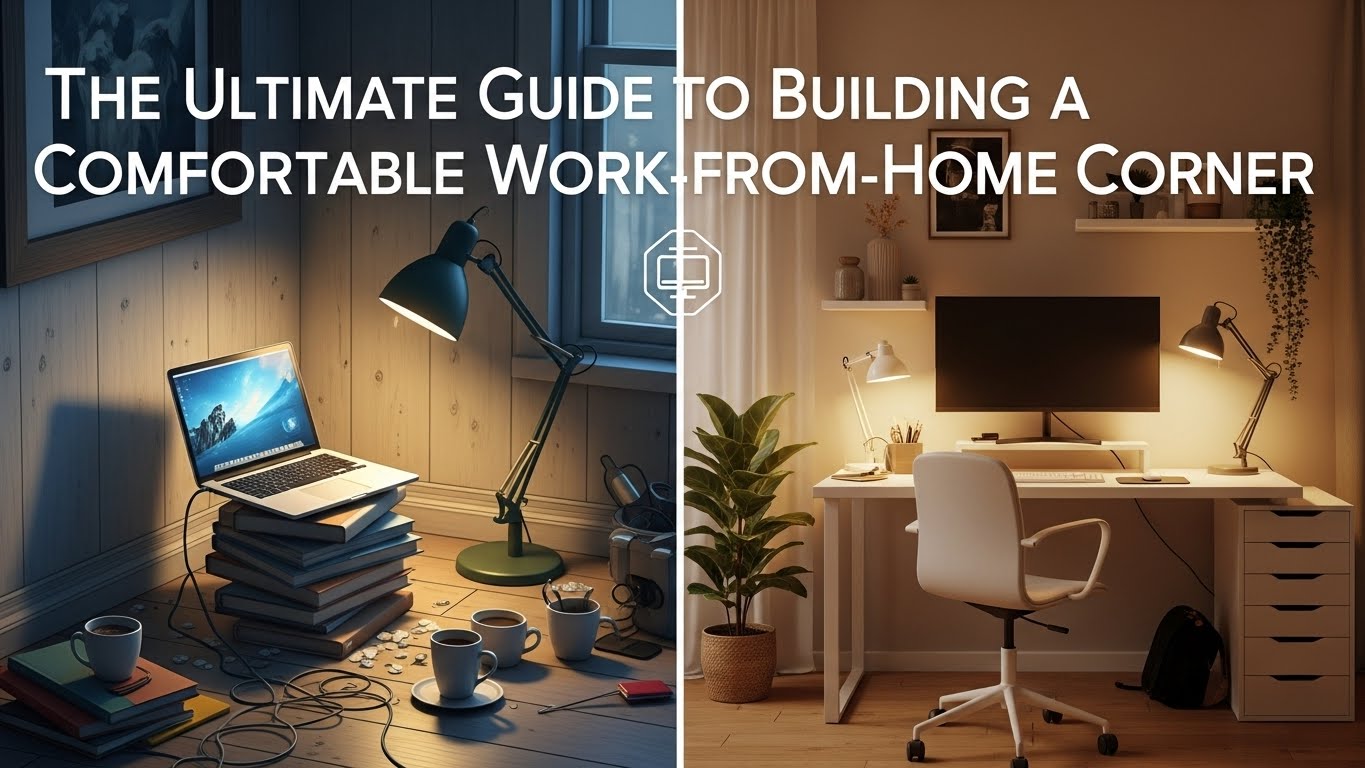
A comfortable work from home corner is not created by buying one good chair or desk. Discomfort usually comes from small mismatches between space, posture, lighting, and workflow. This guide explains how to build a comfortable work from home corner by identifying the root causes of fatigue and fixing them systematically—using ergonomics, environmental psychology, and real home office experience.
Table of Contents
- Why Comfort Fails in Home Office Corners
- Real Experience: Why “Good Gear” Still Feels Uncomfortable
- Corner Space Planning: Width, Depth, and Boundaries
- Posture Load and Seating Strategy
- Lighting Layers That Reduce Fatigue
- Noise, Air, and Thermal Comfort
- Workflow Design Inside a Small Corner
- Comfort Elements Comparison Table
- Common Comfort-Destroying Mistakes
- Comfort Setup Checklist
- Internal Links
- Disclaimer
- Sources & Research
Why Comfort Fails in Home Office Corners
Most uncomfortable work from home corners fail for the same reason: everything works individually, but nothing works together. A chair might be ergonomic, but desk height is off. Lighting is bright, but glare is uncontrolled. Comfort breaks down due to cumulative strain, not one big mistake.
Real Experience: Why “Good Gear” Still Feels Uncomfortable
Many people upgrade their chair or desk and expect instant relief. What they often notice instead is that discomfort simply shifts—from the lower back to the neck, or from eyes to shoulders. The realization usually comes later: comfort is a system, not a product.
Corner Space Planning: Width, Depth, and Boundaries
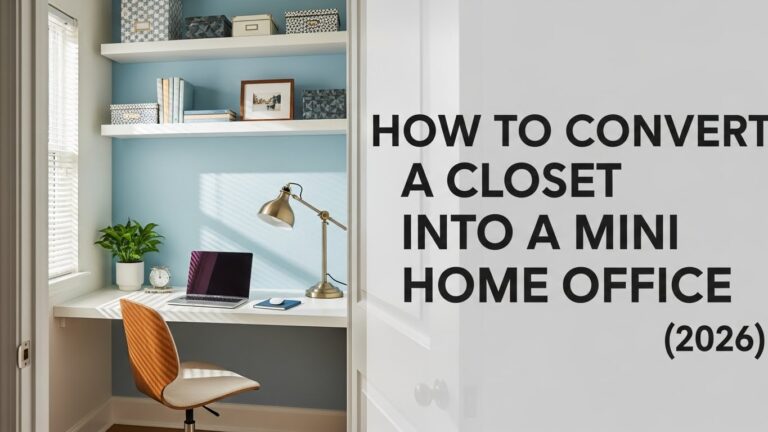
A comfortable work from home corner starts with spatial limits:
- Minimum desk width: 120cm for monitor + input comfort
- Minimum depth: 60–70cm to maintain viewing distance
- Clear boundaries between work zone and living space
Posture Load and Seating Strategy
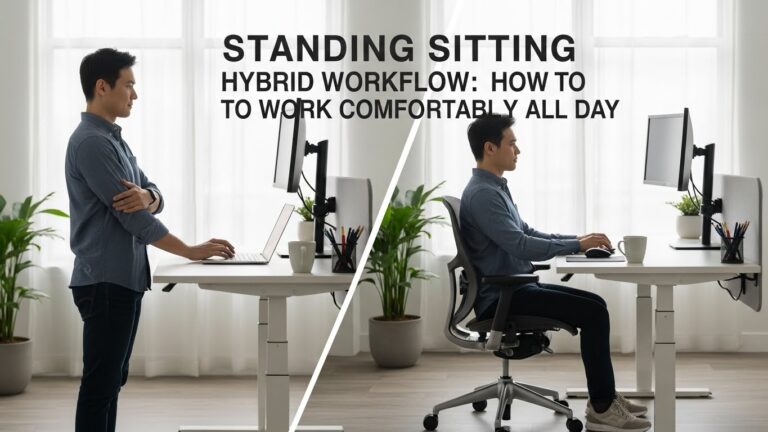
Comfort depends on load distribution, not perfect posture:
- Sitting concentrates load on the lumbar spine
- Standing shifts load to feet and calves
- Movement redistributes load dynamically
| Position | Main Load Area | Risk if Prolonged |
|---|---|---|
| Sitting | Lower back | Stiffness, compression |
| Standing | Feet, calves | Fatigue, soreness |
| Alternating | Distributed | Lowest overall strain |
Lighting Layers That Reduce Fatigue
Single light sources cause visual stress. Effective corners use layers:
- Ambient light to reduce contrast
- Task light for desk work
- Indirect light to soften shadows

Noise, Air, and Thermal Comfort
Comfort is multisensory:
- Low-level background noise increases cognitive load
- Dry air worsens eye and throat discomfort
- Heat buildup accelerates fatigue
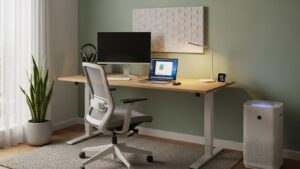
Workflow Design Inside a Small Corner
A comfortable work from home corner supports task flow:
- Primary tools within arm’s reach
- Secondary tools outside immediate reach
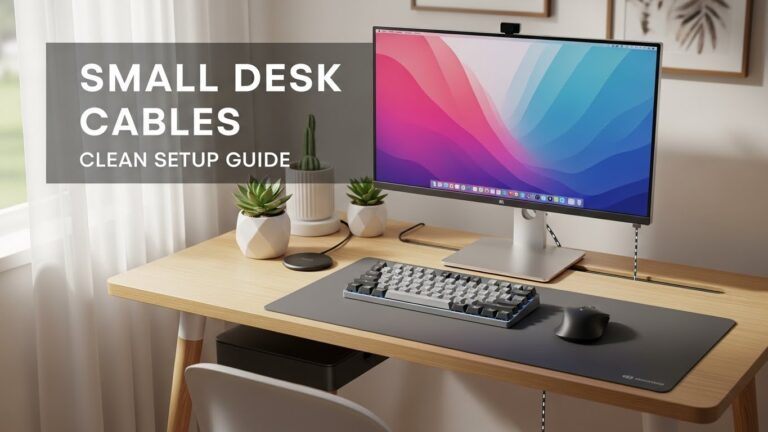
- Clear desk surface to reduce visual clutter
Comfort Elements Comparison Table
| Element | Poor Setup | Optimized Setup |
|---|---|---|
| Chair | Static posture | Adjustable support |
| Lighting | Single overhead | Layered lighting |
| Noise | Uncontrolled | Reduced or masked |
| Workflow | Scattered tools | Zoned layout |
Common Comfort-Destroying Mistakes
- Focusing on one product instead of the system
- Ignoring lighting and air quality
- Never reassessing setup after long use
Comfort Setup Checklist
- Desk width and depth sufficient
- Adjustable chair and monitor height
- Layered lighting
- Noise and airflow managed
- Workflow zones defined
Internal Links
Disclaimer
This article provides general workspace comfort guidance and does not replace medical or ergonomic consultation.
Sources & Research

I’m not a medical professional, ergonomist, or workplace specialist.WorkNest exists to help everyday people build more comfortable, practical home office environments through clear explanations, visual guides, and common-sense adjustments.
Articles on this site are written from a non-expert perspective, focusing on real-world use, everyday discomforts, and widely accepted setup principles rather than clinical or professional advice.