Best Desk Fans and Quiet Cooling Solutions for Home Office
Last Updated: 2025-12-23
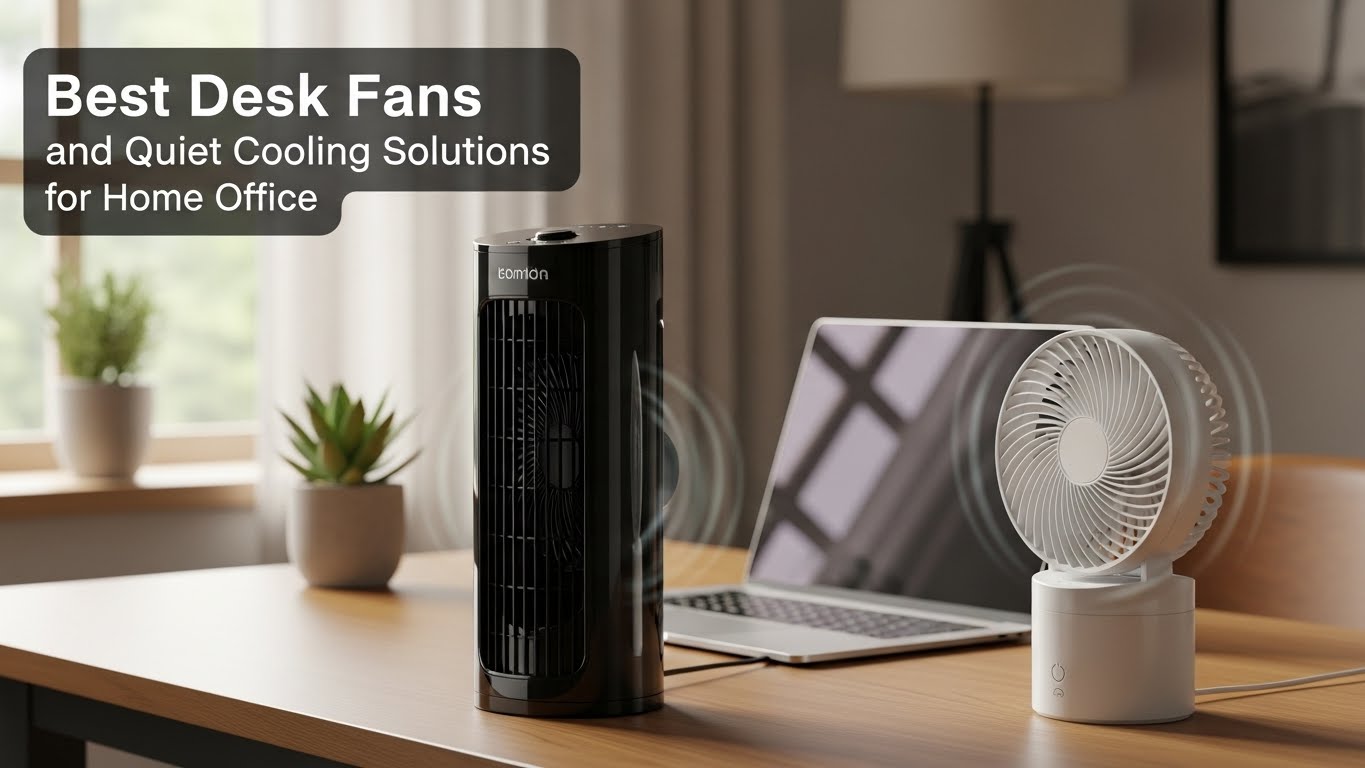
Best desk fans and quiet cooling solutions are essential for maintaining focus during long home office sessions. Excess heat increases fatigue, reduces concentration, and worsens sleep quality after work. This guide explains how to choose desk fans and quiet cooling solutions that lower perceived temperature without adding distracting noise—using principles from thermal comfort research and real home office use cases.
Table of Contents
- Why Quiet Cooling Matters for Focus
- Thermal Comfort Basics (Why Airflow Works)
- Understanding Fan Noise Levels
- Types of Desk Fans Explained
- Desk Fan Placement for Maximum Cooling
- Quiet Cooling Alternatives to Fans
- Best Picks by Work Scenario
- Common Cooling Mistakes
- Quick Buyer’s Checklist
- FAQ
- Internal Links
- Disclaimer
- Sources & Research
Why Quiet Cooling Matters for Focus
Best desk fans and quiet cooling solutions reduce thermal stress without adding auditory distraction. Studies on thermal comfort show that even small increases in air movement can significantly improve perceived comfort, allowing higher focus levels without lowering room temperature.
Thermal Comfort Basics (Why Airflow Works)
Airflow improves comfort by increasing heat loss from the skin:
- Enhances evaporative cooling
- Reduces perceived temperature by 2–4°C
- Improves alertness during sedentary work
This is why desk fans often outperform aggressive air conditioning for individual comfort.
Understanding Fan Noise Levels
Noise perception matters more than raw decibel numbers:
- Below 25 dBA: Barely noticeable
- 25–35 dBA: Acceptable for focused work
- Above 40 dBA: Likely distracting
For best desk fans and quiet cooling solutions, prioritize smooth airflow over high-speed turbulence.
Types of Desk Fans Explained
- Axial desk fans: Compact, direct airflow
- Tower fans (mini): Even airflow, quieter tone
- Bladeless fans: Low turbulence, higher cost
- Clip fans: Space-saving for small desks

Desk Fan Placement for Maximum Cooling
Placement affects both cooling and noise:
- Angle airflow toward upper body, not face
- Keep fans off the desk surface if vibration occurs
- Position fans to assist natural room airflow
Quiet Cooling Alternatives to Fans
When fans aren’t ideal, consider:
- Under-desk air circulators
- Evaporative coolers (dry climates only)
- Cooling desk mats
Each option has trade-offs in noise, cost, and effectiveness.
Best Picks by Work Scenario
- Shared apartment: Ultra-quiet tower or bladeless fan
- Small desk: Clip or slim axial fan
- Long calls: Low-speed continuous airflow
- Hot climate: Fan + ventilation combo
Common Cooling Mistakes
- Running fans at max speed constantly
- Ignoring vibration and resonance noise
- Pointing airflow directly at the face
Quick Buyer’s Checklist
- Noise level under 35 dBA
- Smooth airflow design
- Stable base or vibration isolation
- Adjustable angles or oscillation
- Easy cleaning
FAQ
1. Are desk fans better than air conditioning?
For personal comfort, yes—especially for focus.
2. Do bladeless fans make sense for desks?
They’re quieter but more expensive.
3. Can fans cause dry eyes?
Direct airflow can—angle carefully.
4. How often should fans be cleaned?
Every 2–4 weeks during heavy use.
5. Is oscillation helpful?
Yes, it reduces localized cooling discomfort.
Internal Links
- Home Office Scent and Air Quality Optimization
- Soundproof Home Office on a Budget
- Best Headphones for Focus and Noise Isolation
Disclaimer
This article provides general comfort and environment guidance and does not replace professional HVAC advice.
Sources & Research
- ASHRAE – Thermal Environmental Conditions
- NIH – Thermal Comfort and Performance
- U.S. EPA – Indoor Air Quality

I’m not a medical professional, ergonomist, or workplace specialist.WorkNest exists to help everyday people build more comfortable, practical home office environments through clear explanations, visual guides, and common-sense adjustments.
Articles on this site are written from a non-expert perspective, focusing on real-world use, everyday discomforts, and widely accepted setup principles rather than clinical or professional advice.