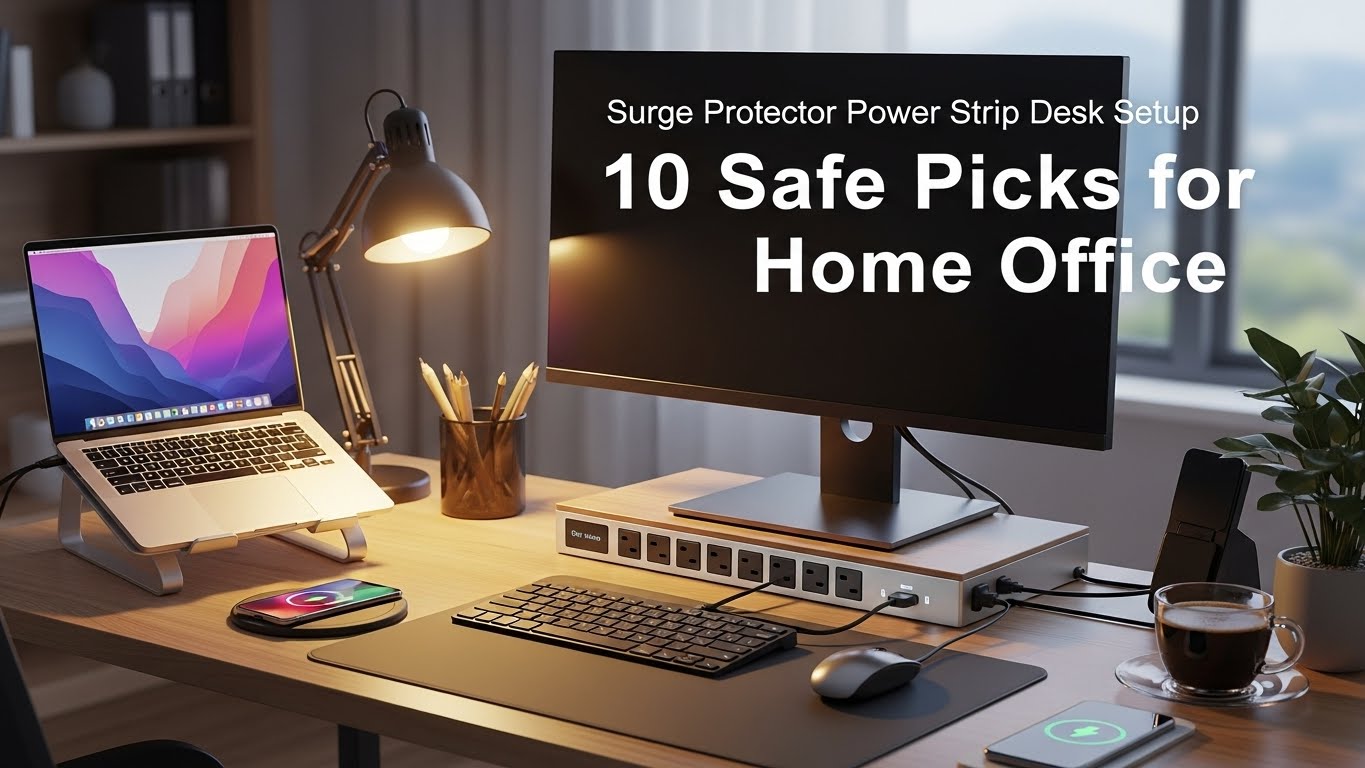
Surge Protector Power Strip Desk Setup: 10 Safe Picks for Home Office
Last Updated: 2025-12-20
Surge protector power strip desk setup choices directly affect device safety, uptime, and long-term reliability in home offices. Laptops, monitors, chargers, and network gear are vulnerable to voltage spikes—even brief ones. This guide explains how to choose a surge protector power strip desk setup that matches your devices, desk layout, and safety needs, using standards-based criteria.
Table of Contents
- Why Surge Protection Matters at the Desk
- Key Ratings: Joules, Clamping Voltage, UL
- Outlet Count, Spacing, and USB-C
- Under-Desk vs Desktop Mounting
- Best Picks by Desk Scenario
- When to Add a UPS
- Maintenance & Replacement Cycle
- Common Power Strip Mistakes
- Quick Buyer’s Checklist
- FAQ
- Internal Links
- Disclaimer
- Sources & Standards
Why Surge Protection Matters at the Desk
Surge protector power strip desk setup planning reduces risk from voltage spikes caused by utility switching, nearby lightning, or large appliances cycling. Even minor surges can degrade power supplies over time, shortening device lifespan and causing intermittent failures.
Key Ratings: Joules, Clamping Voltage, UL
- Joule rating: Higher is better (1,000–2,000J for basic desks; 3,000J+ for multi-device setups)
- Clamping voltage: Lower is better (330V preferred)
- Certification: UL 1449 listed surge protective devices
For a surge protector power strip desk setup with monitors and networking gear, prioritize UL-listed units with 330V clamping.
Outlet Count, Spacing, and USB-C
Match outlets to devices—not guesses:
- 6–8 outlets: laptop + monitor basics
- 10–12 outlets: dual monitors, lamp, speakers
- Wide spacing for bulky adapters
- USB-C PD (30–65W) for phones/tablets
Under-Desk vs Desktop Mounting
Mounting affects safety and cable flow:
- Under-desk: cleaner look, reduced spills risk
- Desktop: easy access, better for frequent plug changes
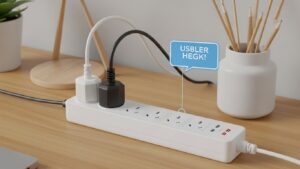
For most surge protector power strip desk setup layouts, under-desk mounting paired with cable trays works best.
Best Picks by Desk Scenario
- Small desk: 6–8 outlets, flat plug, slim body
- Dual-monitor desk: 10–12 outlets, 3,000J+, wide spacing
- Creator setup: EMI/RFI filtering, metal housing

When to Add a UPS
A UPS is recommended if you experience frequent outages or need graceful shutdowns:
- Protects against data loss
- Filters power continuously
- Provides minutes of runtime to save work
Maintenance & Replacement Cycle
- Replace surge protectors every 3–5 years
- Replace after a known surge event
- Check indicator lights monthly

Common Power Strip Mistakes
- Daisy-chaining power strips
- Using non-UL-listed products
- Blocking ventilation
- Overloading outlets
Quick Buyer’s Checklist
- UL 1449 listed
- 330V clamping
- Joule rating matched to devices
- Outlet spacing for adapters
- Mounting options included
FAQ
1. Are power strips the same as surge protectors?
No—only surge protectors provide spike protection.
2. How many joules do I need?
At least 1,000J; 3,000J+ for multi-device desks.
3. Is USB-C PD safe on power strips?
Yes, when certified and within rated wattage.
4. Can I mount a power strip under my desk?
Yes—use proper screws or brackets.
5. Do surge protectors wear out?
Yes—they should be replaced periodically.
Internal Links
Disclaimer
This article provides general electrical safety information. It is not professional electrical advice.
Sources & Standards

I’m not a medical professional, ergonomist, or workplace specialist.WorkNest exists to help everyday people build more comfortable, practical home office environments through clear explanations, visual guides, and common-sense adjustments.
Articles on this site are written from a non-expert perspective, focusing on real-world use, everyday discomforts, and widely accepted setup principles rather than clinical or professional advice.