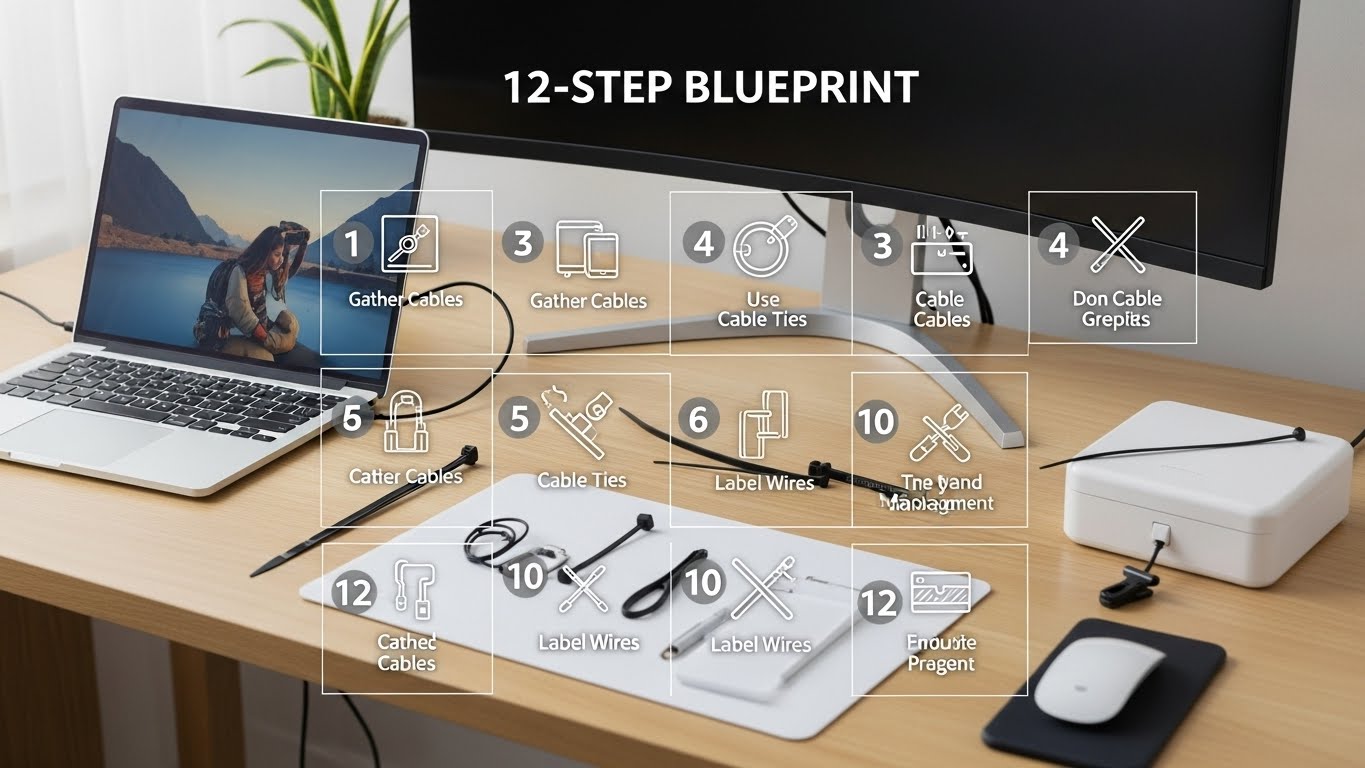
Cable Management Small Desk 12-Step Blueprint for Clean Home Office
Last Updated: 2025-12-19
Cable management small desk setups are one of the fastest ways to improve focus, safety, and visual calm in compact home offices. Loose cables create visual clutter, snag devices, and make cleaning difficult—especially when desk space is limited. This guide provides a step-by-step cable management small desk blueprint that works for laptops, dual monitors, and multi-device workstations.
Table of Contents
- Why Cable Management Small Desk Matters
- Step 1–2: Cable Audit and Power Mapping
- Step 3–4: Desk Layout and Cable Paths
- Step 5–6: Power Strip Placement
- Step 7–8: Routing and Securing Cables
- Step 9–10: Desk Tools That Actually Help
- Step 11–12: Maintenance and Quick Resets
- Common Cable Management Mistakes
- Quick Blueprint Checklist
- FAQ
- Internal Links
- Disclaimer
- Sources & Research
Why Cable Management Small Desk Matters
Cable management small desk improvements reduce visual noise and micro-distractions. Environmental psychology research shows that visible clutter competes for attention, even when ignored consciously. In small desks, unmanaged cables amplify this effect by crossing work zones and limiting movement.
Step 1–2: Cable Audit and Power Mapping
Before buying organizers, audit what you already have:
- List every device that needs power or data
- Label cables temporarily to identify usage
- Remove unused chargers and duplicates
Power mapping clarifies where cables should run—and which can disappear entirely.
Step 3–4: Desk Layout and Cable Paths
Design cable paths that follow desk edges, not work zones:
- Route cables along the back edge of the desk
- Keep the keyboard and mouse area cable-free
- Use vertical drops at desk corners only

Step 5–6: Power Strip Placement
Power strips cause most cable chaos. For cable management small desk success:
- Mount the power strip under the desk
- Avoid placing it on the floor when possible
- Choose flat plugs to reduce bulk
Step 7–8: Routing and Securing Cables
Secure cables without over-tightening:
- Velcro ties instead of zip ties
- Adhesive clips for desk edges
- Sleeves for grouped cables
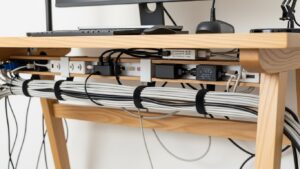
Step 9–10: Desk Tools That Actually Help
Choose tools that match your setup:
- Cable trays for multiple devices
- Grommets for rear cable exits
- Magnetic cable clips for daily use
Step 11–12: Maintenance and Quick Resets
Good cable management small desk systems are low-maintenance:
- Monthly cable check for slack
- Re-route when adding new devices
- Keep one spare cable tie accessible

Common Cable Management Mistakes
- Over-bundling cables tightly
- Ignoring heat buildup
- Routing cables across work zones
Quick Blueprint Checklist
- All cables identified and labeled
- Power strip mounted under desk
- Cables routed along desk edges
- Velcro ties used for flexibility
- Monthly maintenance habit
FAQ
1. Is cable management small desk really necessary?
Yes—small desks magnify clutter and movement issues.
2. Are cable boxes useful?
They help visually, but under-desk trays are more effective.
3. Can cable management improve safety?
Yes, it reduces tripping and overheating risks.
4. How often should I reorganize cables?
Only when devices change or monthly checks.
5. Should cables ever cross the desk surface?
No—keep the work surface clear.
Internal Links
Disclaimer
This article provides general organization and safety guidance. It is not electrical advice.
Sources & Research

I’m not a medical professional, ergonomist, or workplace specialist.WorkNest exists to help everyday people build more comfortable, practical home office environments through clear explanations, visual guides, and common-sense adjustments.
Articles on this site are written from a non-expert perspective, focusing on real-world use, everyday discomforts, and widely accepted setup principles rather than clinical or professional advice.