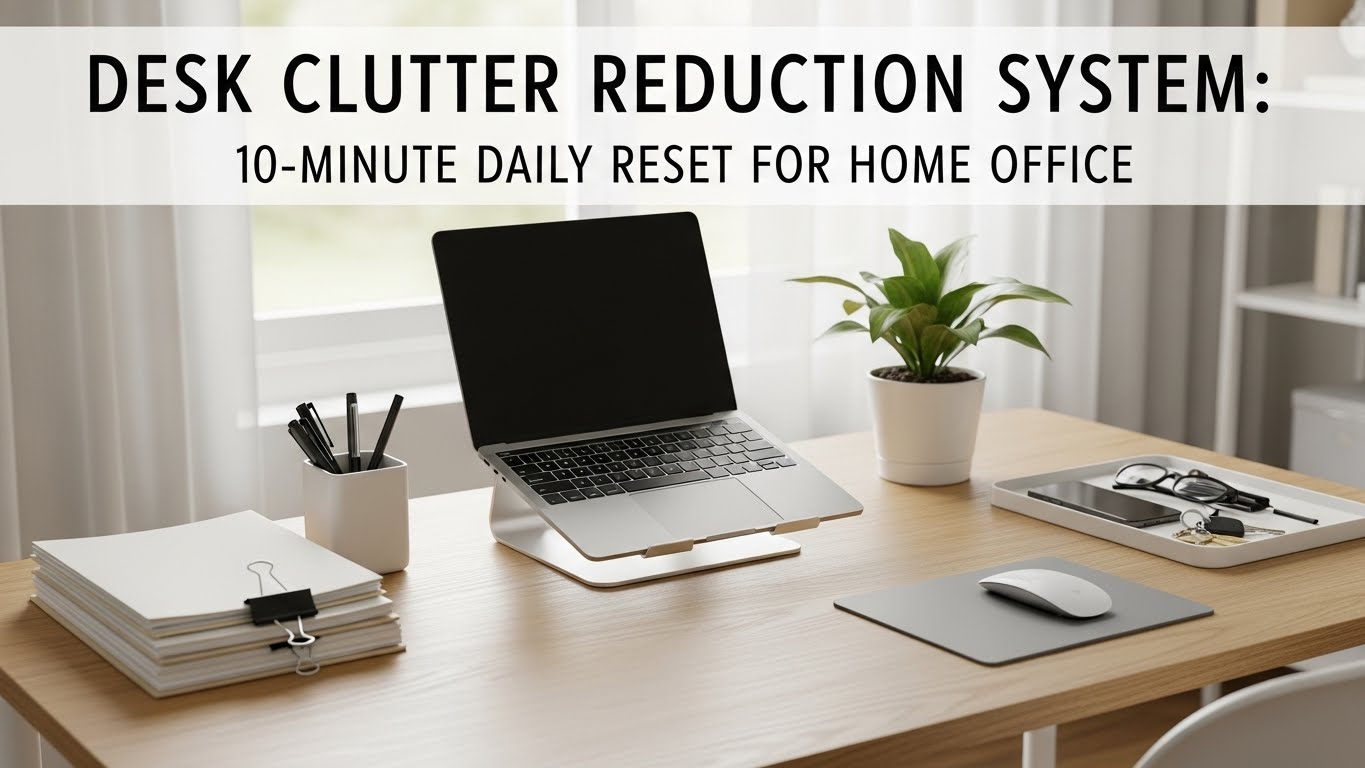
Desk Clutter Reduction System: 10-Minute Daily Reset for Home Office
Last Updated: 2025-12-18
Desk clutter reduction system design is one of the most overlooked productivity upgrades in home offices. A cluttered desk doesn’t just look messy—it increases decision fatigue, slows task switching, and quietly drains focus throughout the day. This guide introduces a desk clutter reduction system that can be completed in 10 minutes daily, using principles from environmental psychology and real-world home office workflows.
Table of Contents
- Why Desk Clutter Reduction System Improves Focus
- Types of Desk Clutter That Hurt Productivity
- The 3 Core Rules of a Desk Clutter Reduction System
- Creating Functional Desk Zones
- The 10-Minute Daily Desk Reset
- Storage Tools That Actually Help
- Digital Clutter vs Physical Clutter
- Common Desk Organization Mistakes
- Quick Reset Checklist
- FAQ
- Internal Links
- Disclaimer
- Sources & Research
Why Desk Clutter Reduction System Improves Focus
Desk clutter reduction system research shows that visual clutter competes for attention even when you’re not consciously aware of it. Studies in environmental psychology indicate that clutter increases cognitive load, making it harder to sustain deep focus. A clean desk reduces micro-distractions and supports faster task transitions.
Types of Desk Clutter That Hurt Productivity
Not all clutter is equal. Common desk clutter categories include:
- Action clutter: papers or items that require decisions
- Reference clutter: manuals, notebooks, sticky notes
- Device clutter: chargers, cables, unused gadgets
A good desk clutter reduction system addresses each type differently.
The 3 Core Rules of a Desk Clutter Reduction System
- Rule 1: Only active-task items stay on the desk
- Rule 2: Everything else has a defined home
- Rule 3: Reset beats deep cleaning

Creating Functional Desk Zones
Divide your desk into simple zones:
- Work zone: keyboard, mouse, monitor
- Support zone: notebook, pen, water
- Buffer zone: temporary items only
When buffer zones overflow, it’s time for a reset.
The 10-Minute Daily Desk Reset
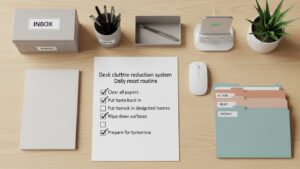
This desk clutter reduction system reset works best at the end of the day:
- Minute 1–2: clear the buffer zone
- Minute 3–5: return items to storage
- Minute 6–8: wipe the desk surface
- Minute 9–10: set up tomorrow’s active task
Storage Tools That Actually Help
Effective storage supports—not replaces—habits:
- Shallow drawers for quick access
- Vertical file holders
- Under-desk drawers for cables
Digital Clutter vs Physical Clutter
Digital clutter mirrors physical clutter. Too many open tabs and files create the same mental load. Pair your desk clutter reduction system with a daily digital reset—closing unused apps and clearing your desktop.

Common Desk Organization Mistakes
- Buying organizers without habits
- Over-categorizing items
- Letting the desk become storage
Quick Reset Checklist
- Only today’s task on desk
- Clear buffer zone
- Return items to storage
- Clean surface
- Prep tomorrow’s task
FAQ
1. How often should I reset my desk?
Daily resets work best for maintaining focus.
2. Do organizers really help?
Only when paired with simple habits.
3. Is a minimal desk necessary?
No—but visual simplicity improves focus.
4. What about creative workspaces?
Creative desks still benefit from clear zones.
5. Can clutter affect stress?
Yes, visual clutter increases cognitive load.
Internal Links
Disclaimer
This article provides general productivity and organization guidance. It is not medical or psychological advice.
Sources & Research

I’m not a medical professional, ergonomist, or workplace specialist.WorkNest exists to help everyday people build more comfortable, practical home office environments through clear explanations, visual guides, and common-sense adjustments.
Articles on this site are written from a non-expert perspective, focusing on real-world use, everyday discomforts, and widely accepted setup principles rather than clinical or professional advice.