Blue Light Warm Light Home Office: 9 Lighting Rules for Focus and Eye Comfort
Last Updated: 2025-12-16
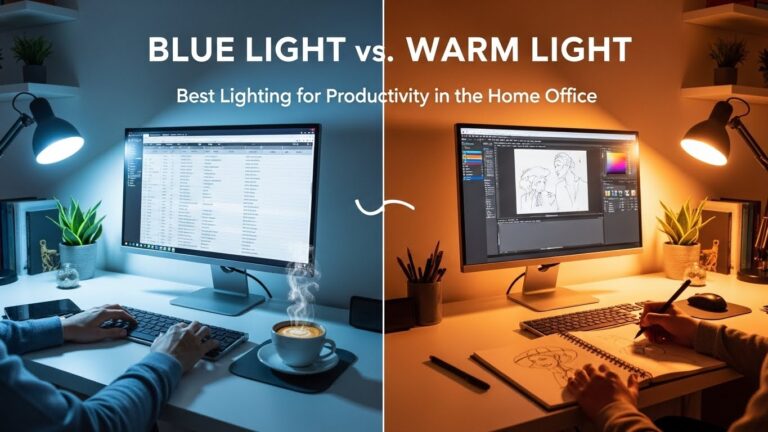
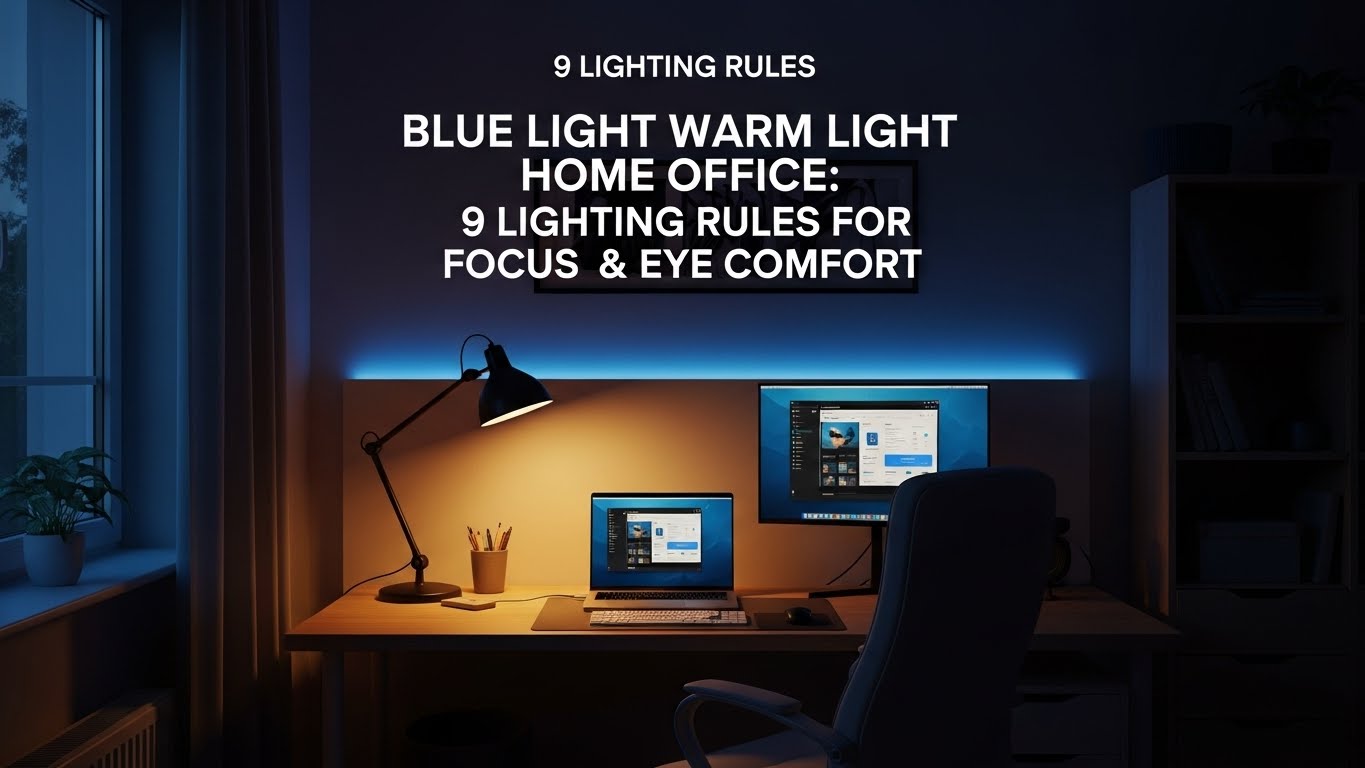
Blue light warm light home office decisions directly affect focus, eye strain, and sleep quality. Many people choose desk lighting based on brightness alone, but research shows that color temperature plays a much bigger role in how your brain and eyes respond during long work hours. This guide explains how to use blue light warm light home office setups correctly—based on real-world usage and research-backed principles.
Table of Contents
- Why Blue Light Warm Light Home Office Lighting Matters
- Understanding Color Temperature (Kelvin)
- When Blue Light Works Best
- When Warm Light Is Better
- Best Hybrid Lighting Setup for Home Offices
- Desk Lamp Placement Rules
- Monitor Brightness vs Desk Lighting
- Common Lighting Mistakes
- Quick Setup Checklist
- FAQ
- Internal Links
- Disclaimer
- Sources & Research
Why Blue Light Warm Light Home Office Lighting Matters
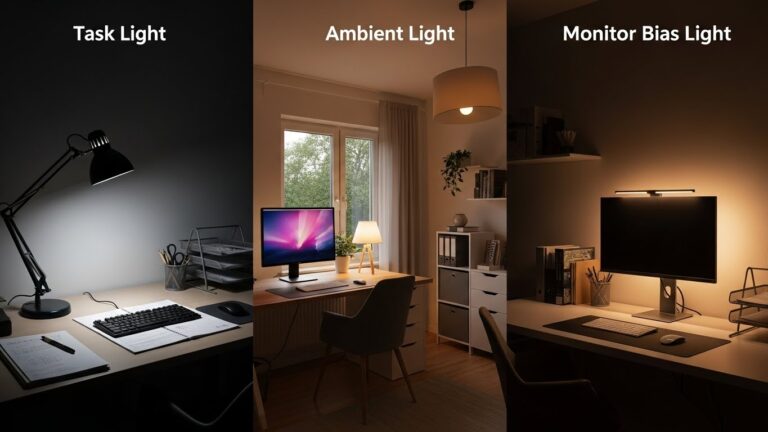
Blue light warm light home office environments influence alertness and visual comfort in different ways. Short-wavelength blue light increases alertness and reaction speed, while warmer light reduces eye strain and supports evening relaxation. The problem is not choosing one over the other—but using each at the right time.
Understanding Color Temperature (Kelvin)
Color temperature is measured in Kelvin (K) and determines how “cool” or “warm” light appears.
- 2700–3000K: warm light, relaxing, low stimulation
- 3500–4000K: neutral light, balanced comfort
- 5000–6500K: cool/blue light, alertness boosting
When Blue Light Works Best
Blue light is most effective in the morning and early afternoon. In a blue light warm light home office setup, cool lighting helps:
- Increase alertness during focused tasks
- Improve reading speed and contrast perception
- Reduce sleepiness during long work sessions

When Warm Light Is Better
Warm light reduces visual stress and is ideal for late afternoon or evening work. Research on circadian rhythms suggests that warm lighting minimizes melatonin suppression.
- Less eye fatigue during long sessions
- More comfortable for reading text
- Better for evening or night work
Best Hybrid Lighting Setup for Home Offices
The most effective blue light warm light home office setup uses both:
- Overhead neutral lighting (3500–4000K)
- Adjustable desk lamp with temperature control
- Screen brightness matched to room lighting
Desk Lamp Placement Rules
Placement matters more than bulb type:
- Place the lamp opposite your dominant hand
- Avoid direct light shining into your eyes
- Use indirect light to reduce screen glare
Monitor Brightness vs Desk Lighting
A common mistake is increasing monitor brightness to compensate for poor lighting. Instead:
- Lower monitor brightness in well-lit rooms
- Increase ambient lighting instead of screen brightness
- Use night light modes only after sunset
Common Lighting Mistakes
- Using only cool light all day
- Working in dim rooms with bright monitors
- Placing lamps directly behind screens
Quick Setup Checklist
- Daytime: neutral or cool light
- Evening: warm light
- Adjustable desk lamp
- Monitor brightness matched to room
- No direct glare sources
FAQ
1. Is blue light bad for home office work?
No—blue light is useful during the day but should be reduced at night.
2. Can warm light reduce eye strain?
Yes, especially during long or late work sessions.
3. What color temperature is best for productivity?
3500–5000K works best for most daytime tasks.
4. Should I use night mode all day?
No—night modes are designed for evening use.
5. Does lighting affect sleep?
Yes, especially exposure to blue light at night.
Internal Links
Disclaimer
This article provides general lighting and visual comfort information. It is not medical advice.
Sources & Research

I’m not a medical professional, ergonomist, or workplace specialist.WorkNest exists to help everyday people build more comfortable, practical home office environments through clear explanations, visual guides, and common-sense adjustments.
Articles on this site are written from a non-expert perspective, focusing on real-world use, everyday discomforts, and widely accepted setup principles rather than clinical or professional advice.