Screen Glare Small Rooms: 7 Ways to Prevent Reflection and Eye Strain
Last Updated: 2025-12-15
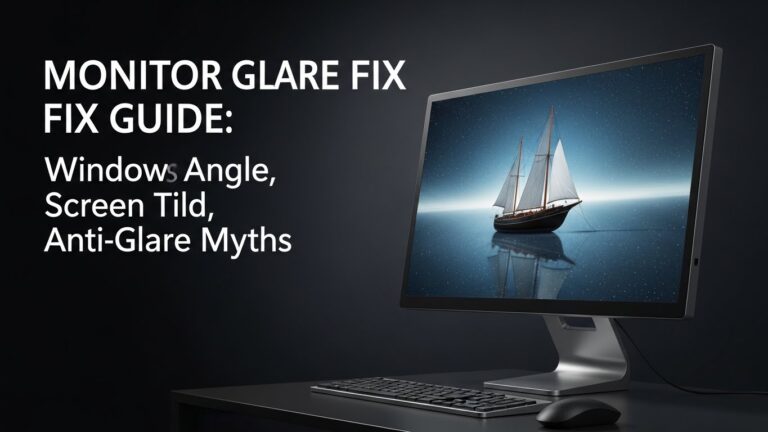
Screen glare home office problems are one of the most common reasons people experience eye strain, headaches, and early fatigue while working from home. In small rooms, reflections from windows, lamps, and bright walls hit the monitor at harsh angles, forcing your eyes to constantly adjust. This guide explains exactly how to reduce screen glare in a home office using evidence-based setup rules that actually work.
Table of Contents
- Why Screen Glare Home Office Setups Cause Eye Strain
- Window Placement Rules for Screen Glare Home Office
- Monitor Angle and Height Adjustments
- Desk Lamp and Room Lighting Placement
- Brightness and Contrast Settings
- Do Anti-Glare Filters Actually Work?
- Screen Glare Solutions for Small Rooms
- Quick Checklist
- FAQ
- Internal Links
- Disclaimer
- Sources
Why Screen Glare Home Office Setups Cause Eye Strain
Screen glare occurs when light sources reflect directly off the monitor surface into your eyes. Research in visual ergonomics shows that glare increases visual effort, reduces contrast perception, and accelerates eye fatigue. In a screen glare home office setup, the problem is amplified by limited space and fixed desk positions.
Window Placement Rules for Screen Glare Home Office
The most important rule is simple: never place your monitor directly facing or backing a window.
- Best position: window to the side of your desk (left or right)
- Avoid: window directly behind the monitor
- Also avoid: sitting with your face toward a bright window
Monitor Angle and Height Adjustments
Small changes in angle can dramatically reduce glare:
- Tilt the monitor slightly downward (5–10°)
- Keep the top edge at or just below eye level
- Center the screen directly in front of your torso
A screen glare home office setup benefits more from angle correction than brightness alone.
Desk Lamp and Room Lighting Placement
Artificial lighting is often the hidden cause of glare.
- Place desk lamps on the opposite side of your dominant hand
- Avoid exposed bulbs in your line of sight
- Use indirect lighting that bounces off walls or ceilings
Brightness and Contrast Settings
Many people compensate for glare by increasing brightness, which actually worsens eye fatigue. Instead:
- Match screen brightness to room brightness
- Increase contrast rather than brightness
- Use dark mode only in low-light environments
Do Anti-Glare Filters Actually Work?
Anti-glare filters can help in extreme cases, but they slightly reduce image clarity. Research suggests they work best when combined with proper desk placement and lighting—not as a standalone fix.
Screen Glare Solutions for Small Rooms
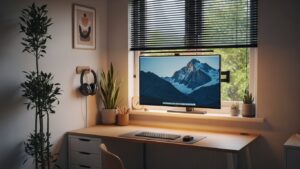
In small rooms, space constraints limit ideal desk placement. Effective strategies include:
- Rotating the desk 10–20° relative to the window
- Using sheer curtains to diffuse daylight
- Replacing glossy desks with matte surfaces
Quick Checklist
- Window positioned to the side
- Monitor tilted slightly downward
- Indirect lighting used
- Brightness matched to room light
- No exposed light sources in view
FAQ
1. Does screen glare really affect productivity?
Yes. Studies link glare to faster eye fatigue and reduced reading speed.
2. Should I use an anti-glare screen?
Only if placement and lighting adjustments are not enough.
3. Is dark mode better for glare?
Dark mode helps in low light but can increase glare in bright rooms.
4. Does monitor size affect glare?
Larger screens can catch more reflections if not angled properly.
5. Can screen glare cause headaches?
Yes, prolonged visual strain from glare can trigger tension headaches.
Internal Links
Disclaimer
This article provides general ergonomic and visual comfort information. It is not medical or optometric advice.
Sources

I’m not a medical professional, ergonomist, or workplace specialist.WorkNest exists to help everyday people build more comfortable, practical home office environments through clear explanations, visual guides, and common-sense adjustments.
Articles on this site are written from a non-expert perspective, focusing on real-world use, everyday discomforts, and widely accepted setup principles rather than clinical or professional advice.