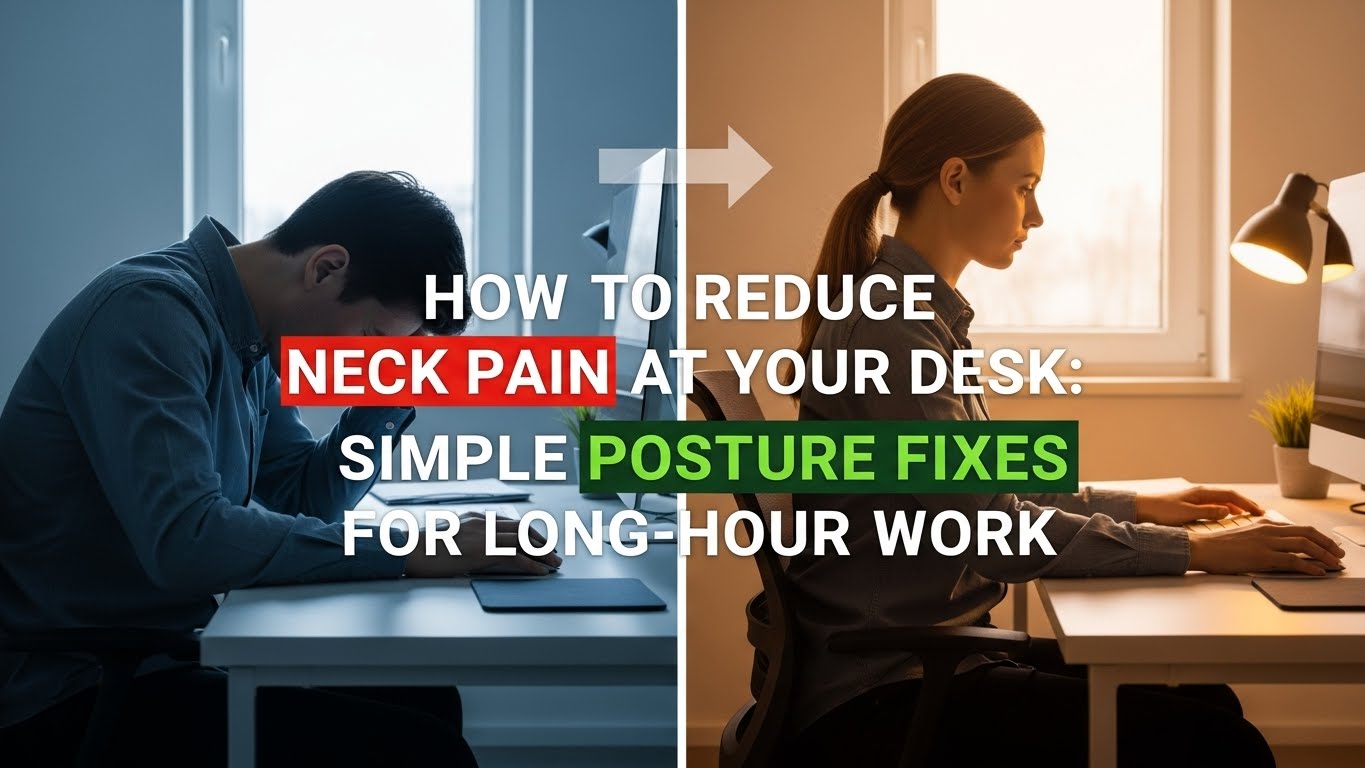
How to Reduce Neck Pain at Your Desk: Simple Posture Fixes for Long-Hour Work
Last Updated: 2025-12-07
Neck pain is one of the most common problems among people who work long hours at a desk. The issue rarely comes from a single cause. Instead, it develops slowly due to monitor height mismatches, forward-head posture, shoulder tension, poor arm positioning, or even lighting that forces you to lean toward the screen. This complete guide explains the exact mechanical reasons neck pain occurs during computer work and provides simple, evidence-informed posture fixes to help you work more comfortably.
Table of Contents
- Why Desk Work Causes Neck Pain
- Forward-Head Posture: The Main Source of Neck Stress
- Monitor Height & Distance Fixes
- Shoulder Position & Arm Support
- Correct Sitting Alignment
- Lighting, Glare & Eye Behavior
- Microbreaks & Movement Patterns
- Troubleshooting: Fixing Common Neck Pain Scenarios
- Common Mistakes
- Quick Checklist
- FAQ
- Internal Links
- Disclaimer
- Sources & Transparency
- Author
Why Desk Work Causes Neck Pain
Your neck supports the weight of your head—about 4.5–5.5 kg—throughout the day. When your head tilts forward to look at a screen that is too low or too far away, the effective load on your neck can increase dramatically. This is known as forward-head posture. Research shows that even a 15° forward tilt can significantly increase pressure on the cervical spine. Over time, this leads to stiffness, tension, and pain across the neck and upper shoulders.
Forward-Head Posture: What It Is and Why It Happens
Forward-head posture occurs when your head shifts in front of your shoulders. Desk workers commonly develop this posture due to:
- Monitor placed too low
- Monitor placed too far away
- Laptop used without a stand
- Chair height too low relative to desk
- Leaning toward the screen due to poor lighting
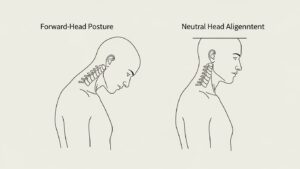
Every centimeter your head moves forward increases the load on your neck muscles. This is why simply raising or repositioning your monitor can have an immediate impact on how your neck feels during long sessions.
Monitor Height & Distance Fixes (Most Important Step)
The monitor is responsible for almost all head-position patterns. To reduce neck pain, adjust the screen first. General guidelines supported by visual ergonomics research (including AOA and typical OSHA-aligned workstation advice) include:
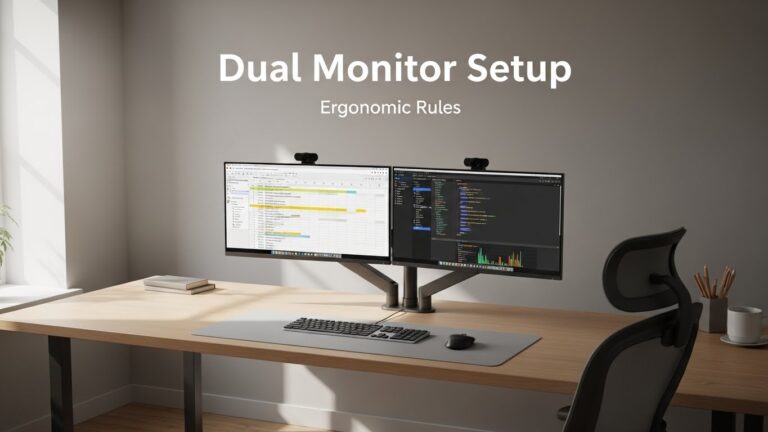
- Top of screen at or slightly below eye level
- Distance: 50–75 cm
- Gaze angle: 10–20° downward
- Monitor tilt: 10–20° upward
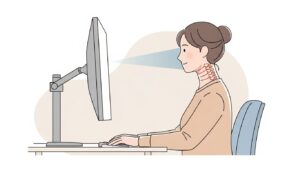
If you use a laptop, raise it using a stand and connect an external keyboard and mouse. A laptop alone almost always forces downward neck flexion.
Shoulder Position & Arm Support
Neck pain often begins in the shoulders. When your shoulders lift toward your ears, tension builds along the upper trapezius muscles. To fix this:
- Keep elbows at 90–100° with desk height matching elbow height.
- Relax shoulders before typing.
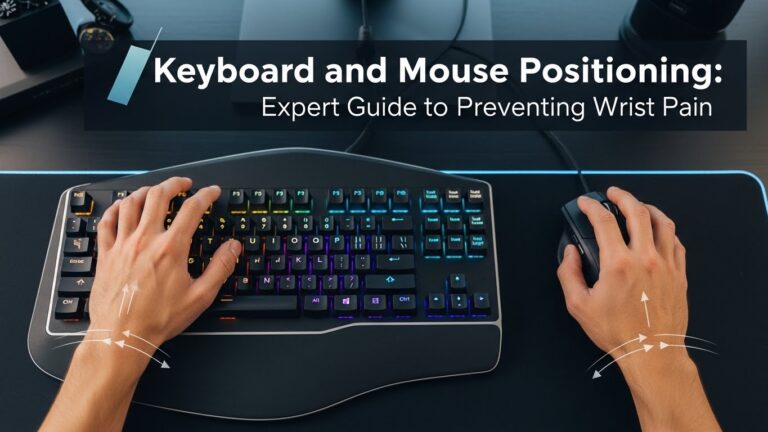
- Move keyboard closer to avoid reaching.
- Keep mouse close enough to avoid shoulder abduction.
Correct Sitting Alignment (Hip–Pelvis–Spine Relationship)
Your chair supports the base of your posture. Without solid hip and pelvis alignment, your upper body compensates by tilting the head forward. To maintain neutral alignment:
- Sit all the way back into the chair.
- Keep feet flat on the floor or on a footrest.
- Maintain hip angle around 95–105°.
- Ensure lumbar support is touching your lower back.

Lighting, Glare & Eye Behavior
Lighting affects how you position your head. Glare or dimness can force you to lean toward the screen. To reduce visual-driven neck strain:
- Use a desk lamp with 3500–4500K color temperature.
- Place your desk perpendicular to the window.
- Avoid strong ceiling lights directly above the monitor.
- Keep the screen free of reflections.
Microbreaks & Movement Patterns
Even a perfect posture becomes uncomfortable if held too long. Microbreaks reset muscle tension. A common guidance is:
- Every 20 minutes → look 20 feet away for 20 seconds.
- Every 30–40 minutes → stand up, roll shoulders, reset posture.
Small movements help disperse muscle tension before it becomes pain.
Troubleshooting: Fixing Common Neck Pain Scenarios
• Neck pain after long typing sessions
Keyboard may be too far. Bring it closer to avoid forward lean.
• Pain on one side of the neck
Primary monitor might be off-center. Shift it directly in front of you.
• Stiff neck when using laptop
Raise the laptop by 15–25 cm and use external input devices.
• Shoulder tension just below the neck
Desk may be too high. Lower desk or raise chair + use footrest.
Common Mistakes
- Monitor positioned too low or too far away.
- Reaching forward for keyboard or mouse.
- Sitting on the edge of the chair.
- Using laptop alone for long periods.
- Ignoring lighting and glare.
Quick Checklist
- Monitor top at or slightly below eye level.
- Viewing distance 50–75 cm.
- Shoulders relaxed, elbows 90–100°.
- Sit back with lumbar support engaged.
- Feet firmly supported.
FAQ
1. What causes neck pain at a desk?
Most cases come from forward-head posture caused by low or distant monitors.
2. Will raising my monitor help?
Yes—monitor height is the most influential factor in neck posture.
3. Why does laptop use cause neck pain?
The screen sits far below eye level, forcing downward neck flexion.
4. Do I need a special chair?
Not necessarily. Proper monitor height and shoulder position matter more.
5. How long before pain improves?
Many people feel improvement within a few days of adjusting screen height and shoulder posture.
Internal Links
Disclaimer
This guide focuses on workstation ergonomics and environmental comfort. It does not provide medical or clinical advice.
Sources & Transparency
Author
Written by: Home Office Setup Project — Evidence-Informed Ergonomic Guidance

I’m not a medical professional, ergonomist, or workplace specialist.WorkNest exists to help everyday people build more comfortable, practical home office environments through clear explanations, visual guides, and common-sense adjustments.
Articles on this site are written from a non-expert perspective, focusing on real-world use, everyday discomforts, and widely accepted setup principles rather than clinical or professional advice.